
 Amazon Wish List Alternatives (2026)
Amazon Wish List Alternatives (2026): 7 Wishlist Apps That Work With Any Store

The best Amazon Wish List alternatives in 2026 are universal wishlist apps: WishDeck, GiftList, Giftster, Listful, Giftful, Elfster and Stow. All seven take a product link from any store, most hide what has been reserved from you permanently instead of for a few weeks, and every one of them shares as a single link that opens without an Amazon account. All seven are free. I co-founded WishDeck, so I have marked the places where another app does something better.
If you only want the switch itself, the Amazon wish list alternative page covers the import and the any-store list in three steps. Once the list exists, the next question is what to put on it: our guides to making a wishlist people actually use and the 50 most-wished gifts of 2026 help, and for the holidays the online Christmas list maker comparison goes deeper on Secret Santa.
Add-on magic: Moving off Amazon takes one paste: import your whole Amazon Wish List from its share link into a free WishDeck wishlist, the photos and prices fill in, and friends reserve in secret so the surprise survives past Amazon's few-week window.
Table of Contents
1. Why people leave Amazon Wish List
2. Amazon Wish List vs the alternatives
3. WishDeck: any store, one link, surprises kept
4. GiftList: no-account reserving and a big free tier
5. Giftster: the permanent family group
6. Listful: the prettiest list page
7. Giftful: price tracking on everything you save
8. Elfster: when the list is part of a Secret Santa
9. Stow: iPhone-only, social, no reservations
10. How to move your Amazon list in ten minutes
11. Frequently Asked Questions
Our Top 5 Picks
 Best Overall
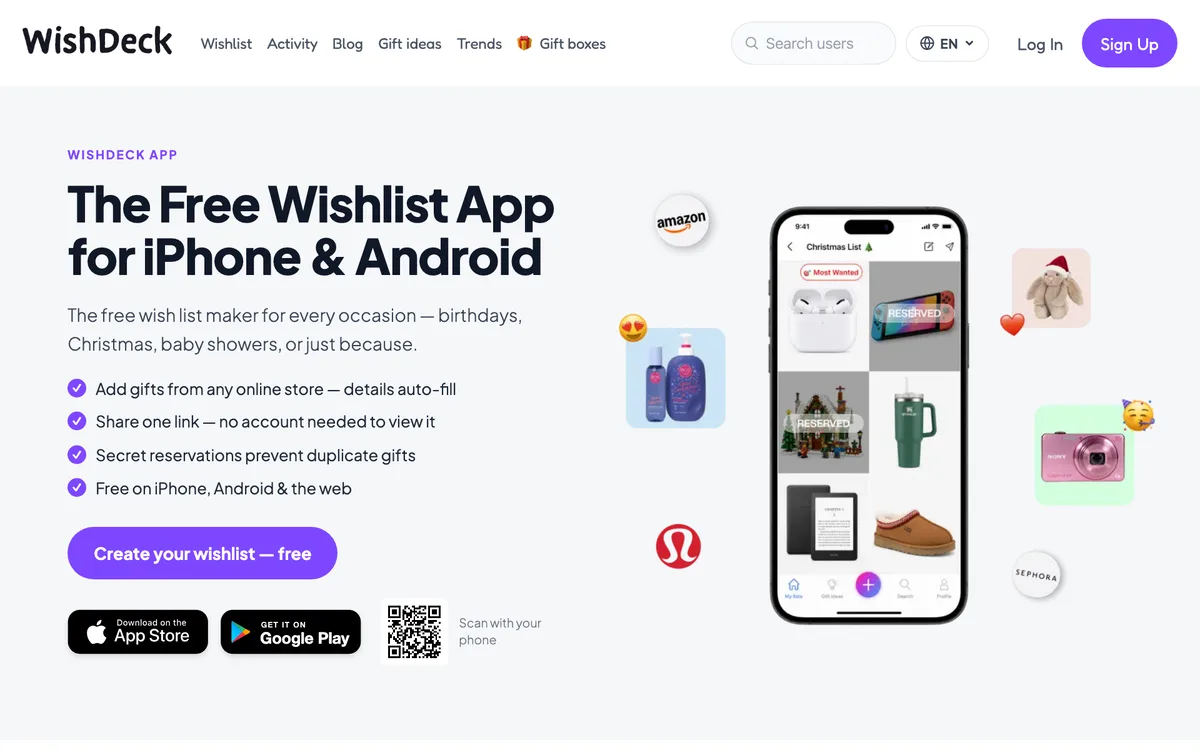
WishDeck
Paste any store link, one shareable link, reservations hidden from you for good, a list per family member.
Free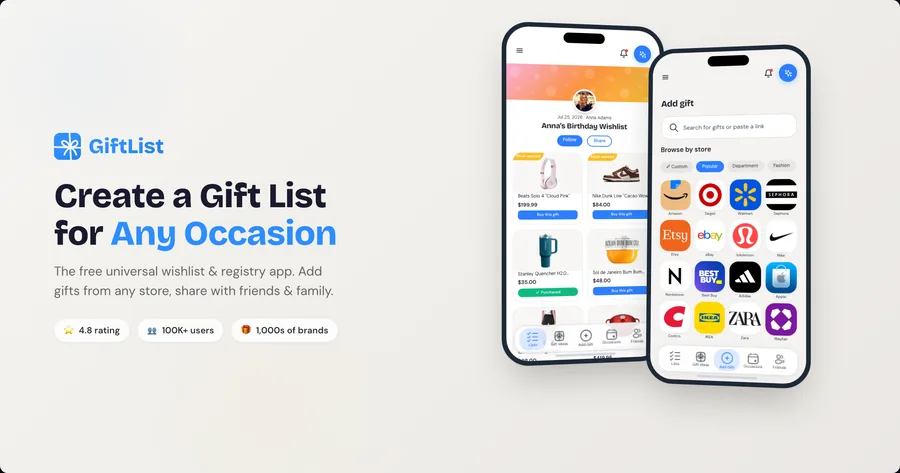 Best No-Account Reserving
GiftList
Unlimited lists, guests reserve without signing up, cash funds and registry import.
Free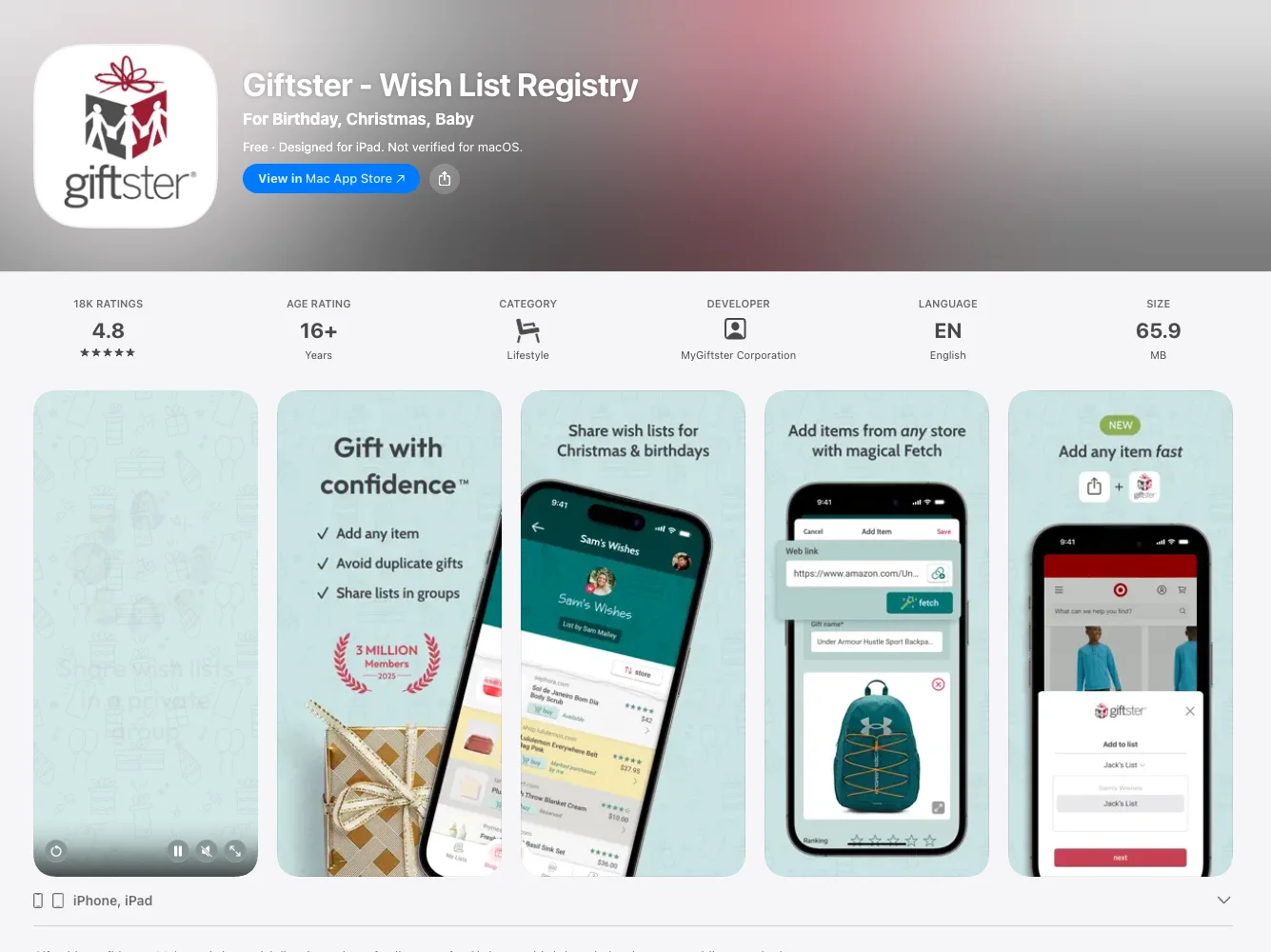 Best Family Group
Giftster
A private family circle with child accounts that carries over year after year.
Free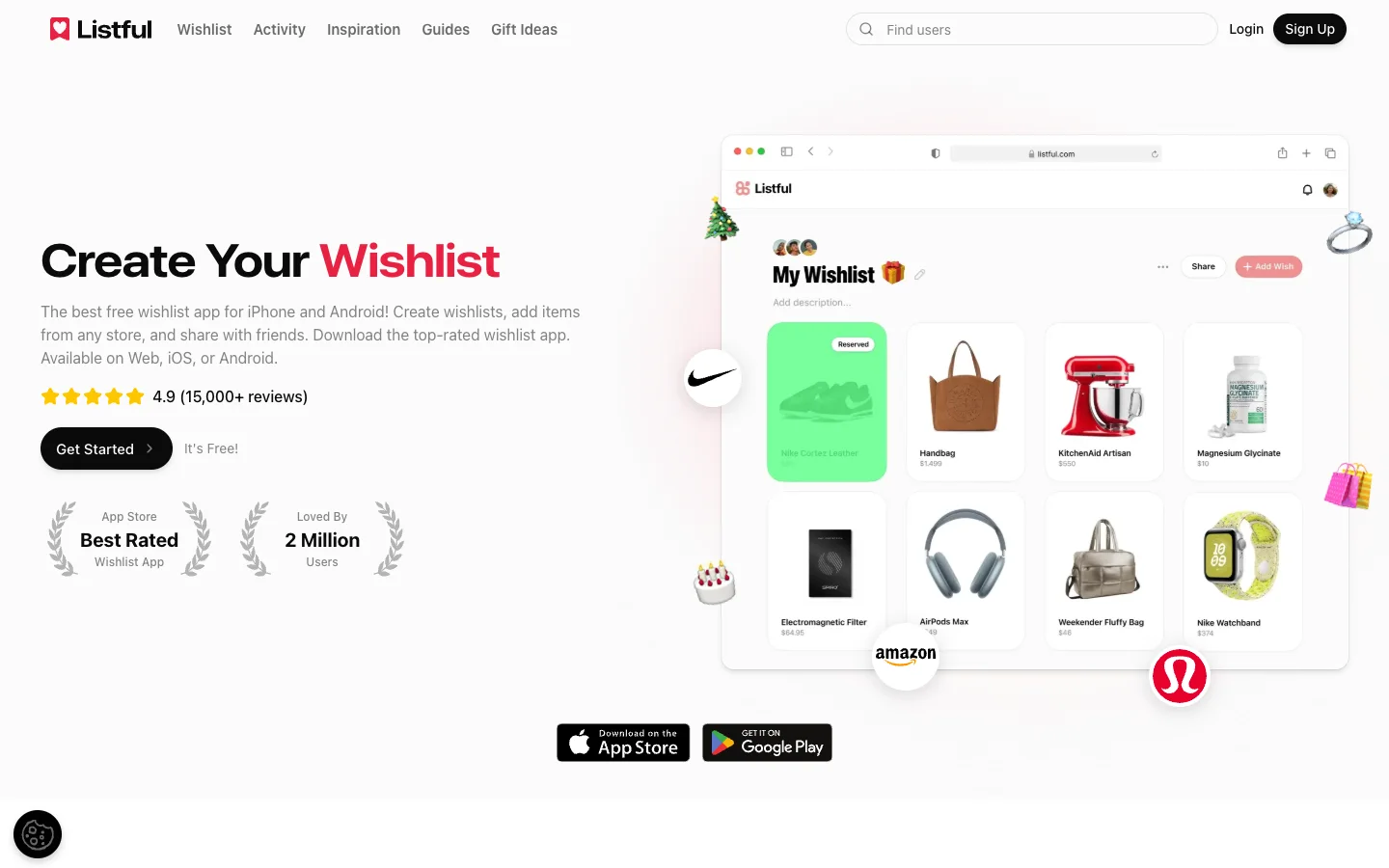 Prettiest Lists
Listful
Themed list designs, price-drop alerts and viewers who mark purchased without an account.
Free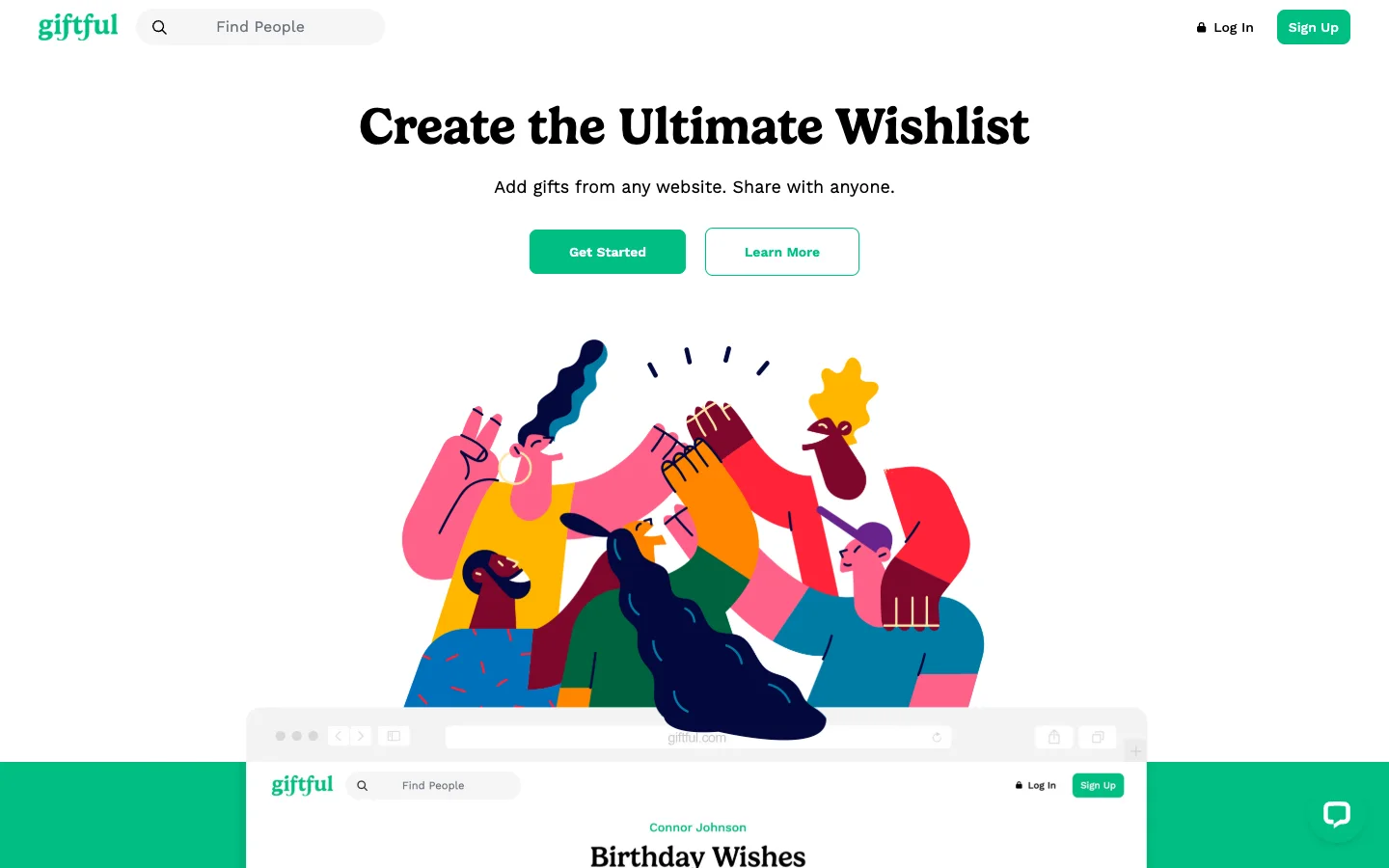 Best Price Tracking
Giftful
Compares prices across retailers and alerts you when a saved item drops.
FreeWhy people leave Amazon Wish List
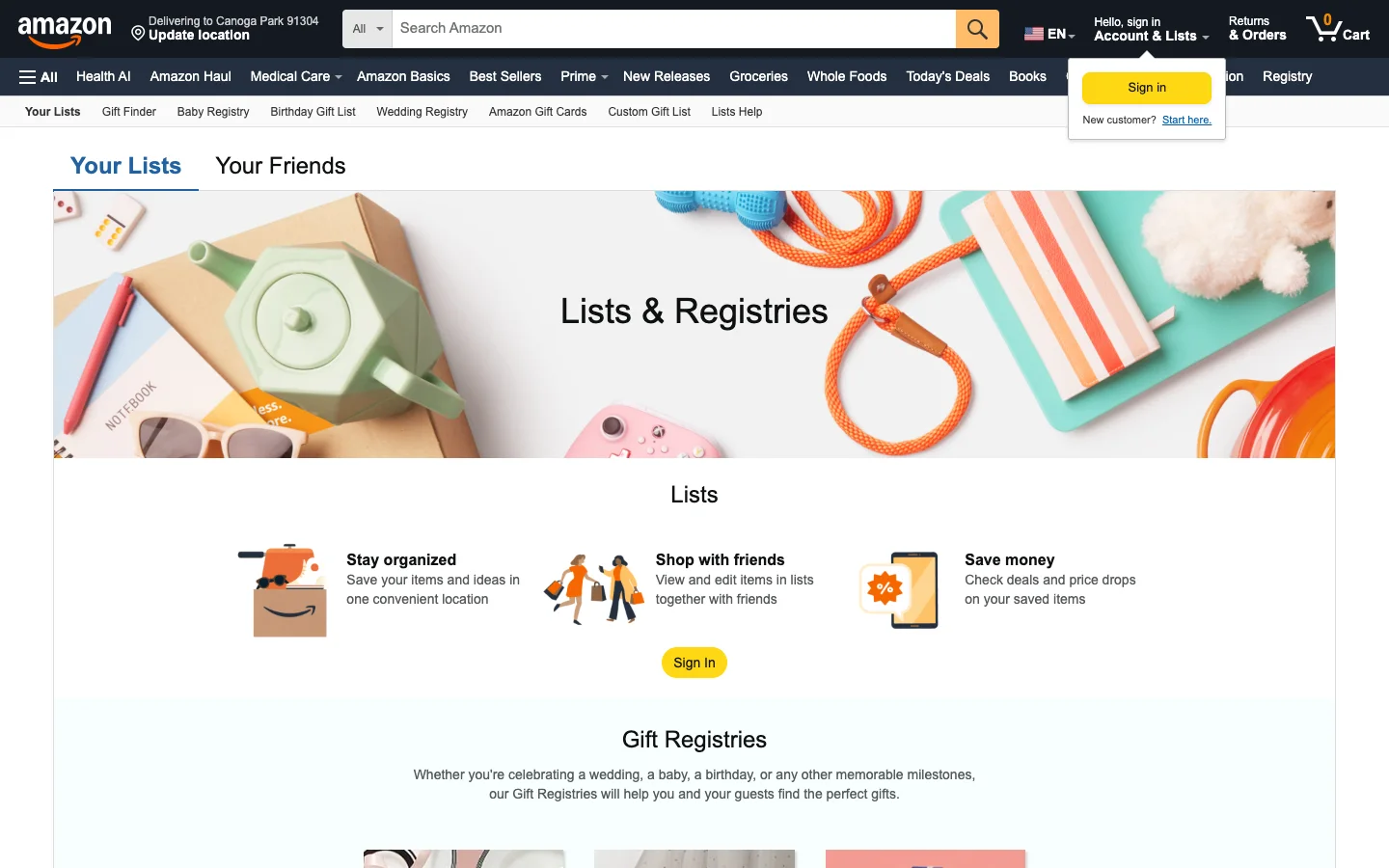
Amazon's list is still the easiest one to start if everything you want is on Amazon. People look for an alternative for four reasons, all of them checked against Amazon's own help pages in September 2026:
It only holds Amazon products. The Amazon Assistant extension that let you add items from other websites was retired in 2023 and the "add from other sites" help page is gone. Etsy, Target, a Sephora set or a small brand cannot go on the list.
Surprises expire. "Don't spoil my surprises" hides purchased items from you for a limited period, which Amazon describes as several weeks. After that they show as purchased. Buy in October, and the recipient sees it before Christmas.
Buying needs an Amazon account, and so does reserving. A relative without Prime can view a shared list but has to sign in to buy, and there is no reserve-without-buying step for a gift they plan to get elsewhere.
It is a shopping cart, not a gift list. No list per child under one login, no Secret Santa draw, no collage for the family chat, no notes about sizes that stay attached across stores.
Amazon Wish List vs the alternatives
| App | Any store | Purchases hidden from owner | Reserve without account | Lists per family member | Platforms | Price |
|---|---|---|---|---|---|---|
| Amazon Wish List | ❌ Amazon only | ⚠️ Several weeks only | ❌ Amazon account to buy | ➖ Multiple lists, one account | Amazon app, web | Free |
| WishDeck | ✅ Link or share sheet | ✅ For good | ⚠️ View free; quick free sign-up to reserve | ✅ A list per child and parent | iPhone, Android, web | Free, optional Premium |
| GiftList | ✅ Link, apps, extension | ✅ For good | ✅ Yes | ✅ Lists for others | iPhone, Android, web, extension | Free |
| Giftster | ✅ Link, extensions | ✅ For good | ✅ Public lists, web | ✅ Child accounts | iPhone, Android, web | Free |
| Listful | ✅ Link, extension, barcode | ✅ For good | ✅ Mark purchased | ➖ Unlimited lists, no child profiles | iPhone, Android, web | Free, Pro from about $2.99/mo |
| Giftful | ✅ Link, Chrome plugin | ✅ For good | ⚠️ Owner can allow guests | ✅ "For someone else" lists | iPhone, Android, web | Free |
| Elfster | ✅ Link, Chrome button | ✅ For good | ❌ Login required | ✅ Family Manager | iPhone, Android, web | Free, ads |
| Stow | ✅ Link, share sheet | ❌ No reservations | ➖ | ➖ | iPhone only | Free |
1. WishDeck: any store, one link, surprises kept
What you gain over Amazon: paste a link from Amazon, Etsy, Sephora or a shop with twelve customers and the photo, name and price fill in. The list lives at wishdeck.com/your-name and opens in any browser. Reservations are hidden from you permanently, not for a few weeks, and one account holds a separate list for each child and each parent, with a kid-safe WishDeck Kids mode for a child who has their own iPhone. One tap turns a list into a collage for Instagram or the family chat, and an AI gift assistant suggests ideas grounded in what people are actually adding to wishlists right now. It also imports an existing Amazon Wish List from its share link in one step, and the Amazon products keep working as Amazon links, so nothing is lost.
What you give up: Amazon's one-click checkout inside the list. Buying still happens at the store. Guests can view without an account but need a quick free sign-up to reserve, where GiftList needs nothing. Circles (per-wish privacy) and unlimited AI searches are Premium.
Price and platforms: free; iPhone, Android, web. See the WishDeck wishlist app
2. GiftList: no-account reserving and a big free tier
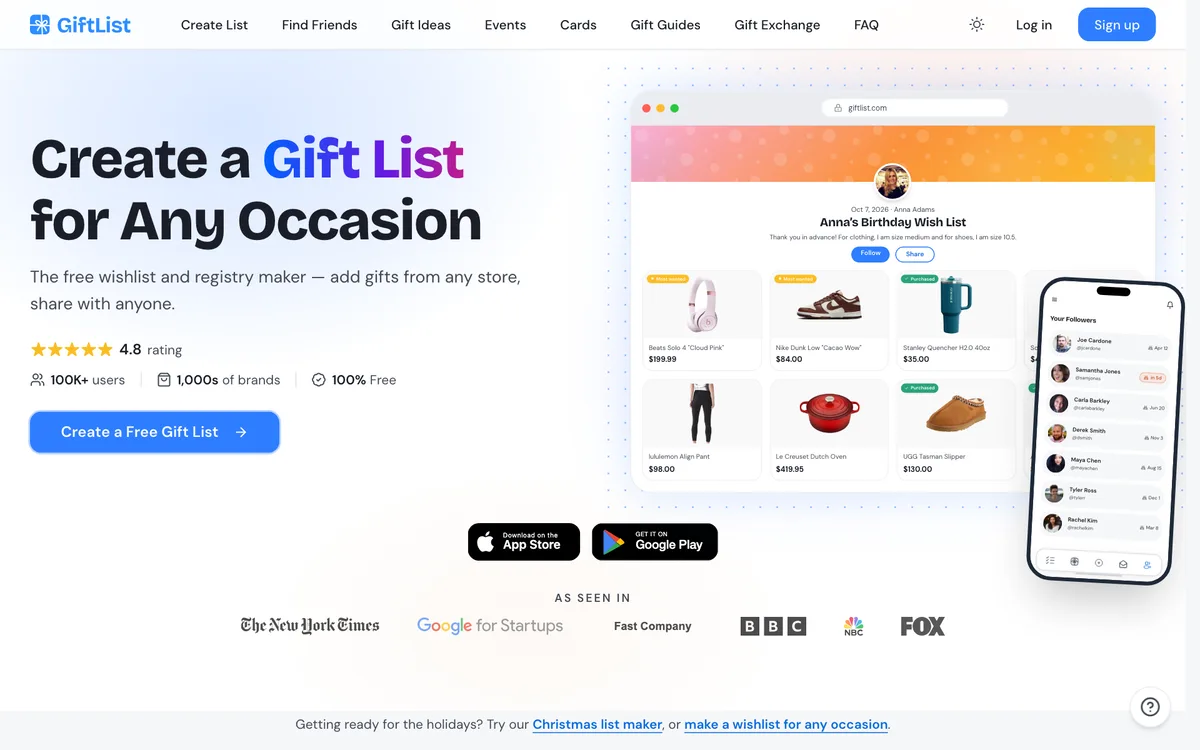
What you gain over Amazon: unlimited lists and items at no cost, adding from any store by link, app or browser extension, and the one thing Amazon-refugee families ask for most: friends can reserve a gift without creating an account, and purchased gifts stay hidden from the list owner. It also adds cash funds, registry import and Genie, an AI gift finder.
What you give up: privacy is per list, not per wish, and the list page looks like a registry rather than something you would post. The gift-giver side of the app (cards, events, idea lists) can feel busy.
Price and platforms: free; iPhone, Android, web, extension. Try GiftList
3. Giftster: the permanent family group
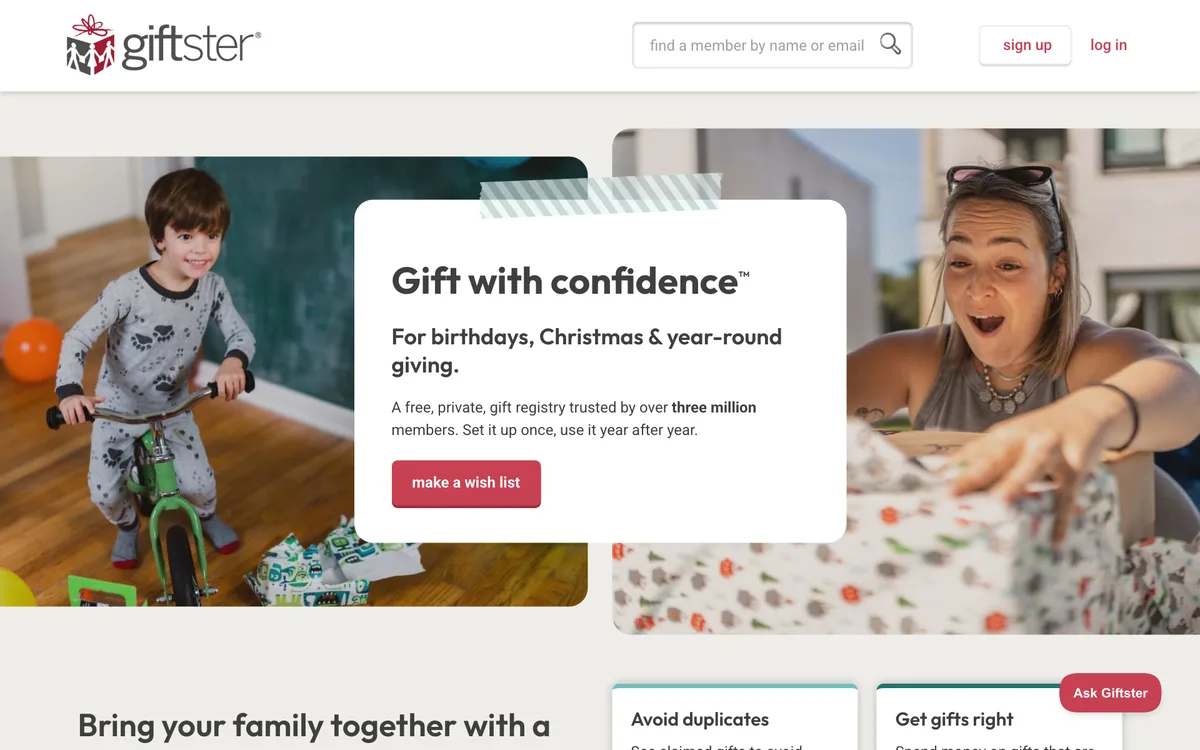
What you gain over Amazon: a private group where grandparents, cousins and in-laws each keep a list, claim gifts without the recipient knowing, and come back every birthday. Child accounts sit under a parent's login, there are no display ads, and it has run since 2009 with over three million members.
What you give up: speed and looks. The group setup comes before the first list, and the design is older. No per-wish privacy, no AI ideas, no collage sharing.
Price and platforms: free; iPhone, Android, web, browser extensions. Try Giftster
4. Listful: the prettiest list page
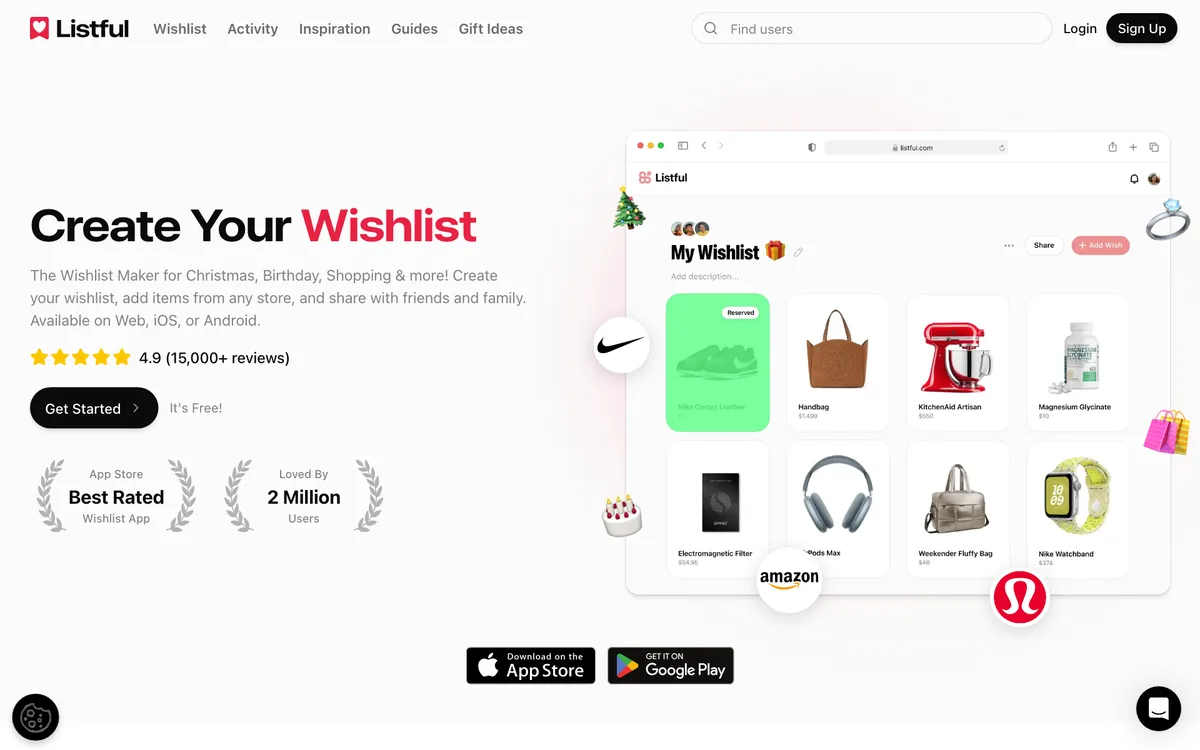
What you gain over Amazon: a list page that looks like a moodboard, with themes added in 2026, price tracking with sale alerts, priority sorting, adding by link, extension or barcode, and viewers who can mark an item purchased without signing up. It reports a 4.9 rating from more than 15,000 reviews and two million users.
What you give up: seeing who reserved is a Pro feature (from about $2.99 a month), and there are no child profiles, no Secret Santa draw and no per-wish privacy.
Price and platforms: free, Pro optional; iPhone, Android, web. Try Listful
5. Giftful: price tracking on everything you save
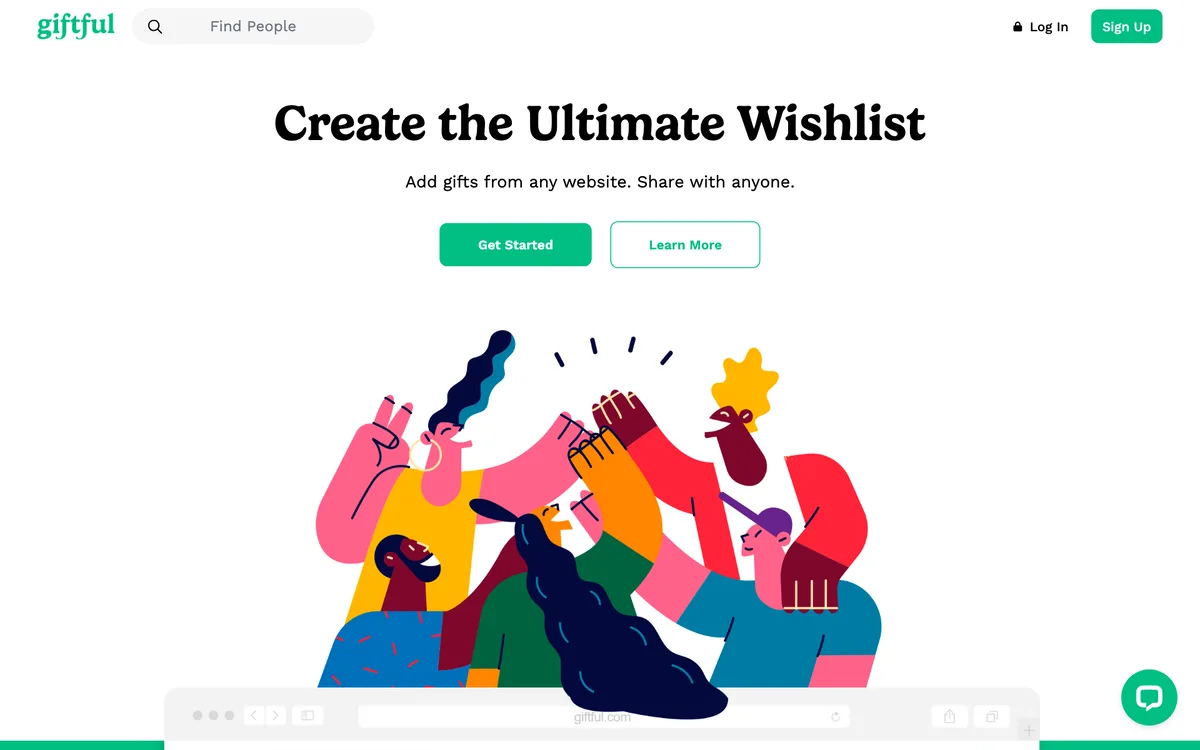
What you gain over Amazon: Amazon tells you when its own price moves; Giftful compares prices across retailers and tracks changes on every saved item. Friends claim gifts anonymously, lists are unlimited, and it has a 4.8 App Store rating from about 86,000 ratings.
What you give up: viewers need an account by default (the owner can switch that off per list), and the link importer sometimes grabs the wrong photo from a page. No draw, no per-wish privacy.
Price and platforms: free; iPhone, Android, web, Chrome plugin. Try Giftful
6. Elfster: when the list is part of a Secret Santa
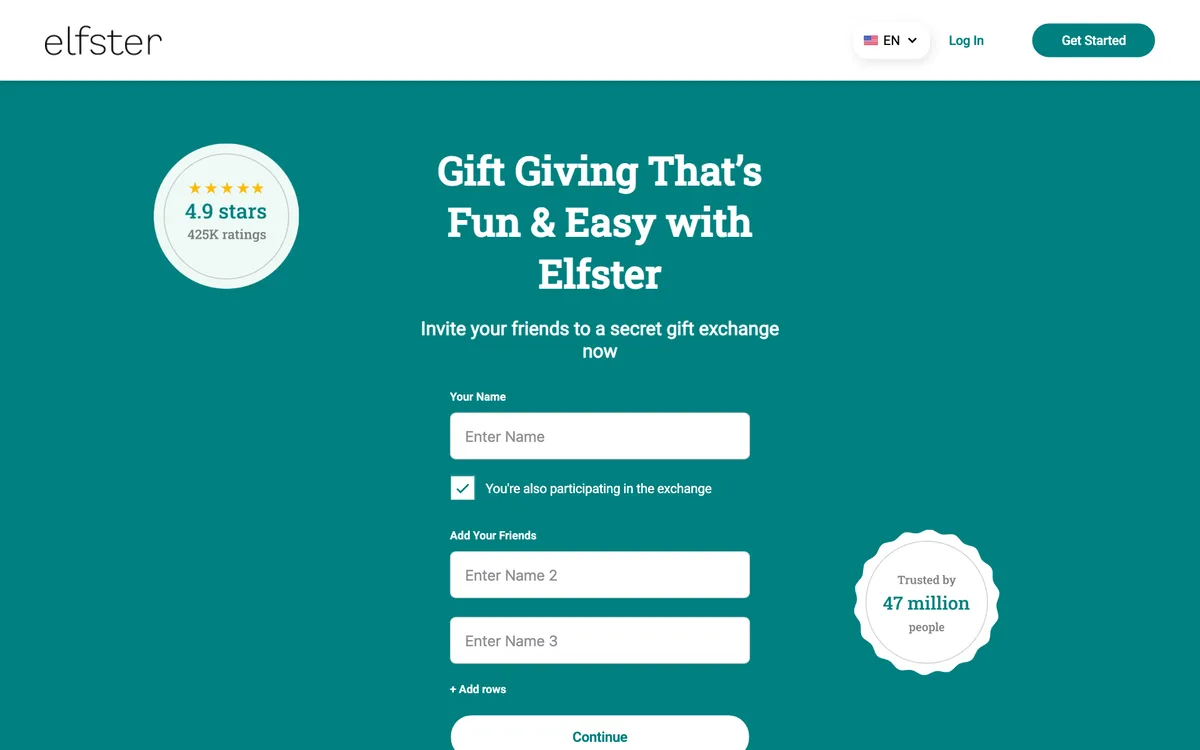
What you gain over Amazon: the most-used Secret Santa generator, with budgets, exclusions, reminders and a wishlist for every participant that accepts links from any store.
What you give up: everyone must have an Elfster account and log in to mark a gift bought, and the app is ad-supported. Outside an exchange it is a weaker everyday list than the apps above.
Price and platforms: free with ads; iPhone, Android, web. Try Elfster
7. Stow: iPhone-only, social, no reservations
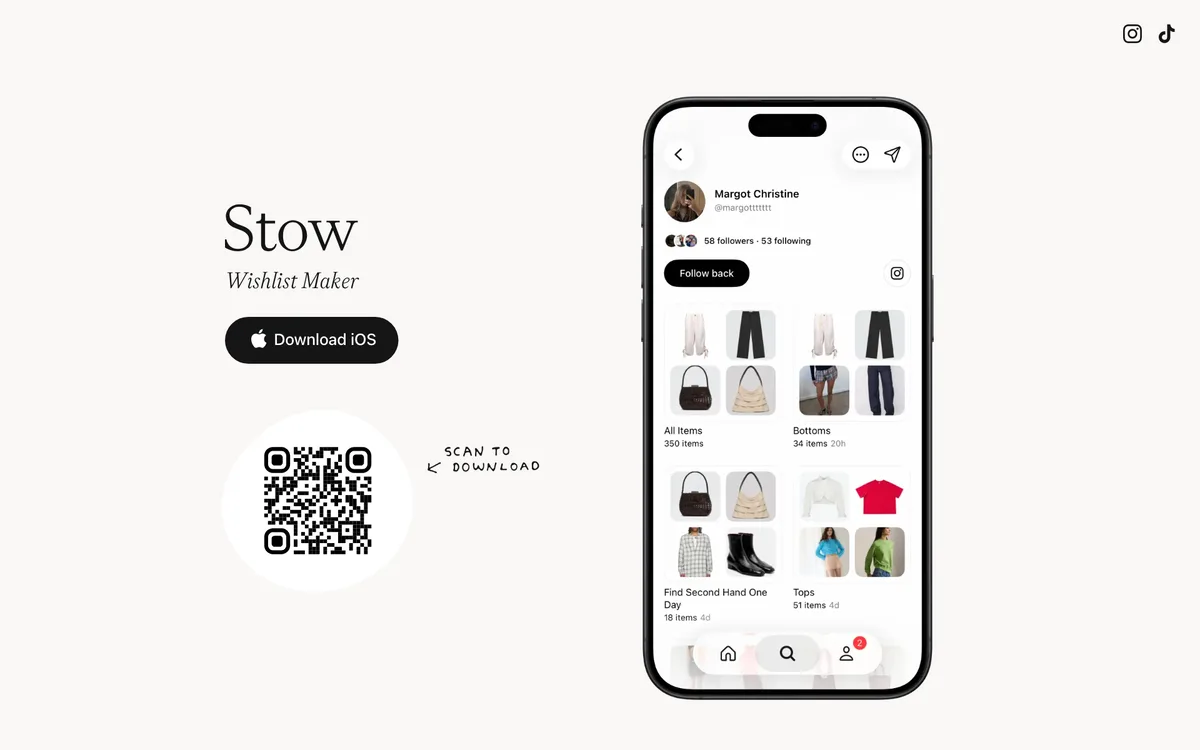
What you gain over Amazon: any-store saving with a calm, curated feel, public and private lists, following friends to see what they are shopping for, and collaborative lists for trips or moves. Free with no subscription.
What you give up: there is no Android app and no reservation system, so it is a personal want-list, not a gift list.
Price and platforms: free; iPhone only. Try Stow
How to move your Amazon list in ten minutes
You do not have to retype anything. WishDeck imports an Amazon Wish List from its link: open your wishlist on WishDeck, tap the three-dot menu, choose Import Amazon wishlist, paste the link and press Import wishlist. It reads the list and adds every item with its photo, name, price and Amazon link, counting them in as it goes ("Adding wishes… 12 of 20"). You can close the window and it finishes in the background. Two things to know: the Amazon list has to be set to "Shared" (the import cannot read a private list), and very long lists are imported up to the first 100 items, with a note telling you how many came across.
Step 1. In Amazon, open the list, choose Share and copy the link. If sharing is off, switch it to Shared first.
Step 2. In WishDeck, open the list you want the items in (or create "Christmas 2026"), tap the three dots, choose Import Amazon wishlist, paste the link and confirm. Ten to twenty items take under a minute.
Step 3. Add the things Amazon could never hold: paste the Etsy print, the Target sweater and the Sephora set as ordinary links and they fill in the same way.
Step 4. Share the one WishDeck link in the family chat and let reservations do the rest.
For GiftList, Giftster, Listful and Giftful the move is manual: copy each product link from Amazon and paste it in. Twenty items take about ten minutes.
Why this beats just sharing the Amazon list. The imported list is not Amazon-only any more: the Amazon products keep their Amazon links, so relatives still buy them there, but now a non-Amazon item can sit right next to them in the same list. Reservations stay hidden from you for good instead of a few weeks. Relatives open the list in any browser with no Amazon account, and one account can hold a separate list for each child and each parent. Sizes and notes travel with each wish, the list turns into a collage for Instagram or the family chat in one tap, and a built-in Secret Santa draw attaches everyone's wishlist to their name. The Amazon list becomes the starting point rather than the ceiling.
Frequently Asked Questions
Popular Reads
- How to Make a Wishlist That People Actually Use (2026 Guide)
- 50 Most Wished-For Gifts of 2026: Christmas Wishlist Ideas for Teen Girls

- Best Online Christmas List Makers & Wishlist Sites 2026: 10 Christmas Wish List Apps Compared
- 10 Best Wishlist Apps & Websites (2026): iPhone, Android & Web, Tested
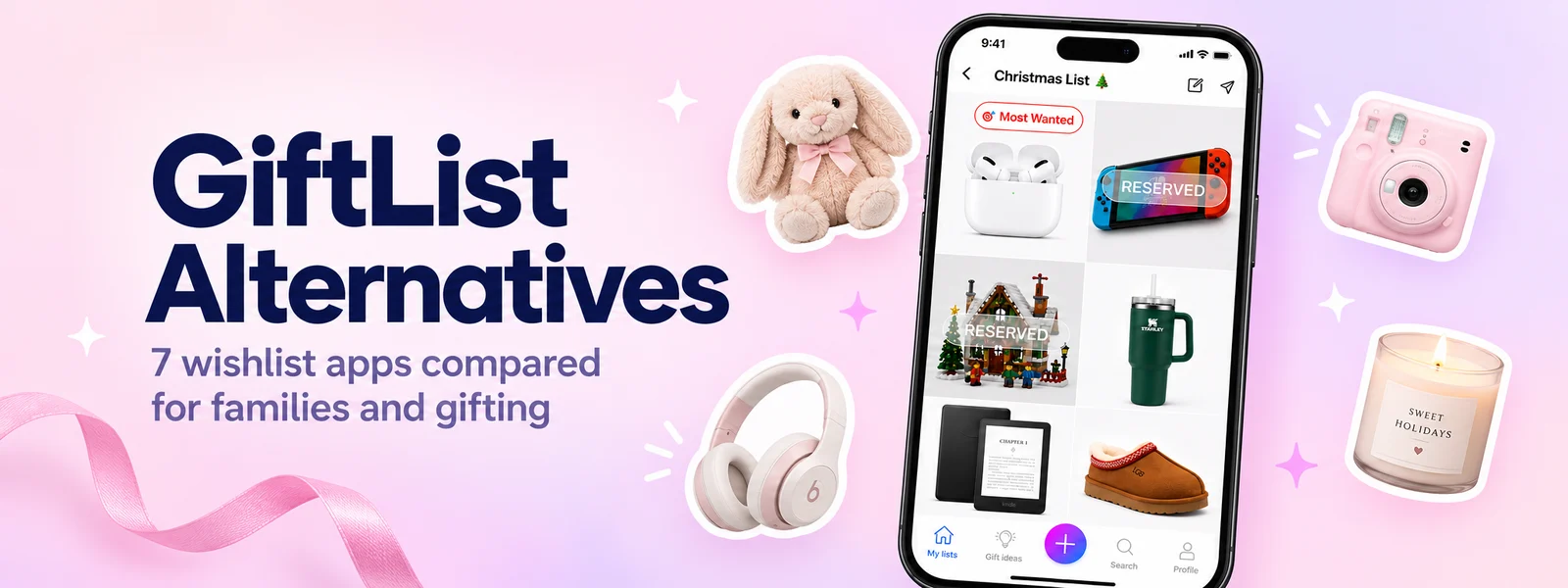
- GiftList Alternatives (2026): 7 Wishlist Apps Compared for Families & Gifting
Looking for more insights? Explore related topics: 10 Best Wishlist Apps (2026), GiftList Alternatives (2026), Giftster vs Elfster vs WishDeck (2026) or find more on our Blog.