
 Online Christmas List Maker (2026)
Online Christmas List Maker (2026): 10 Best Christmas Wish List Sites & Apps With Links

The best online Christmas list maker for most families in 2026 does three things at once: adds gifts from any store, hides what's been reserved from the person who made the list, and keeps a list for every family member — kids included — in one place. Giftster and WishDeck do all three; Elfster and DrawNames are the most proven Secret Santa apps for an office or friend group; GoWish is the most downloaded wishlist app; and the plain Amazon Wish List is enough if your family only shops on Amazon. This guide compares ten Christmas wishlist sites and apps on the things that actually differ: Secret Santa, kids' lists, secret reservations, whether guests need an account, any-store adding and price. Full disclosure: we make WishDeck — it's in this comparison too, and we'll tell you exactly where Elfster or Giftster beats it.
Once the lists exist, the gifts are the fun part — our Secret Santa gift ideas, white elephant gifts under $30 and stocking stuffers for kids guides cover what to put on the lists. And if you are weighing apps for more than December, our tested best wishlist apps for iPhone & Android comparison goes deeper. If you already know you want WishDeck, the free Christmas list maker page walks through creating an online Christmas list with links in three steps.
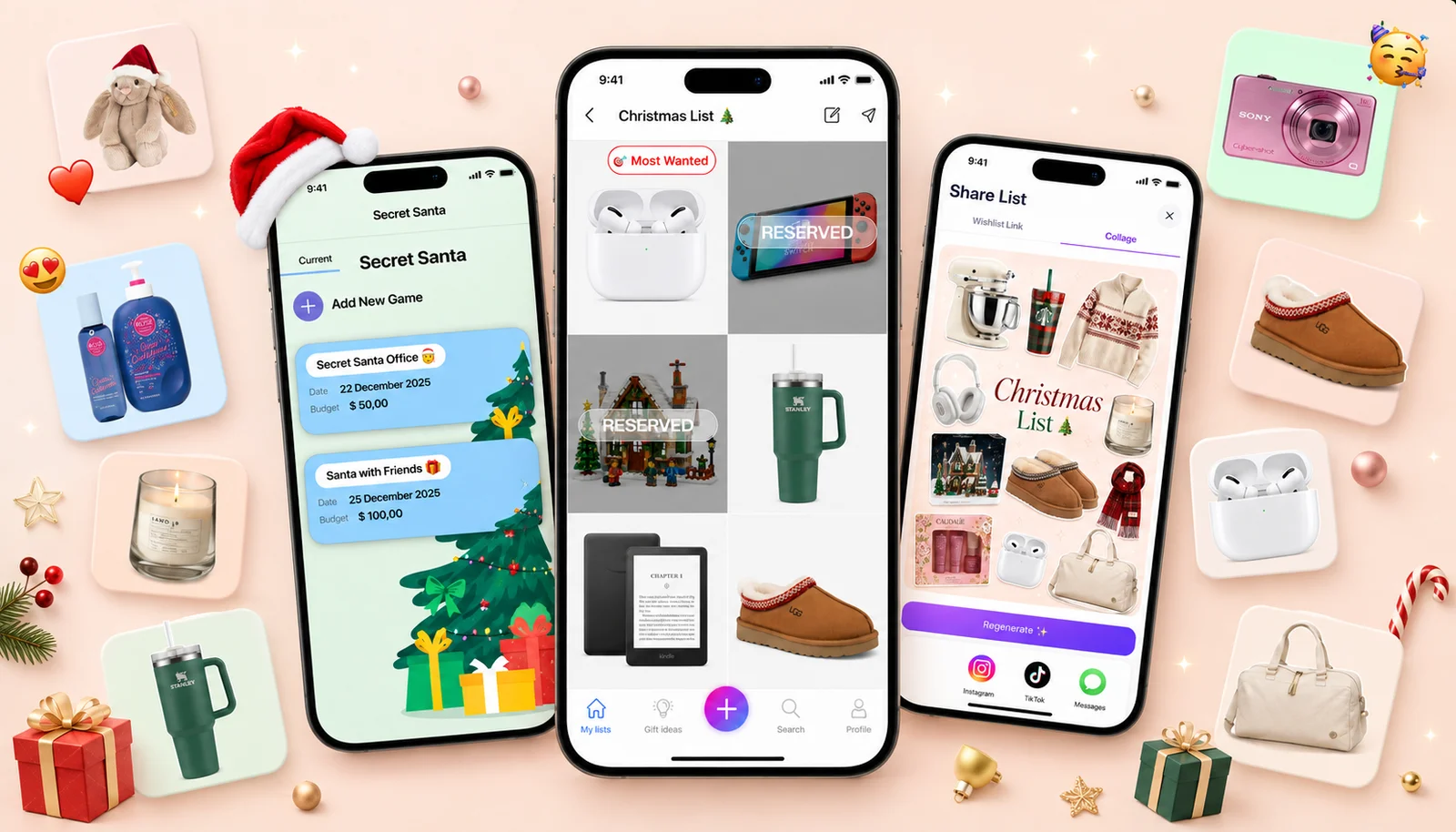
Add-on magic: Start the family's Christmas lists in minutes with a free WishDeck wishlist — paste a link from ANY store and the product image, description and price fill in automatically. Everyone gets their own list, relatives reserve gifts in secret so nothing arrives twice, and the built-in Secret Santa game draws names with every wishlist already attached.
Table of Contents
1. How to make an online Christmas list with links in two minutes
3. Elfster: best for office Secret Santa
4. Giftster: best private family group
5. GoWish: most popular wishlist app
6. WishDeck: best wishlist app for the whole family
7. Family Christmas list lifehacks parents swear by
8. DrawNames: best Secret Santa generator
9. Giftful: best price tracking
10. Amazon Wish List: best if you only shop on Amazon
11. Listful: best for aesthetic lists
12. Moonsift: best no-account gift list
13. Wishlists: simplest Secret Santa + wishlist combo
14. Which Christmas wishlist app should you pick?
15. Ready to Share Your Wishlist
16. Frequently Asked Questions
Our Top 5 Picks
 Best for Office Secret Santa
Elfster
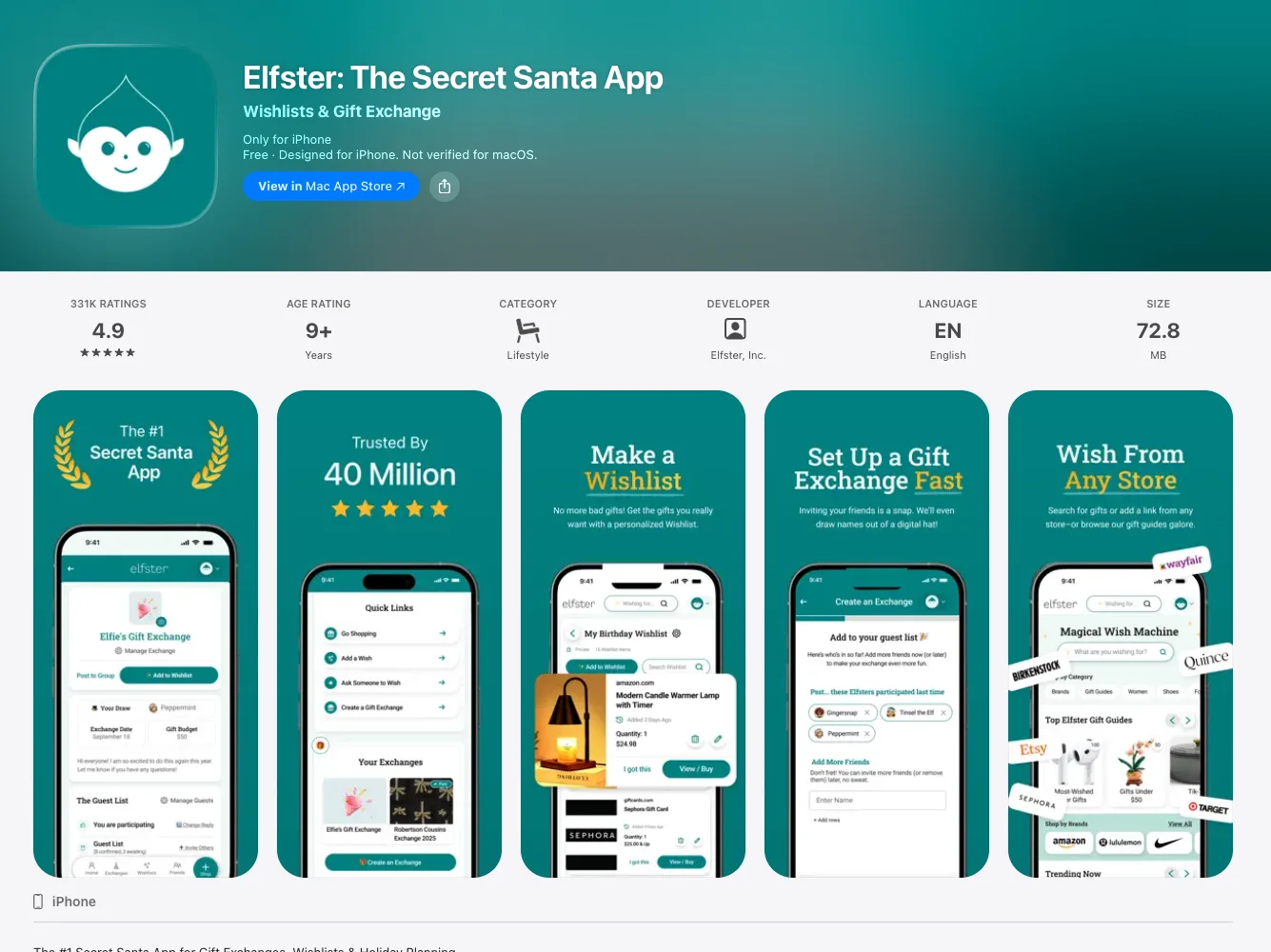
The most-used gift exchange on earth — 331K App Store ratings, budgets, draw restrictions and any-store wishlists.
Free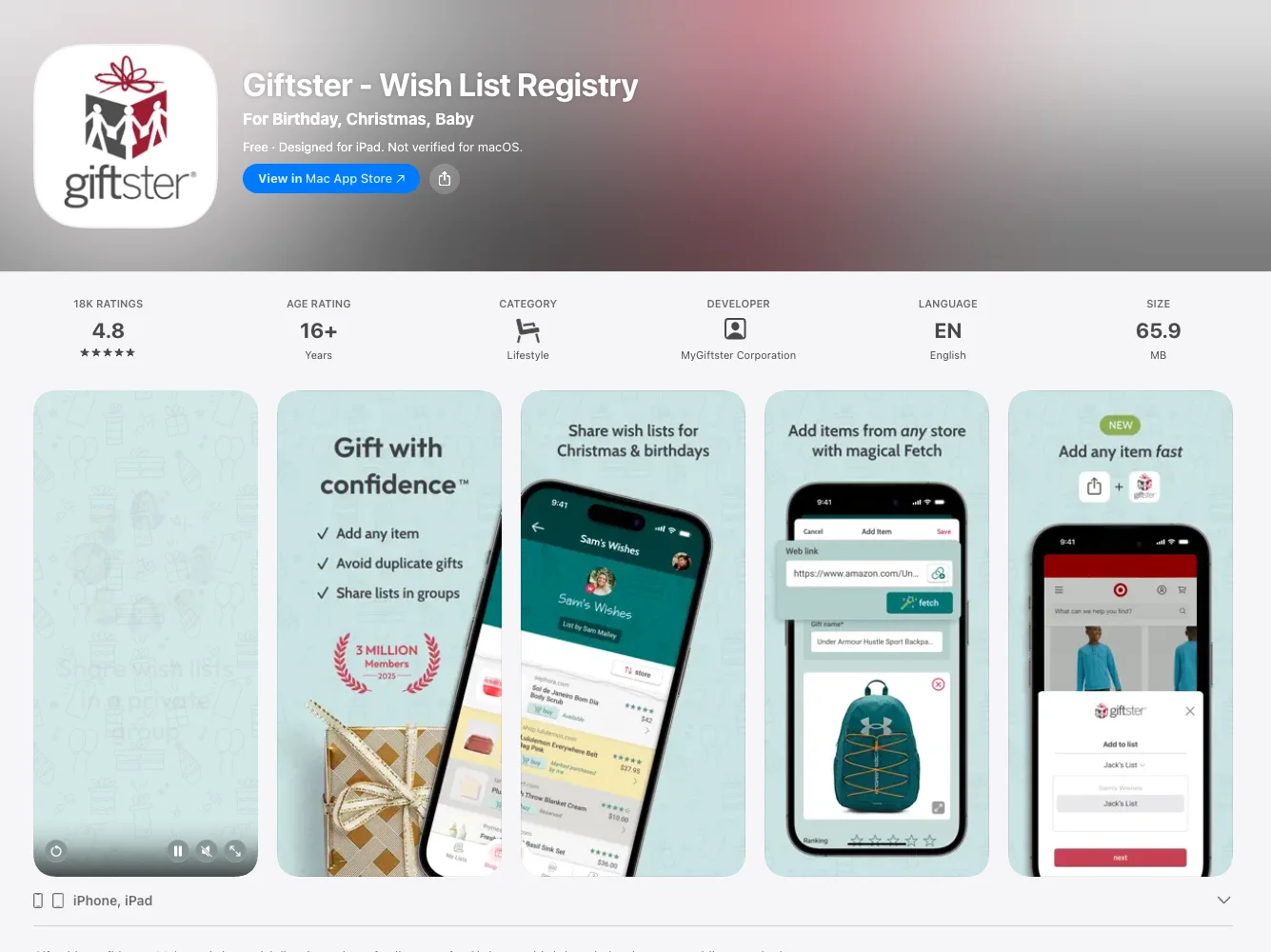 Best Private Family Group
Giftster
A closed family circle with child accounts, organizer-blind Secret Santa and no display ads.
Free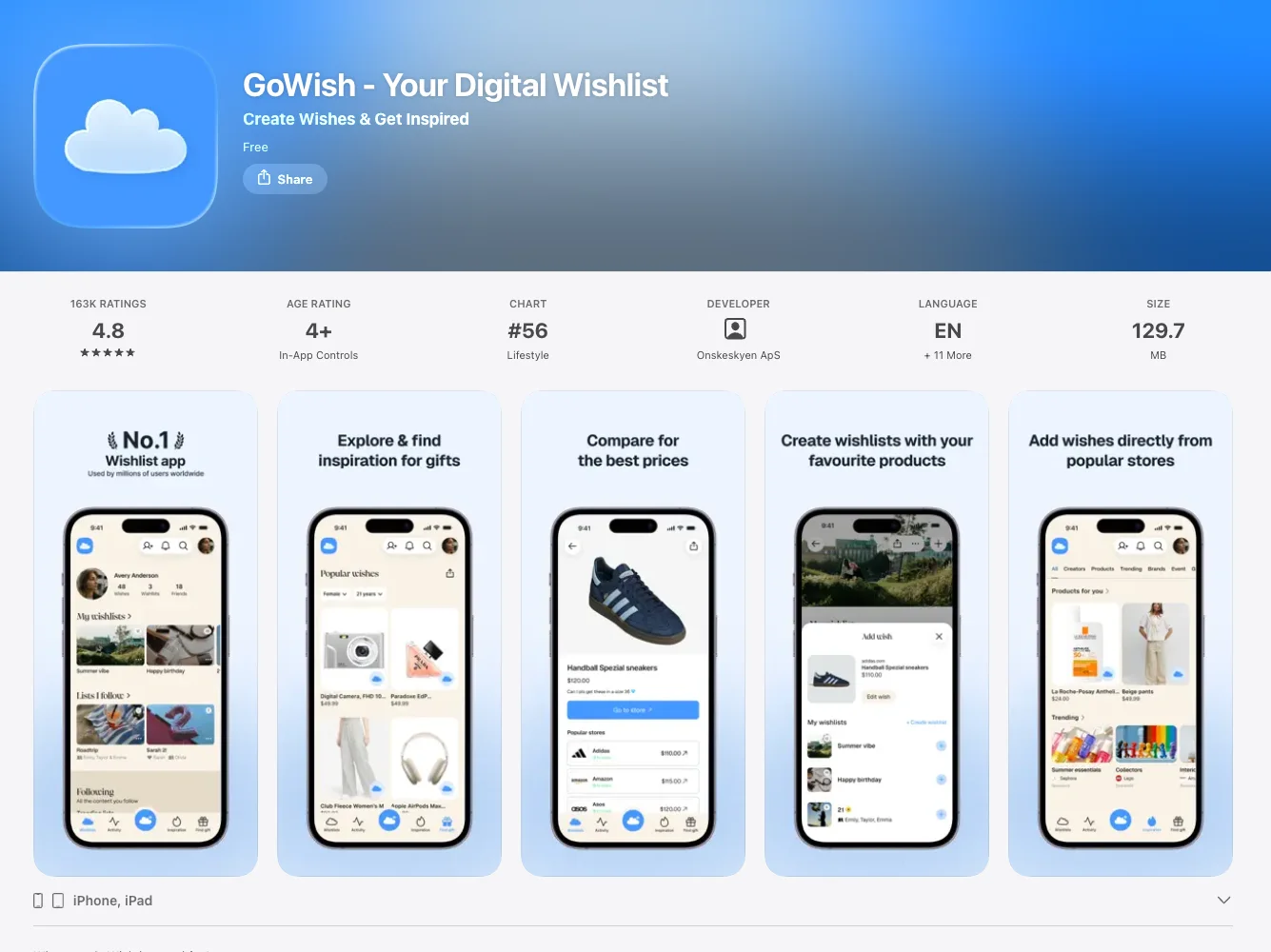 Most Popular
GoWish
163K iPhone ratings and a social feed of what friends wish for — but reserving needs a login and there’s no Secret Santa.
Free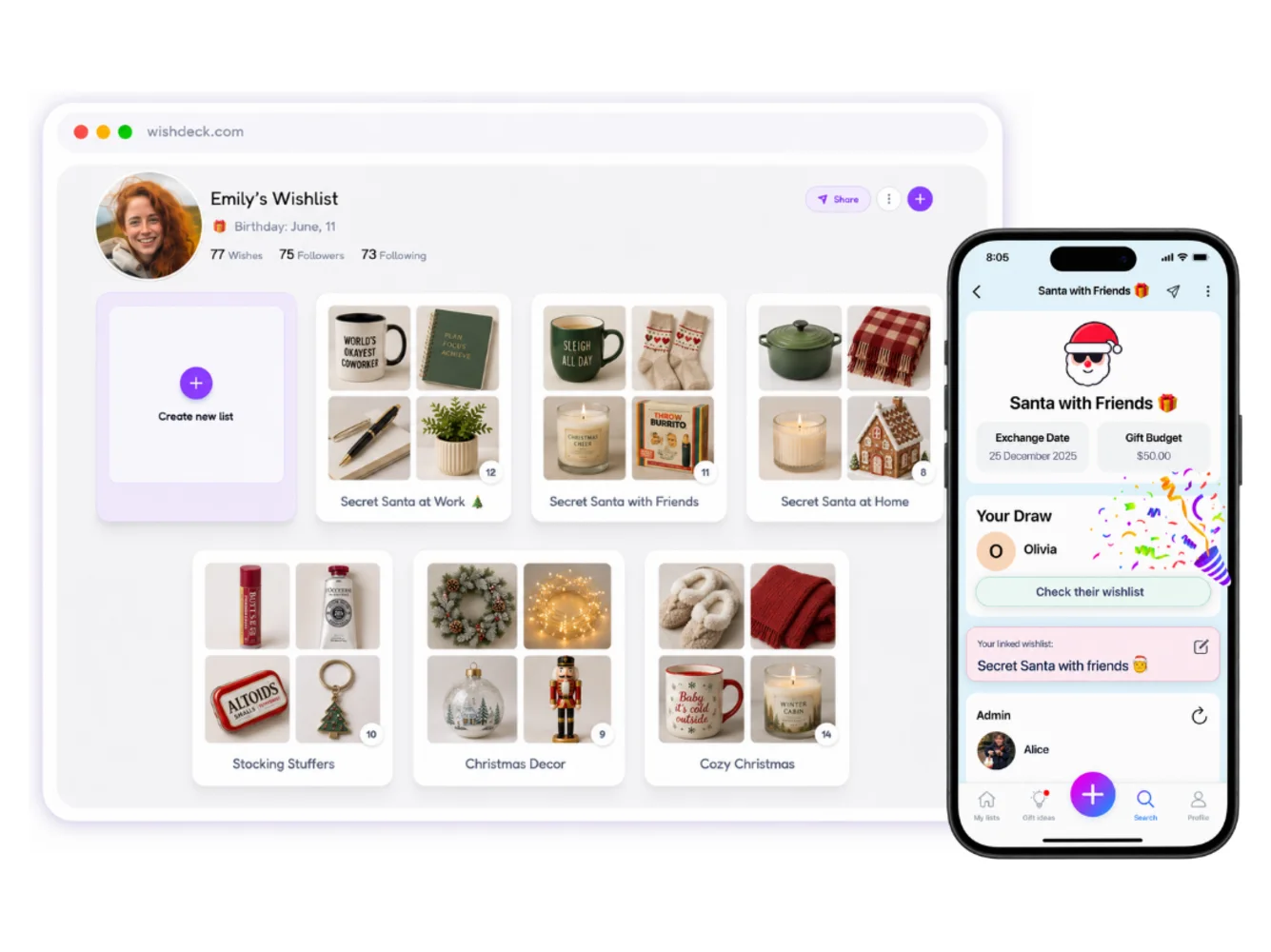 Best for Families
WishDeck
Kills the "what do you want?" texts — a list for every family member, secret reservations, and a Secret Santa draw in three taps.
Free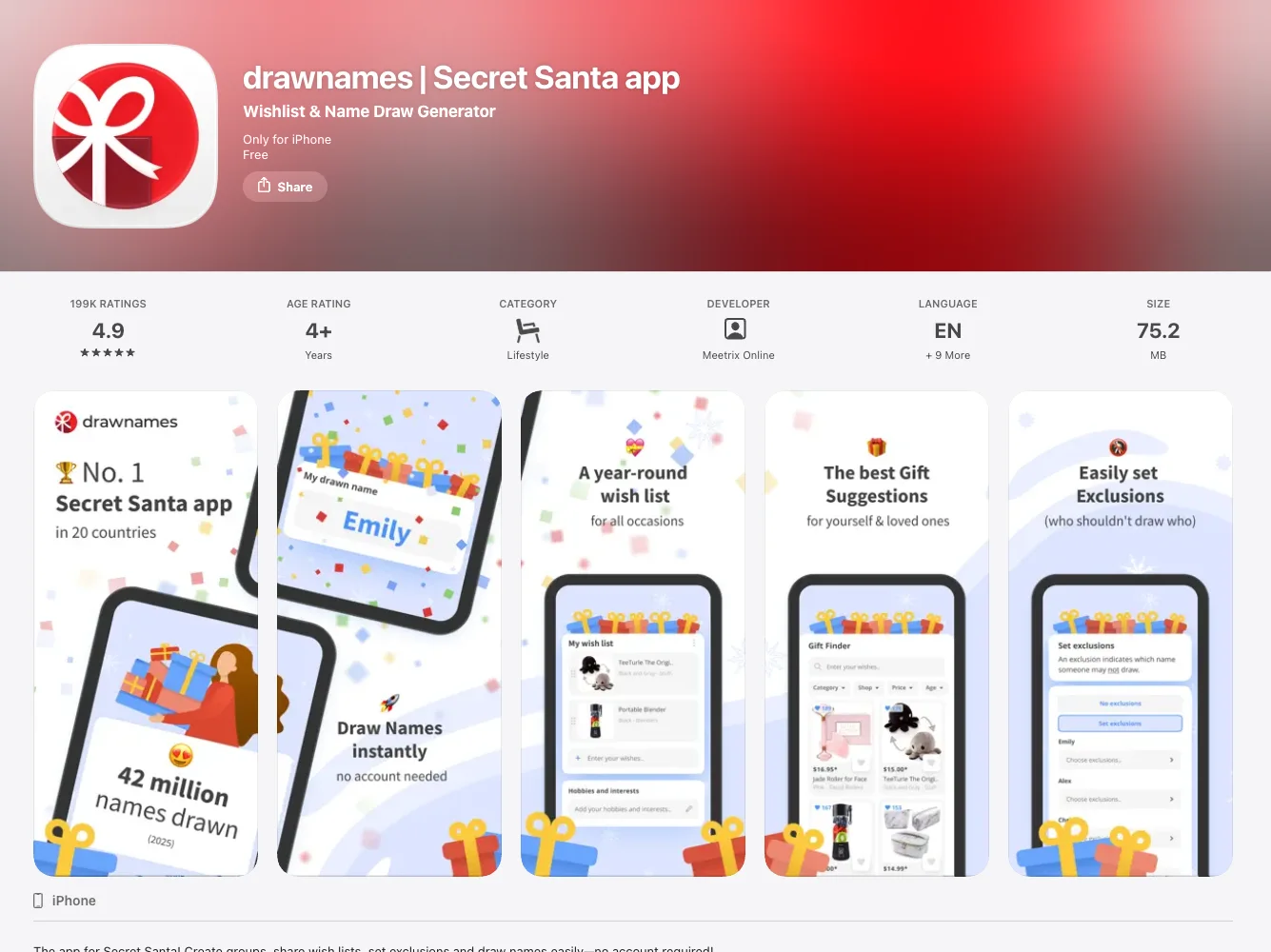 Best Secret Santa Generator
DrawNames
Exclusions, budgets, anonymous questions and no passwords — 199K ratings and zero ads.
FreeHow to make an online Christmas list with links in two minutes
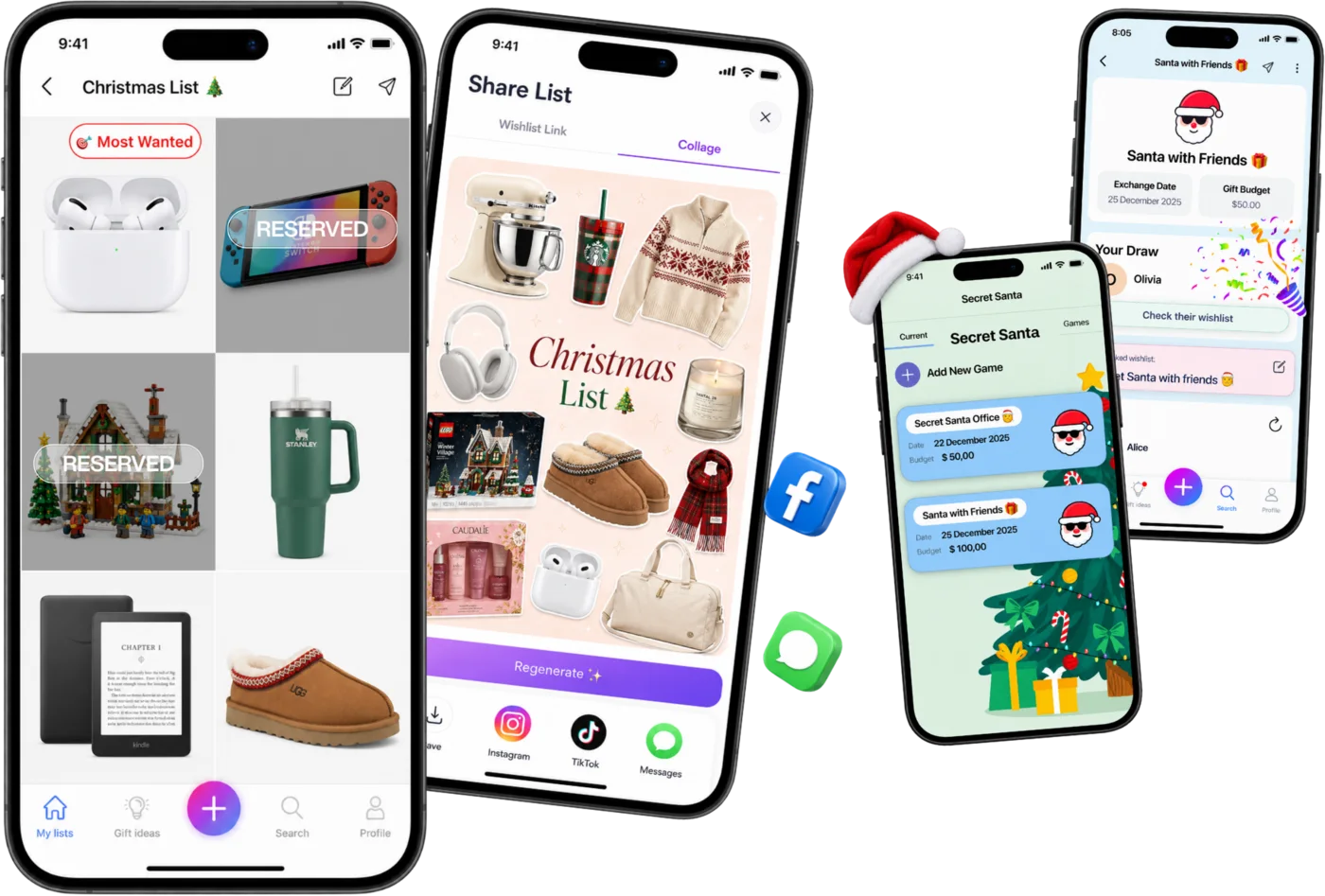
Every app below follows the same four steps; this is how it goes on WishDeck, which you can do in a browser at wishdeck.com/wishlist-app without installing anything.
Step 1. Create the list and name it. "Christmas 2026" for yourself, or "Jack, age 7" if you are making it for a child. One account can hold a list per family member.
Step 2. Paste the links. Open the product page at any store (Amazon, Target, Etsy, LEGO), copy the link and paste it in. The photo, name and price fill in on their own, so the list has real links your relatives can buy from, not descriptions they have to search for.
Step 3. Mark the must-have and add sizes. Flag one wish as Most Wanted and put the size or colour in the note, so nobody has to text you.
Step 4. Share one link. Send wishdeck.com/your-name to the family chat, or post the list as a collage. Relatives open it in any browser, and when they reserve a gift the item shows as taken to everyone except you.
That is the whole job. The rest of this guide is about which app to do it in when the family has opinions about Secret Santa draws, kids' accounts or who needs to sign up.
Quick comparison table
Everything below was verified in August 2026 against each app's own help center and App Store / Google Play listing — features and prices change, so check before you commit the whole family to one.
| App | Secret Santa | Kids / family lists | Reservations hidden from owner | Guest reserves without account? | Any store? | Price |
|---|---|---|---|---|---|---|
| Elfster | ✅ Budget + draw restrictions (organizer can see draws) | ✅ Family Manager sub-accounts | ✅ Yes | ❌ Login required | ✅ Link + Chrome button | Free (ad-supported) |
| Giftster | ✅ Organizer-blind, exclusions | ✅ Child accounts in family group | ✅ Yes | ✅ On public lists (web version) | ✅ Link fetch | Free (no display ads) |
| GoWish | ❌ None | ✅ Sub-accounts for under-13s | ✅ Yes | ❌ Login required | ✅ Link + share sheet | Free (brand promotions) |
| WishDeck | ✅ 3-step draw: date, budget, exclusions, wishlists attached | ✅ A list per child and per parent, one account | ✅ Yes | ⚠️ View free; free sign-up to reserve | ✅ Any store, one tap | Free (optional Premium) |
| DrawNames | ✅ Exclusions, budget, anonymous questions | ✅ Children's list (not in draw) | ✅ Yes | ✅ Invite link, no password | ✅ Paste link | Free (no ads) |
| Giftful | ❌ None | ✅ "For someone else" lists | ✅ Yes | ⚠️ Account by default; owner can allow guests | ✅ Link + Chrome extension | Free |
| Amazon Wish List | ❌ None | ➖ Multiple lists per account | ⚠️ Only for "several weeks" | ❌ Amazon account to buy | ❌ Amazon only | Free |
| Listful | ❌ None | ➖ Unlimited lists, no child profiles | ✅ Yes (seeing who = Pro) | ❌ Account required | ✅ Link, extension, barcode | Free + Pro (from ~$2.99/mo) |
| Moonsift | ❌ None | ➖ Separate collections | ✅ Registry mode | ✅ Yes | ✅ Extension + share sheet | Free |
| Wishlists | ✅ Exclusions + budget | ➖ Multiple lists, no child profiles | ✅ Yes | ❌ App required | ✅ Share sheet | Free + Premium ($14.99/yr) |
1. Elfster: best for office Secret Santa
|
What we like
|
What to watch out for
|
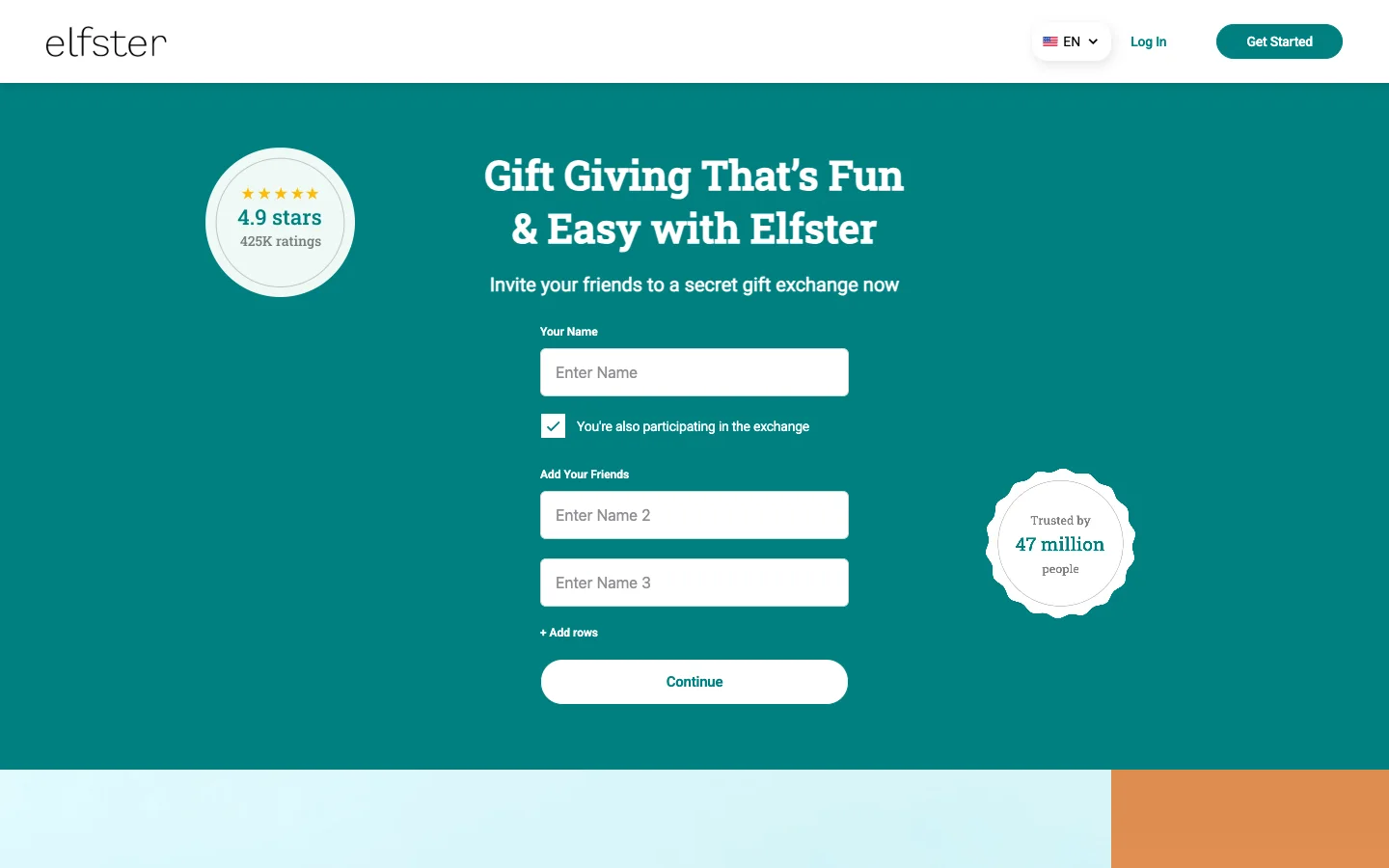
Elfster is the default answer when a company or friend group says "let's do Secret Santa", and it earns that: set a budget and exchange date, add draw restrictions, invite people by email, and every participant's wishlist — built from any store — is attached to the draw. The organizer can even run a "Draw Now" for people who never create accounts. The catches are structural rather than bugs: it's free because it's ad-supported, marking a gift as purchased requires a login, and if you want the draw hidden from the organizer too, Giftster or DrawNames do that and Elfster doesn't.
Best for: office and large-group exchanges where "everyone already has Elfster" is the deciding factor.
2. Giftster: best private family group
|
What we like
|
What to watch out for
|
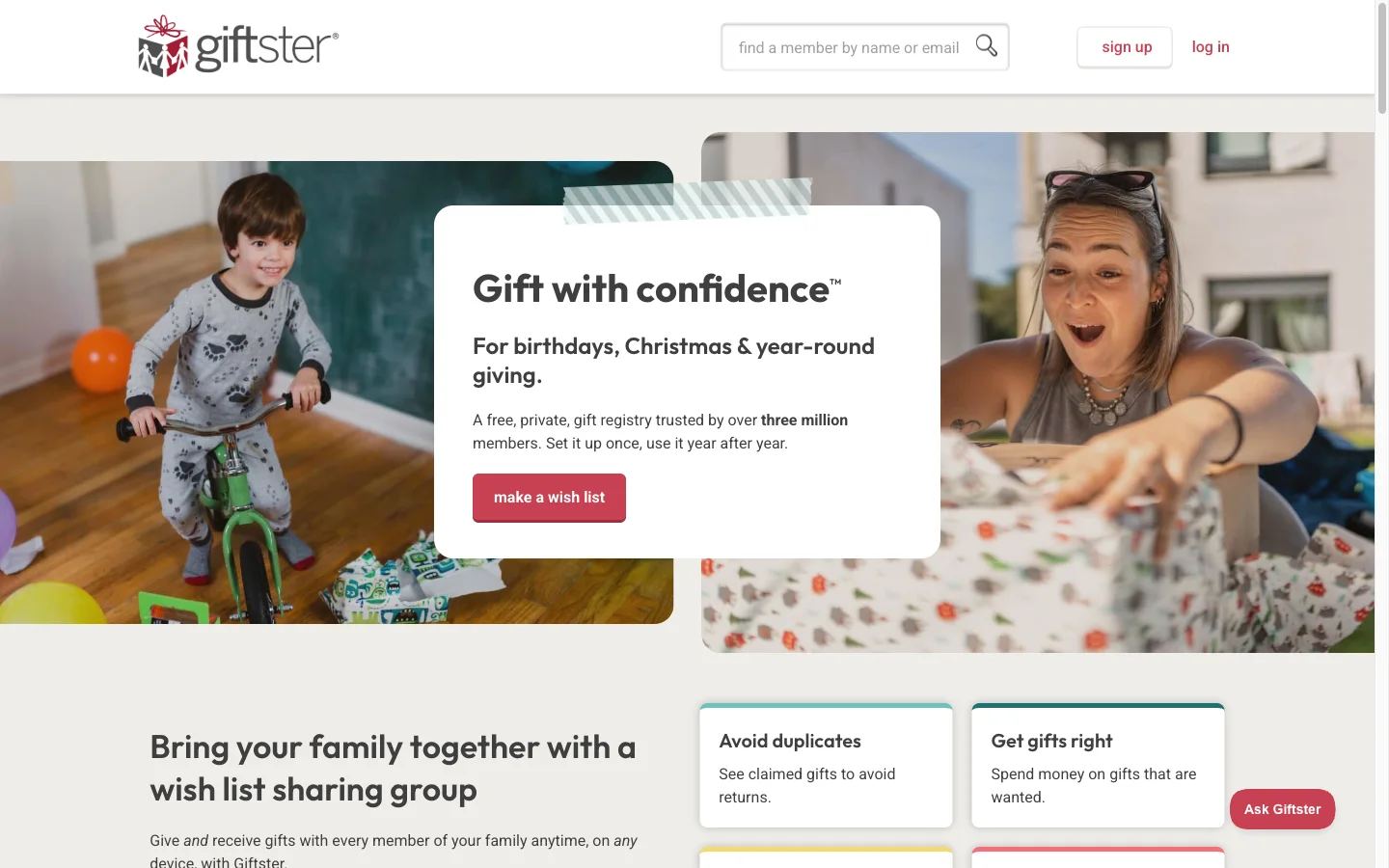
Giftster is the quiet veteran of family wishlists: three million members, 4.8 stars from 18K iPhone ratings, and a model that mirrors how extended families actually gift — one private group, everyone's lists inside it, purchases hidden from the list maker, and a Secret Santa draw that stays secret even from the person who set it up. Guests can mark a public list's items as bought with no account — in the web version; the iOS and Android apps require signing in. It is less polished and less social than the newer apps, and the whole thing lives or dies on getting the family to join the group.
Best for: the extended family that does the same gift exchange every Christmas and wants it private.
3. GoWish: most popular wishlist app
|
What we like
|
What to watch out for
|
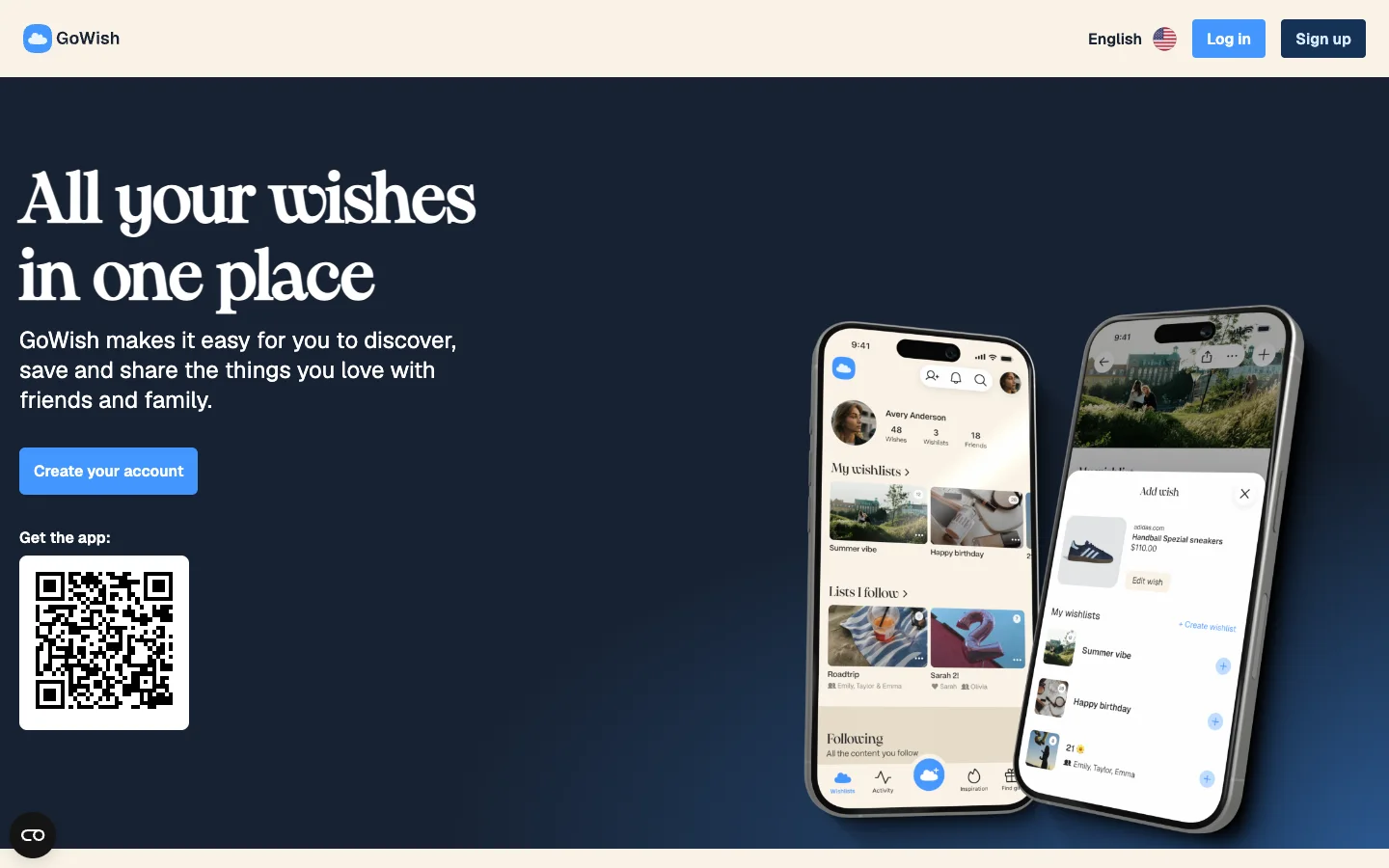
GoWish is the app most people have already heard of, and on iPhone it deserves its rating: fast any-store adding, clean sharing, a social layer where you follow friends' wishes, and proper sub-accounts for kids. Two things keep it out of the top spot for a family Christmas: there's no Secret Santa at all, and the Android app is a different experience — a 3.6 rating with recent reviews about freezes and prices flipping to euros. If everyone in your family is on iPhone and nobody draws names, it's a strong pick.
Best for: iPhone families who want the most popular, most social wishlist — and don't play Secret Santa.
4. WishDeck: best wishlist app for the whole family
|
What we like
|
What to watch out for
|
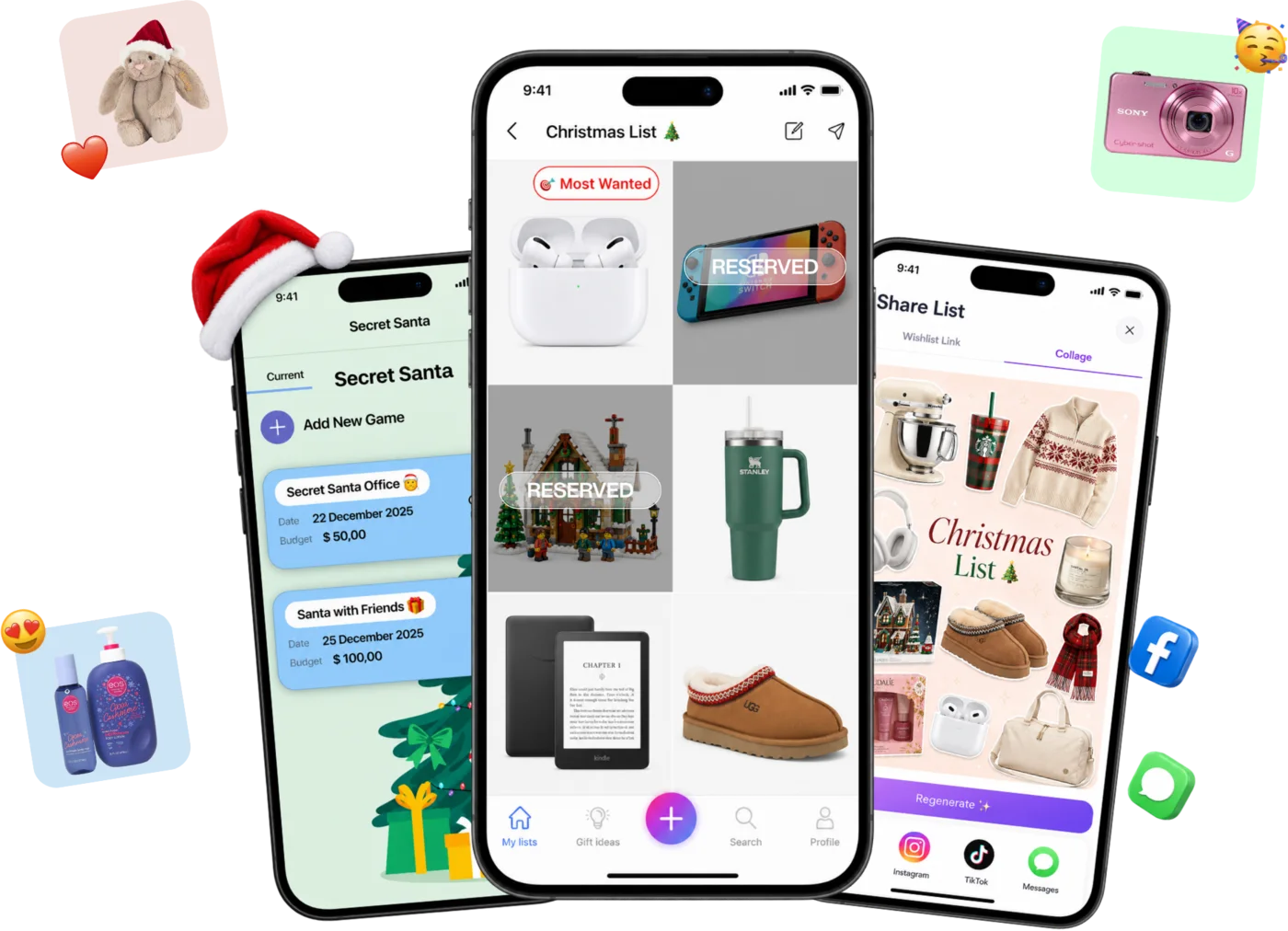
Every December it's the same three texts in the family chat: "what do you want?", "what does Jack want?" and "has anyone already bought the LEGO?" WishDeck exists to kill all three. Paste a link from any store and the photo, price and description fill in themselves — a real list exists in about 30 seconds. Share one link in the family chat; relatives open it without an account (a free sign-up lets them reserve). Everyone shopping the list sees what's already taken — only the person getting the gifts doesn't, hidden by default with an opt-in reveal after the holiday — so nothing arrives twice and no surprise gets ruined. And because parents keep a list for each kid and for themselves under one account, the toy-aisle "can I have it?" becomes "let's add it to your wishlist" — by December, Emma's and Jack's lists are already real.
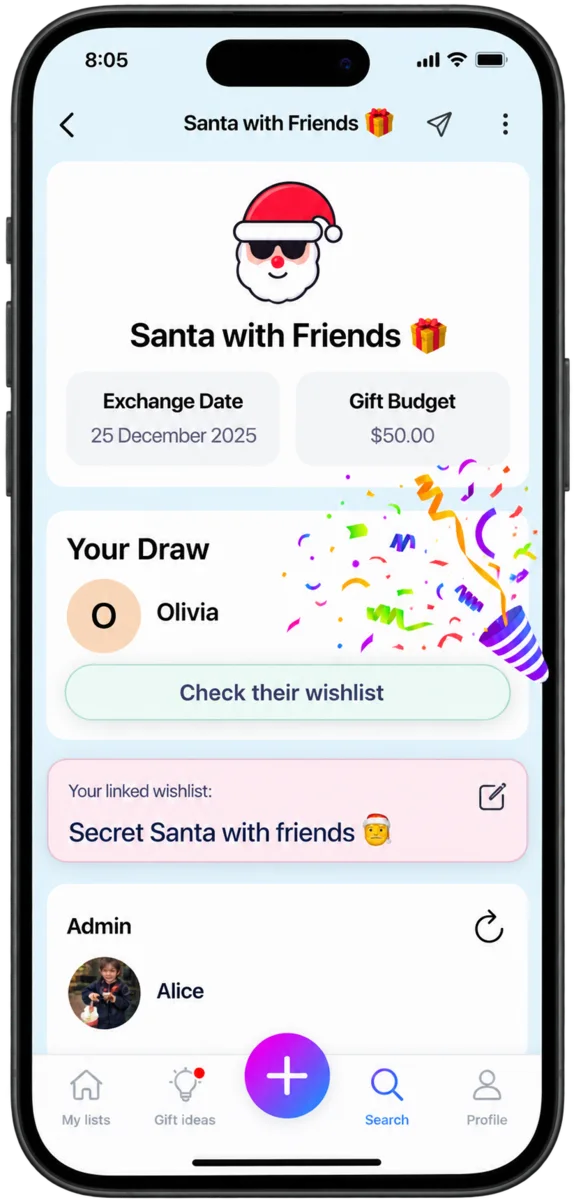
Secret Santa in three taps. Set the date and budget, add the players, draw — with per-person exclusions so couples don't draw each other, and every player's wishlist already attached to their name. That's the whole difference from Elfster: no wizard full of settings built for a 200-person office, just the three steps a family or friend group actually needs.
And you're never staring at a blank list. WishDeck isn't an isolated notepad: browse what real people are adding right now on trends, see what other families wish for and what they recommend after actually living with a gift — wishes come full circle here: once a gift arrives you mark it fulfilled, and the keepers move to your recommendations. It solves both December problems at once: "I don't know what to wish for" and "I drew a 14-year-old, what do teens even want?" Teens get their own reason to stay — any list shares as an aesthetic collage straight to Instagram, TikTok or Messages. And there's a private side too: snap or paste anything into a list only you see — instead of screenshots dying in your camera roll — then compare, cool off, and buy, publish or delete. Fewer impulse buys, fewer duplicates, only things people truly want.
One more honest difference: WishDeck is family-built, not a corporation — we use it with our own family every December, we read every piece of user feedback, and the features above (the three-step draw, the collage sharing, the reveal toggle) exist because real users asked for them. When something's missing, tell us — that's how the roadmap gets made.
Best for: families who want the "what do you want?" texts gone — everyone's list in one place, a simple three-tap Secret Santa, and real people's trends and recommendations when you're out of ideas; less ideal if you need cash funds or a giant office exchange.
Family Christmas list lifehacks parents swear by
One list per person, not one family list. A shared "family" list hides who wanted what; separate lists let grandparents shop for one grandchild without scrolling past everyone else's.
Add all year, share in November. Every "can I have that?" in March goes on the child's list with "Let's add it to your wishlist" — by December the list is real, and the tantrum in the toy aisle is shorter.
Put a cheap item at the top. A $12 wish — think stocking-stuffer territory — gives distant relatives an easy win and keeps the $200 items from feeling like the only options.
Mark the must-have. Most apps let you flag a top wish ("Most Wanted" on WishDeck, starring on Listful Pro) — use it once per list, or it stops meaning anything.
Draw names early. A Secret Santa draw in mid-November gives everyone a month to shop from the attached wishlist; a draw at the party means gift cards.
5. DrawNames: best Secret Santa generator
|
What we like
|
What to watch out for
|
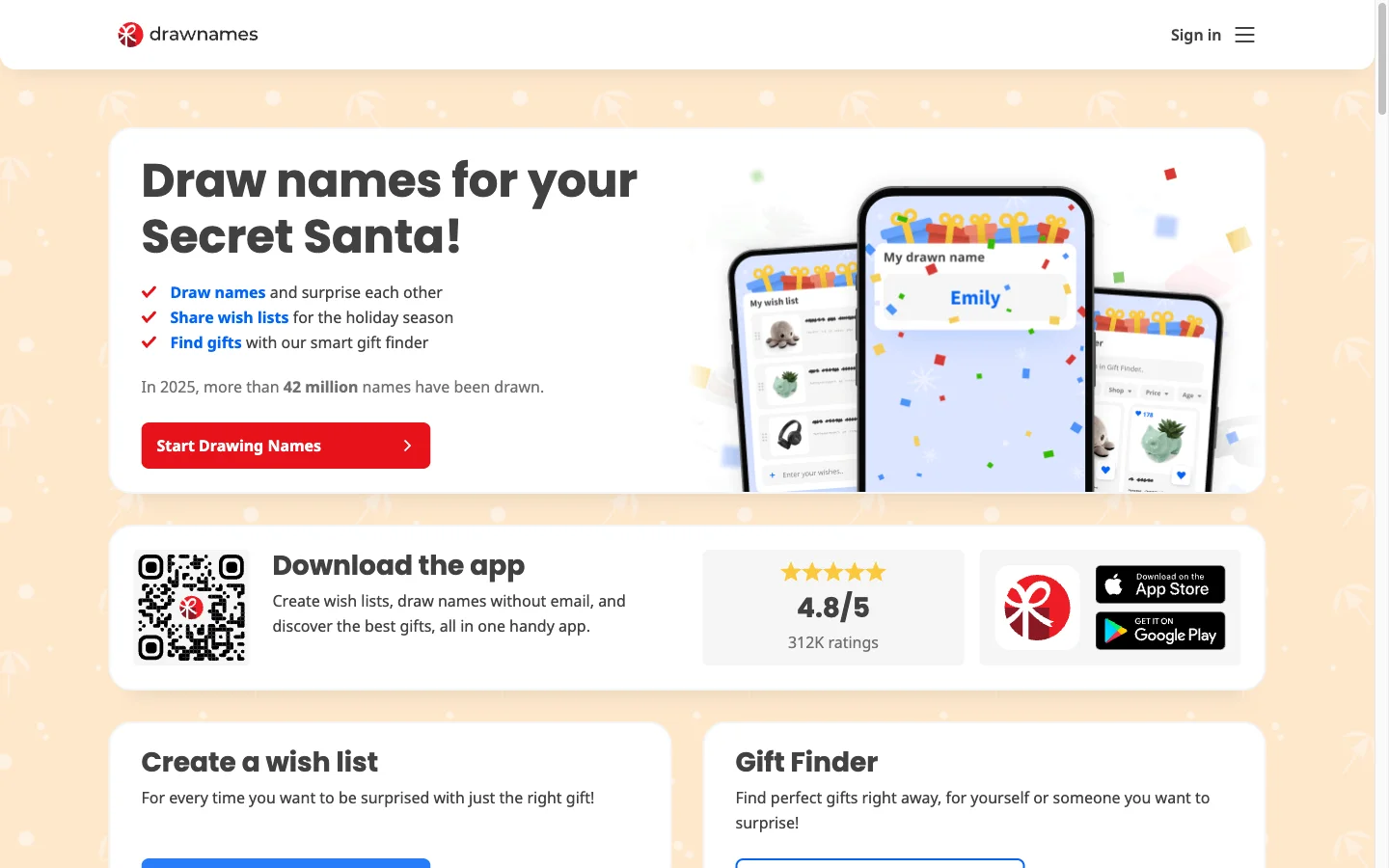
DrawNames does one job better than anyone: draw names fairly, with "who may not draw whom" rules, a budget and a date, and let participants ask each other anonymous questions about their lists. There's a children's wish list option that keeps the child out of the draw, and the whole thing works without passwords. What it isn't is a permanent family wishlist — lists belong to a celebration, and once that celebration is archived they're gone — so most families pair it with a year-round list elsewhere.
Best for: any group whose main need is a fair, rule-based draw — office, friends or extended family — with wishlists as the bonus.
6. Giftful: best price tracking
|
What we like
|
What to watch out for
|
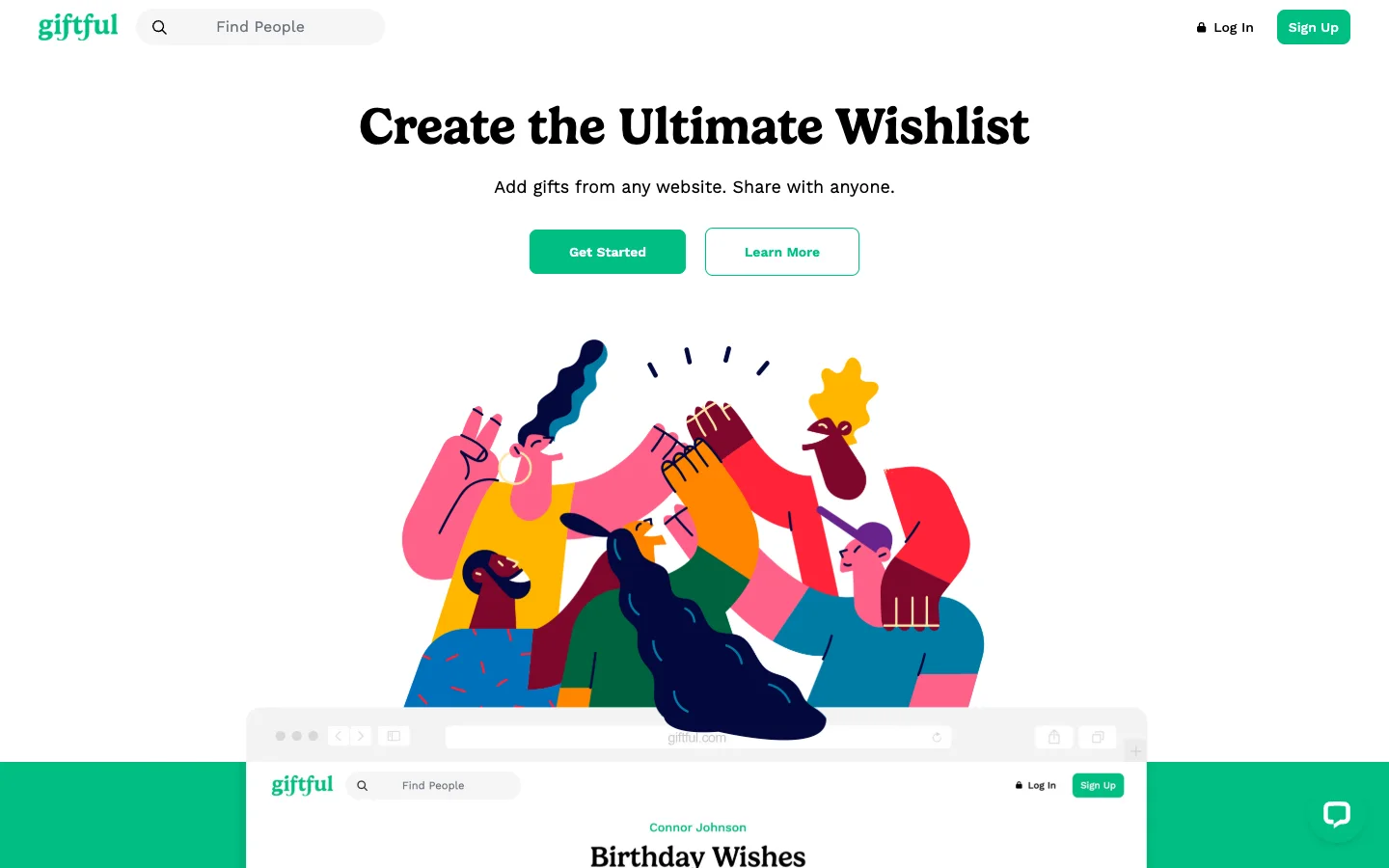
Giftful is the pick for the parent who wants the app to watch prices: every wish is tracked across retailers and you're told when it drops, which in a Black Friday-to-Christmas window is real money. It also has proper registry and "for someone else" list types and clean anonymous claiming. The account wall is the thing to know before you share — flip on link viewing (and guest claiming) in the list settings first, or Grandma hits a sign-up screen.
Best for: deal-watchers and families that do most of their Christmas shopping online across several stores.
7. Amazon Wish List: best if you only shop on Amazon
|
What we like
|
What to watch out for
|
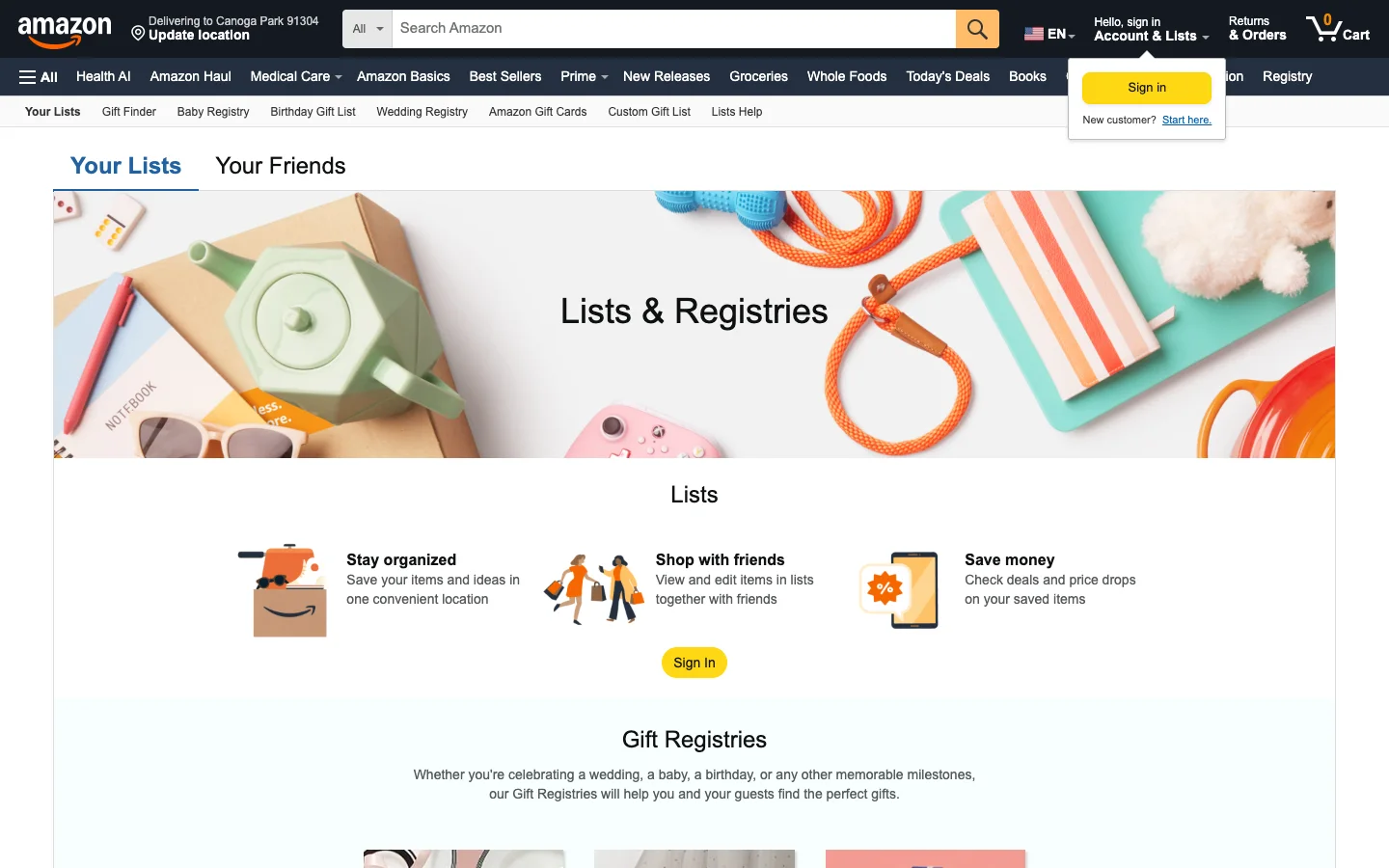
The Amazon Wish List is still the most-used Christmas list in America for one reason: nobody has to install anything. The surprise-spoiler protection is genuinely good, and a list per kid is easy. But it stopped being a universal wishlist in 2023, its purchase-hiding expires after a few weeks, and there is no reservation without a purchase — so it quietly pushes every gift to Amazon. If your family shops at Target, Etsy, a local toy shop and Amazon, it's the wrong tool.
Best for: households that buy almost everything on Amazon anyway and want the lowest-friction option.
8. Listful: best for aesthetic lists
|
What we like
|
What to watch out for
|
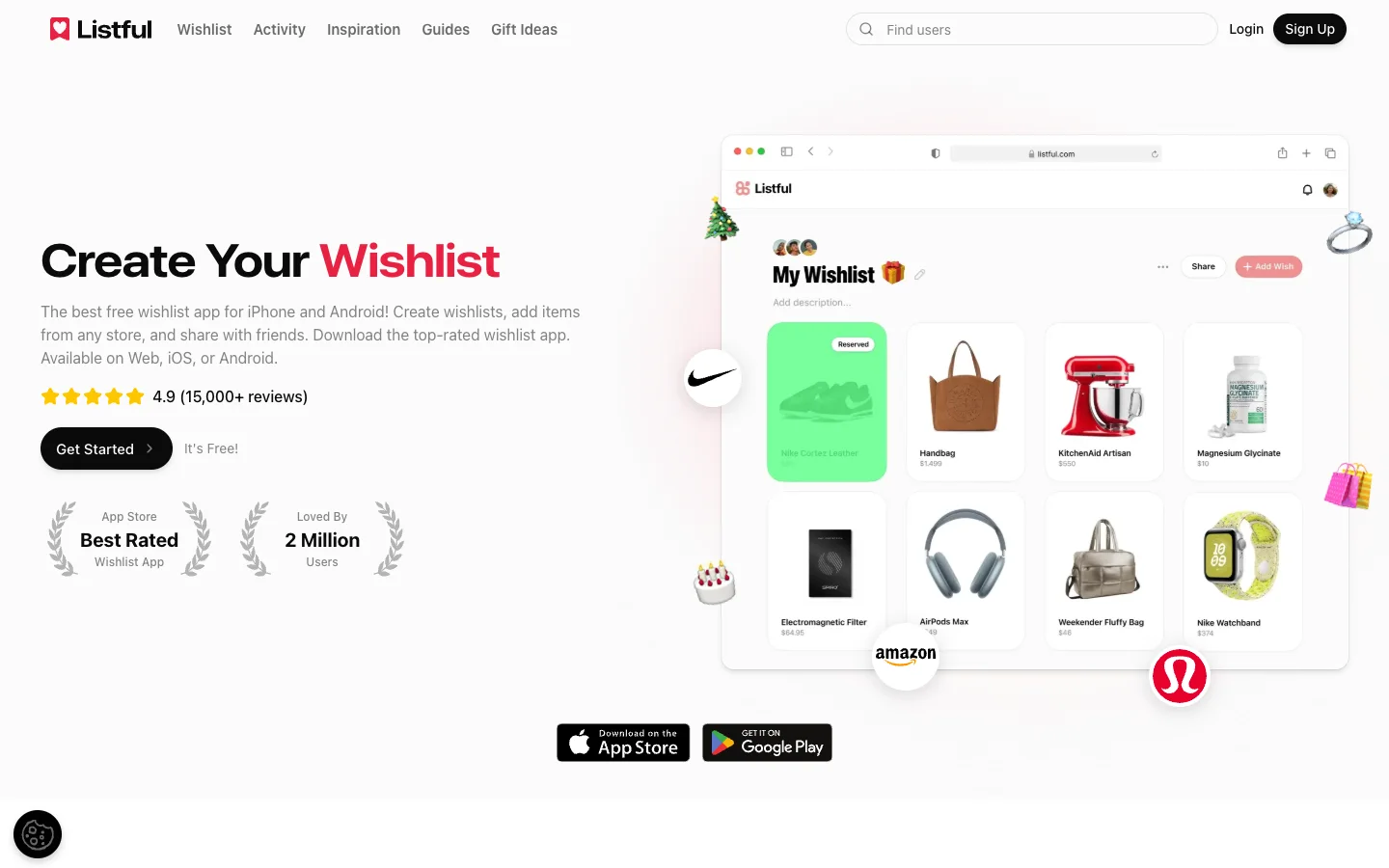
Listful is built for the person whose wishlist is also a mood board: themed pages, a Discover feed of popular items, one-tap sharing to social. As a personal Christmas list for a teen or an adult it's excellent. As a family system it's thin — no child lists, no draw, and reservations need an account — and the Pro upsell sits on the one thing a list owner most wants to know after Christmas (who bought what).
Best for: teens and adults who want a beautiful personal list to share on social, not a family-wide system.
9. Moonsift: best no-account gift list
|
What we like
|
What to watch out for
|
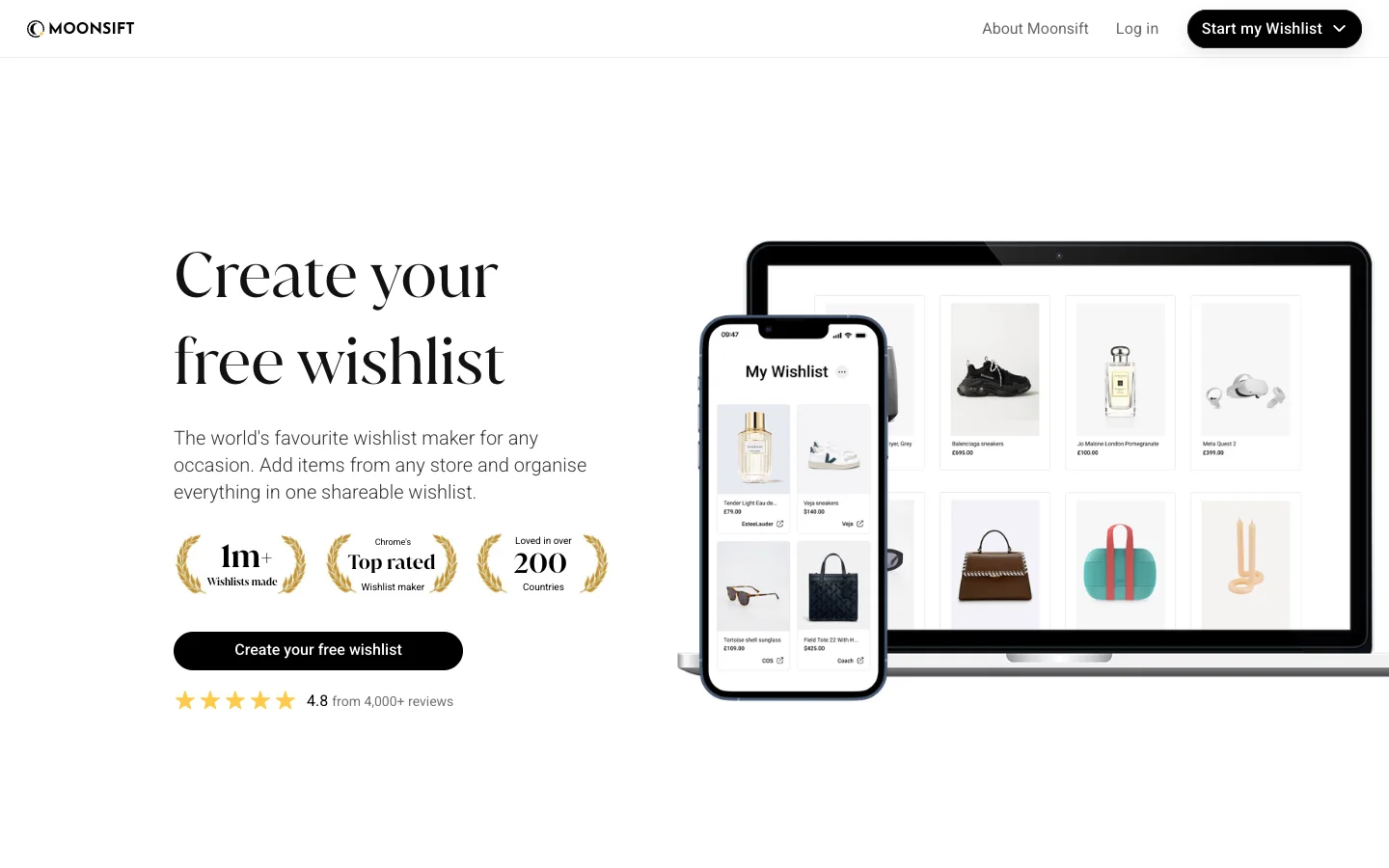
Moonsift is the answer to "my relatives refuse to sign up for anything": share a list in gift-list mode and anyone can view it and tick off what they've bought, with the owner kept in the dark. It's a strong personal wishlist with a great browser button and price alerts. It just isn't a family product — no kids' lists, no group, no draw.
Best for: one person's Christmas list shared with relatives who won't install apps.
10. Wishlists: simplest Secret Santa + wishlist combo
|
What we like
|
What to watch out for
|
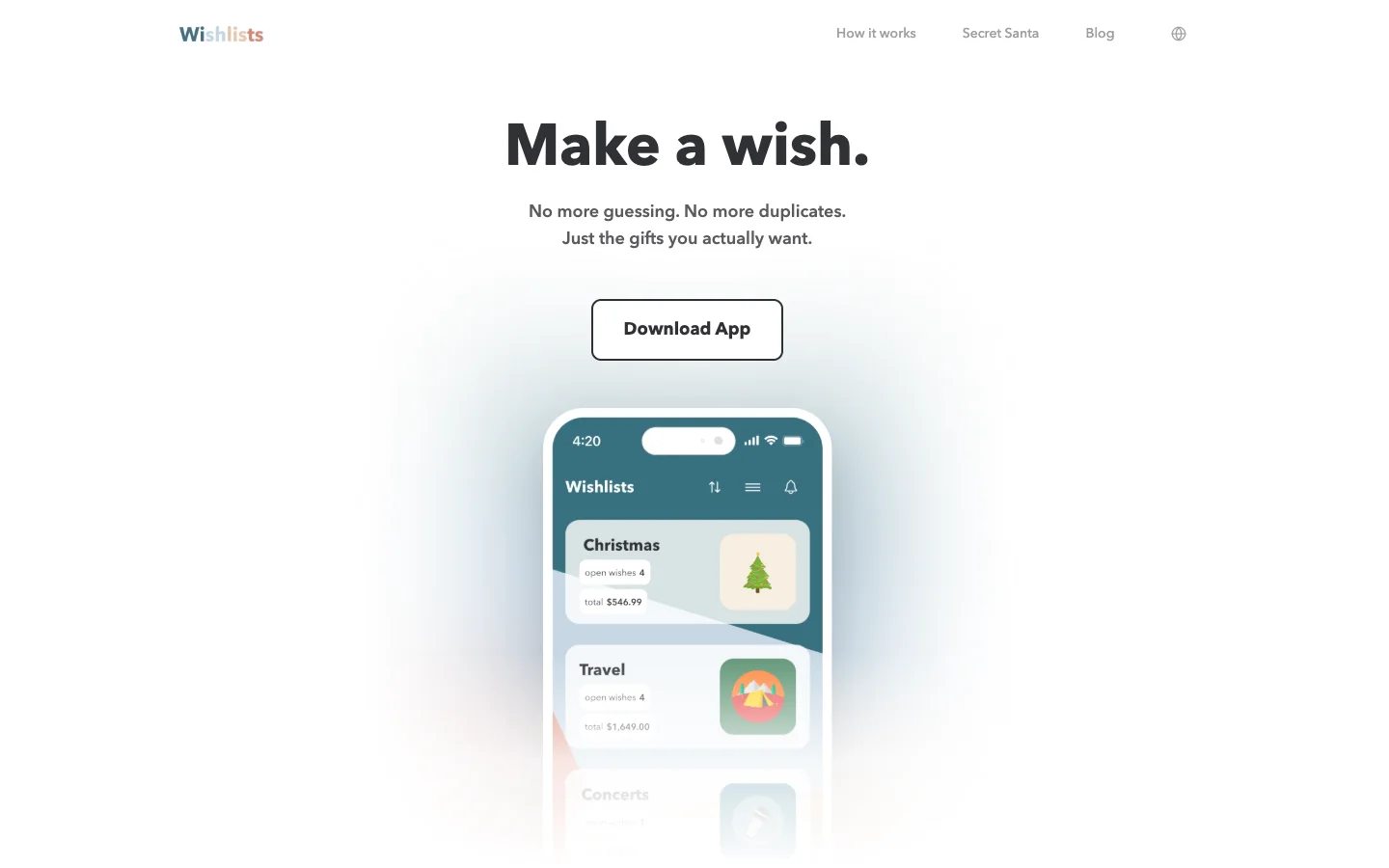
Wishlists is a small German-built app that does the essentials well and quietly: a tidy list, a hidden reserve, and a Secret Santa with exclusions and a budget — with no ads, by policy. It's mobile-only in practice, you can keep several lists but there are no managed child profiles, and unlimited lists need Premium. For a friend group that wants a draw plus simple lists and nothing else, it's an honest choice.
Best for: small friend groups who want an ad-free draw and simple lists on their phones.
Which Christmas wishlist app should you pick?
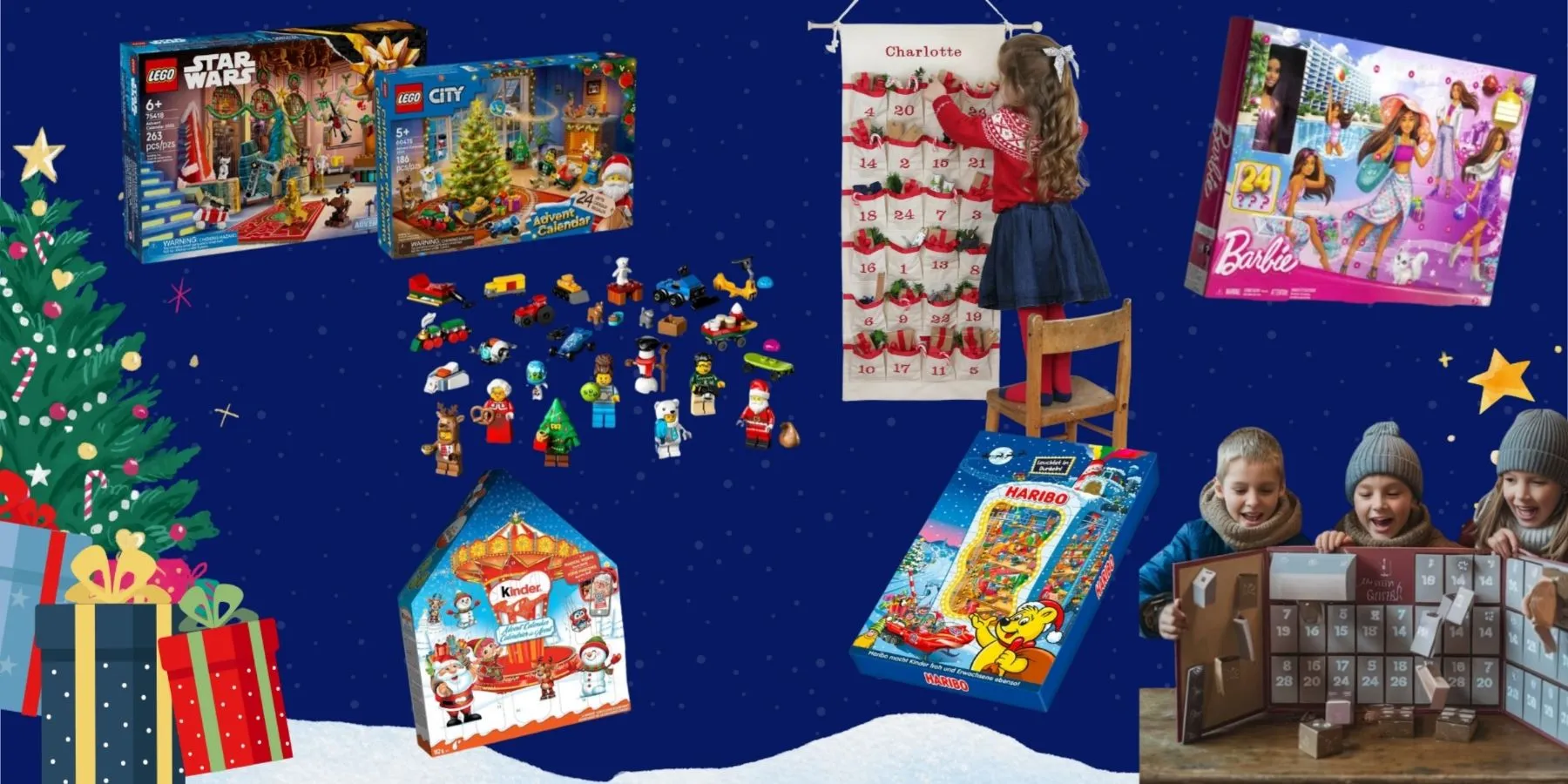
The whole family, kids included: WishDeck — a list per person in one account, secret reservations and a Secret Santa draw with the lists attached; Giftster if you'd rather have a closed family group and an organizer-blind draw. Office or big friend-group exchange: Elfster for reach, DrawNames for the fairest rules without passwords. Everyone's on iPhone and nobody draws names: GoWish. You want the app to watch prices: Giftful. Relatives who refuse to sign up for anything: Moonsift in gift-list mode. A beautiful personal list for a teen: Listful. Only Amazon, ever: the Amazon Wish List. Whichever you pick, our Christmas gift guides cover what goes on the lists — and the kids' advent calendars guide is where most of the early-December wishes start. Expecting a baby on top of the holidays? The same any-store, secret-reservation logic applies to registries — see our Babylist vs Amazon vs Target registry comparison.
Ready to Share Your Wishlist
However your family does Christmas, the lists come first — and that's the part a free WishDeck wishlist makes painless: a list for every family member, any store, secret reservations, and a Secret Santa draw that already knows what everyone wants. Start the lists in November, share one link in the family chat, and spend December wrapping instead of asking.
Frequently Asked Questions
Popular Reads
- Best Secret Santa Gifts for Female Coworkers 2026: Under $50 Beauty & Desk Picks
/webp/hero.webp)
- Best White Elephant Gifts Under $30: Funny, Useful & Office Party Picks (2026)

- Best Stocking Stuffers for Kids 2026: Toddlers, Boys & Girls Under $25
- 10 Best Wishlist Apps & Websites (2026): iPhone, Android & Web, Tested
- 25 Best Kids Advent Calendars 2026, Updated Weekly: Toddler, Boys, Toys & LEGO
Looking for more insights? Explore related topics: Best Secret Santa Gifts for Female Coworkers 2026, Best White Elephant Gifts Under $30 (2026), Best Stocking Stuffers for Kids 2026 or find more on our Blog.