
 10 Best Wishlist Apps (2026)
10 Best Wishlist Apps & Websites (2026): iPhone, Android & Web, Tested

The best wishlist apps in 2026 are WishDeck for a family that wants one any-store list with surprises kept, GiftList if your relatives refuse to sign up for anything, and Giftster for an extended-family group you will keep for years. We tested ten wishlist apps and websites on the three things that decide real gifting: adding from any store, hiding what has been reserved from the person who made the list, and sharing as one link relatives can open without installing anything, plus price and platforms. Each one below gets a real strength and a real flaw. Full disclosure: I co-founded WishDeck, one of the ten, so I have written down every place a rival beats us.
If you are new to this, start with our guide on how to make a wishlist people actually use, see how to turn a list into a shareable aesthetic wishlist, or jump to the holiday-specific online Christmas list maker comparison.
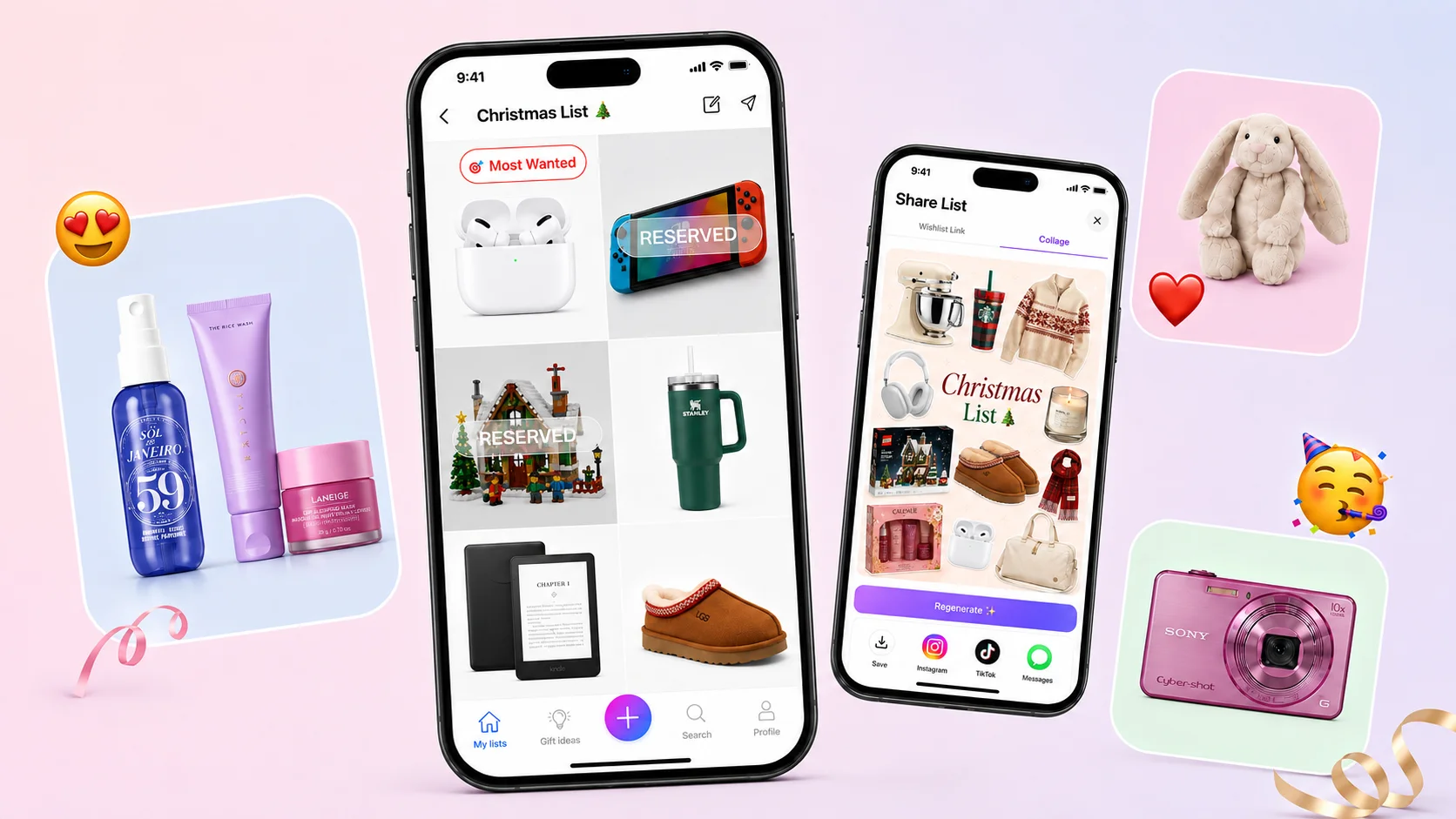
Add-on magic: Want to skip the research? Make your list on the free WishDeck wishlist app or in your browser: paste a link from any store and the photo, name and price fill in, share one link, and friends reserve gifts in secret so nothing arrives twice.
Table of Contents
1. How we tested and the feature matrix
2. WishDeck: best overall wishlist app
3. GiftList: most generous free tier
4. Giftster: best for extended-family groups
5. Elfster: best for Secret Santa exchanges
6. Listful: prettiest shareable lists
7. Giftful: best price tracking
8. Stow: best iPhone-only option
9. MyRegistry: best for store registries in one link
10. GoWish: the app your friends already have
11. Moonsift: best no-account gift list
12. How to choose in 30 seconds
13. Frequently Asked Questions
Our Top 5 Picks
 Best Overall
WishDeck
Any store, one shareable link, reservations hidden from you, a list per family member in one account, and an AI gift assistant grounded in real wishlists.
Free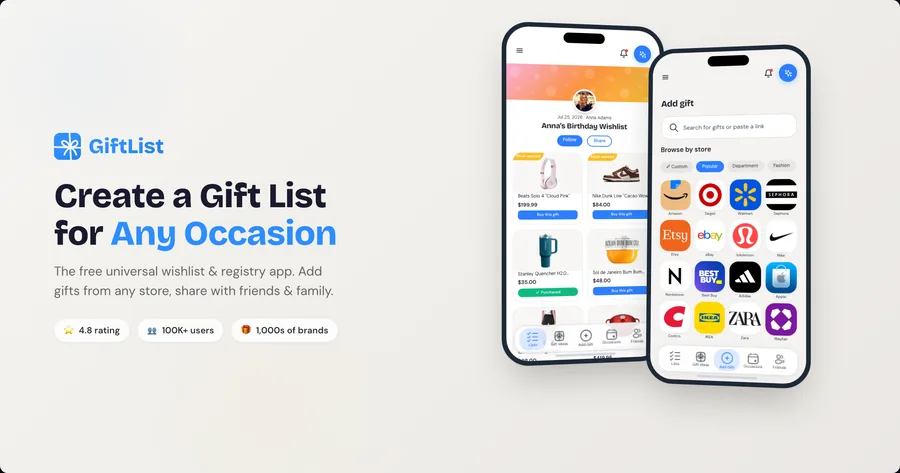 Best Free Tier
GiftList
No item limits, guests reserve without an account, cash funds, and the Genie AI gift finder, all at no cost.
Free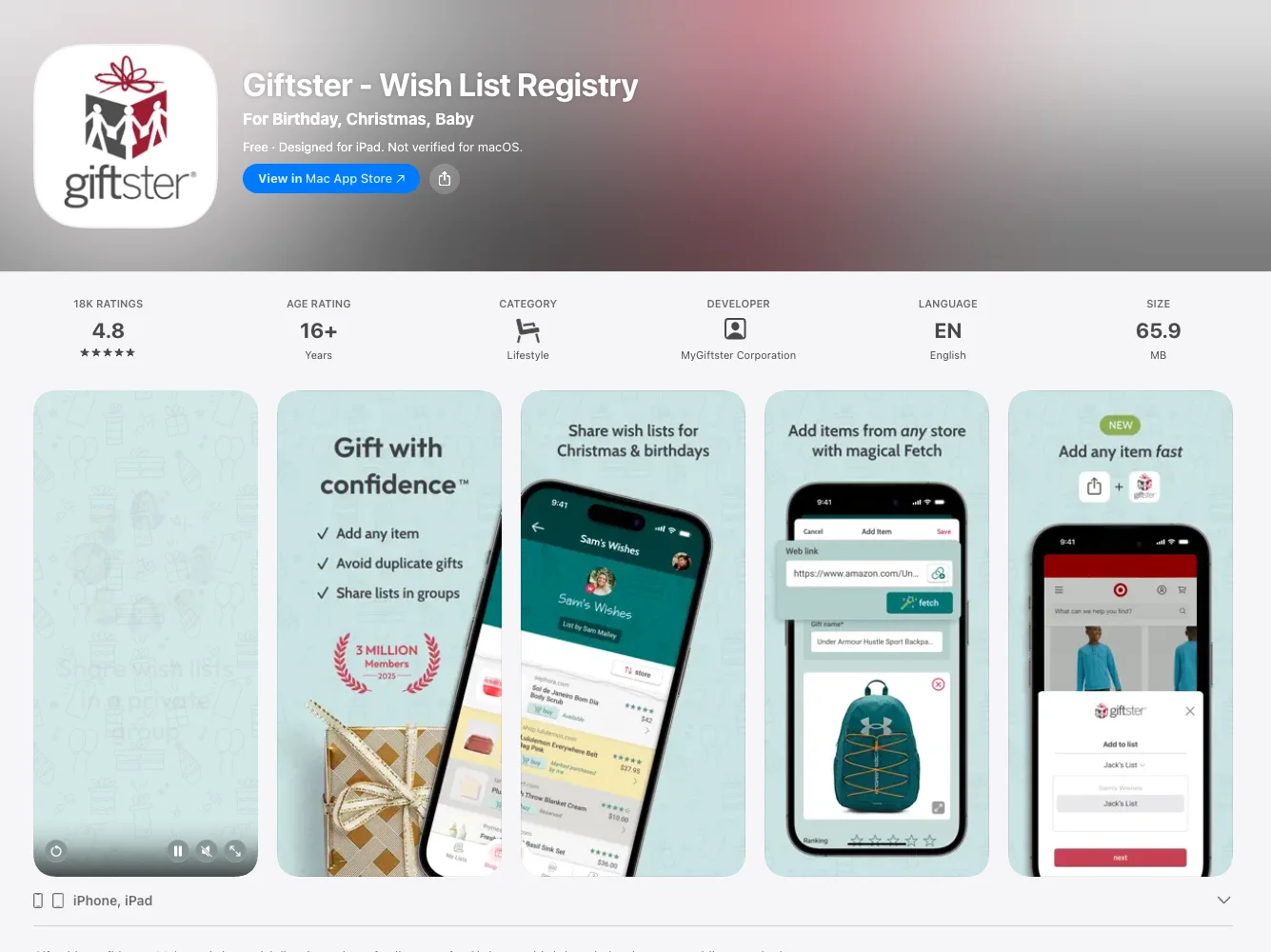 Best Family Groups
Giftster
A closed family group with child accounts under one login, running since 2009 with three million members.
Free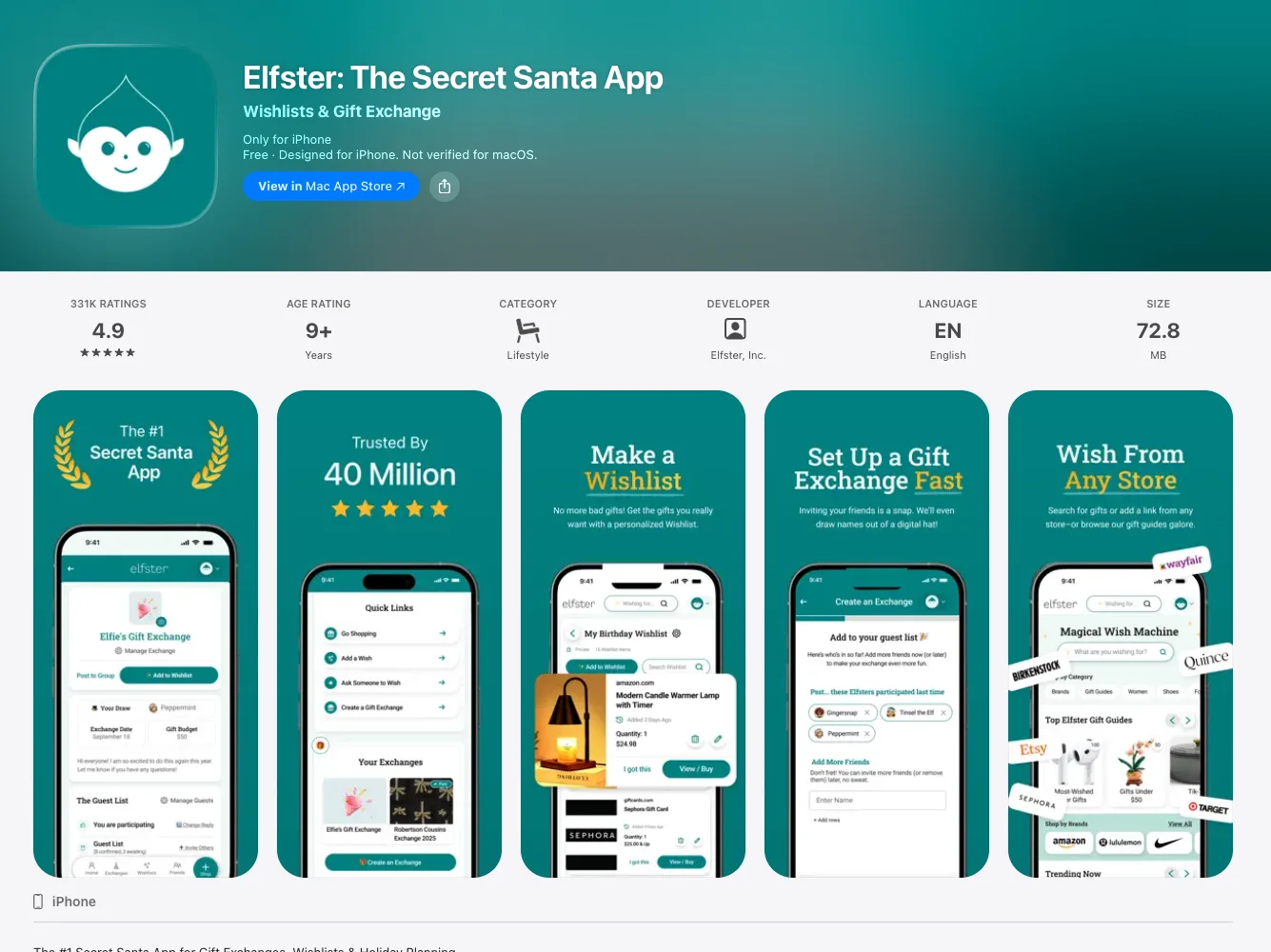 Best for Secret Santa
Elfster
The most-used Secret Santa generator, with budgets, draw exclusions and a wishlist for every participant.
Free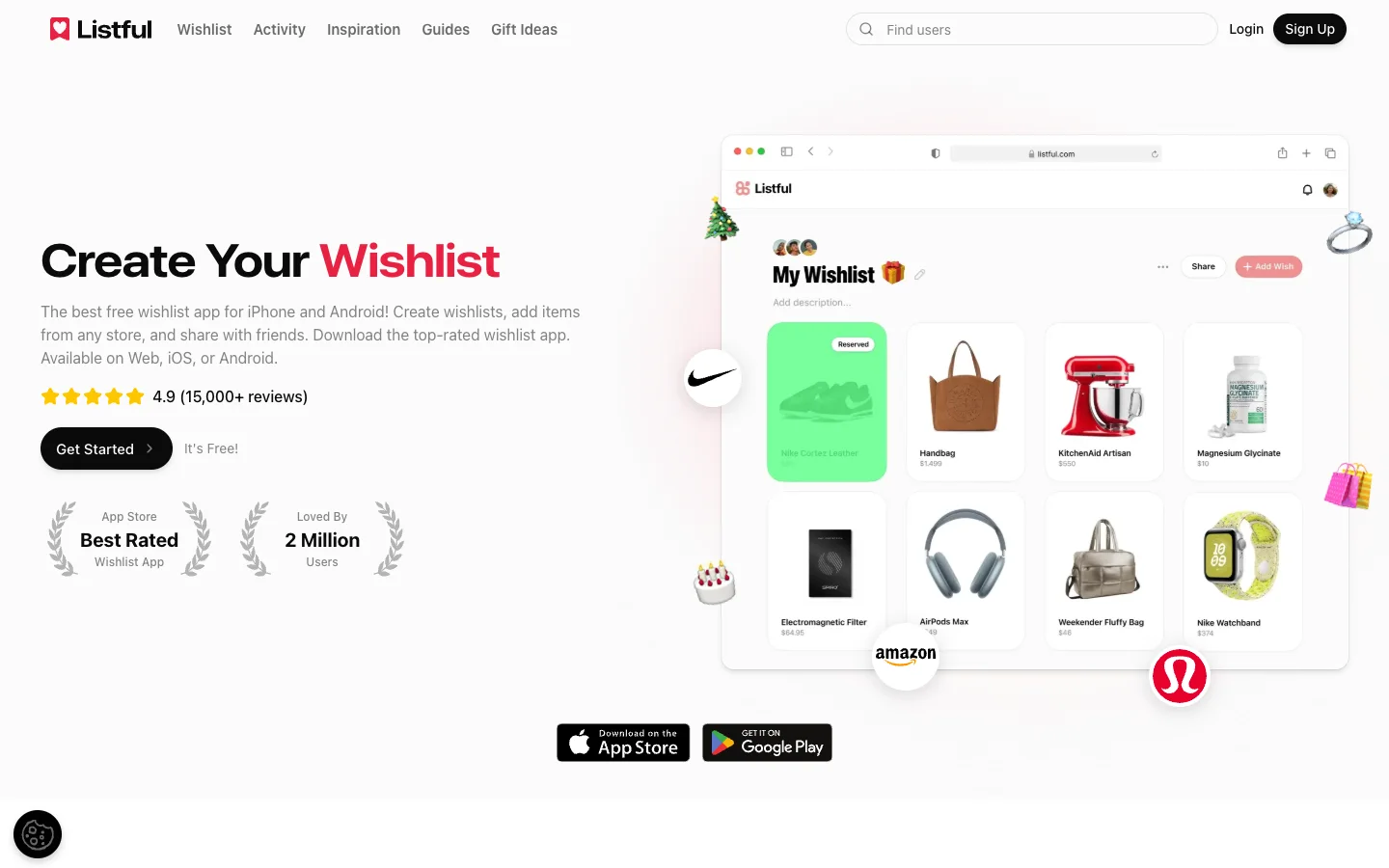 Prettiest Lists
Listful
Themed list designs, price-drop alerts and the best-looking shareable page of the seven.
FreeHow we tested and the feature matrix
We made a real list in each app with the same five items (an Amazon kitchen gadget, an Etsy print, a Sephora set, a lululemon bag and a product from a tiny indie shop), shared it with a second phone on the other platform, and tried to reserve a gift as a guest. Prices, platform availability and account rules were re-checked on September 13, 2026 against each app's own site and App Store or Google Play listing. Apps change their rules, so treat the table as a snapshot.
| App | Any store | Reservations hidden from owner | Guest can reserve without account | Choose who sees each wish | Secret Santa draw | AI gift ideas | Platforms | Price |
|---|---|---|---|---|---|---|---|---|
| WishDeck | ✅ Link, share sheet | ✅ Yes (owner can reveal on Premium) | ⚠️ View free; free sign-up to reserve | ✅ Circles (Premium) | ✅ Built in | ✅ Grounded in real wishlists | iPhone, Android, web | Free, optional Premium |
| GiftList | ✅ Link, apps, extension | ✅ Yes | ✅ Yes | ❌ List-level only | ✅ Gift exchange tool | ✅ Genie | iPhone, Android, web, extension | Free |
| Giftster | ✅ Link, extensions | ✅ Yes | ✅ On public lists (web) | ❌ Group and list level | ✅ Organizer-blind | ❌ | iPhone, Android, web | Free (affiliate-supported) |
| Elfster | ✅ Link, Chrome button | ✅ Yes | ❌ Login required | ❌ | ✅ Budgets, exclusions, reminders | ❌ Curated gift guides | iPhone, Android, web | Free (ad-supported) |
| Listful | ✅ Link, extension, barcode | ✅ Yes (seeing who = Pro) | ✅ Viewers mark purchased | ❌ | ❌ | ❌ | iPhone, Android, web | Free, Pro from about $2.99/mo |
| Giftful | ✅ Link, Chrome plugin | ✅ Yes | ⚠️ Account by default; owner can allow guests | ❌ | ❌ | ⚠️ "Find Ideas" search | iPhone, Android, web, extension | Free |
| Stow | ✅ Link, share sheet | ❌ No reservations | ➖ Not applicable | ⚠️ Public or private lists | ❌ | ❌ | iPhone only | Free |
| MyRegistry | ✅ Link, browser button, registry sync | ❌ Owner is notified of purchases | ✅ Yes | ❌ | ❌ | ❌ | iPhone, Android, web, extension | Free |
| GoWish | ✅ Link, share sheet | ✅ Yes | ❌ Login required | ❌ | ❌ | ❌ | iPhone, Android, web | Free (brand promotions) |
| Moonsift | ✅ Chrome button, share sheet | ✅ Yes (gift-list mode) | ✅ Marks as bought, no sign-up | ❌ | ❌ | ❌ | iPhone, Android, web, Chrome | Free |
Two rows in that table decide most family arguments. If reservations are not hidden from the owner, the surprise is gone. If guests cannot reserve without an account, half the relatives never reserve at all and you get two of the same present. Everything else is preference.
1. WishDeck: best overall wishlist app
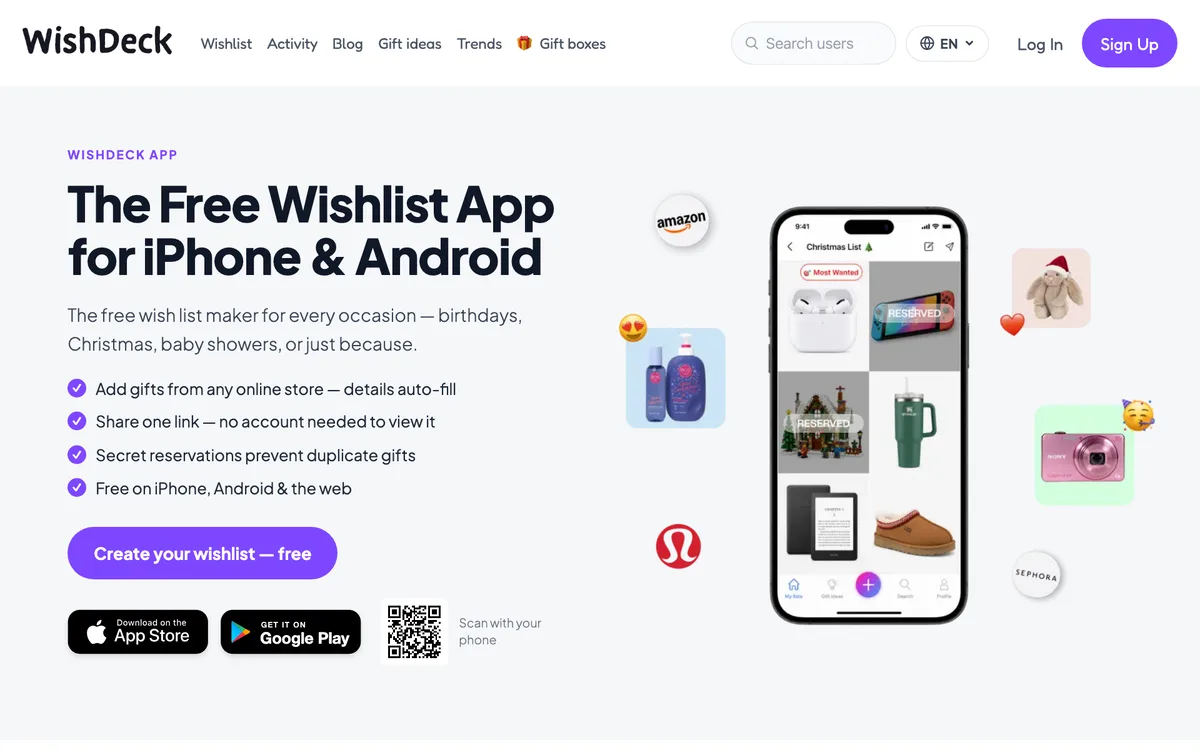
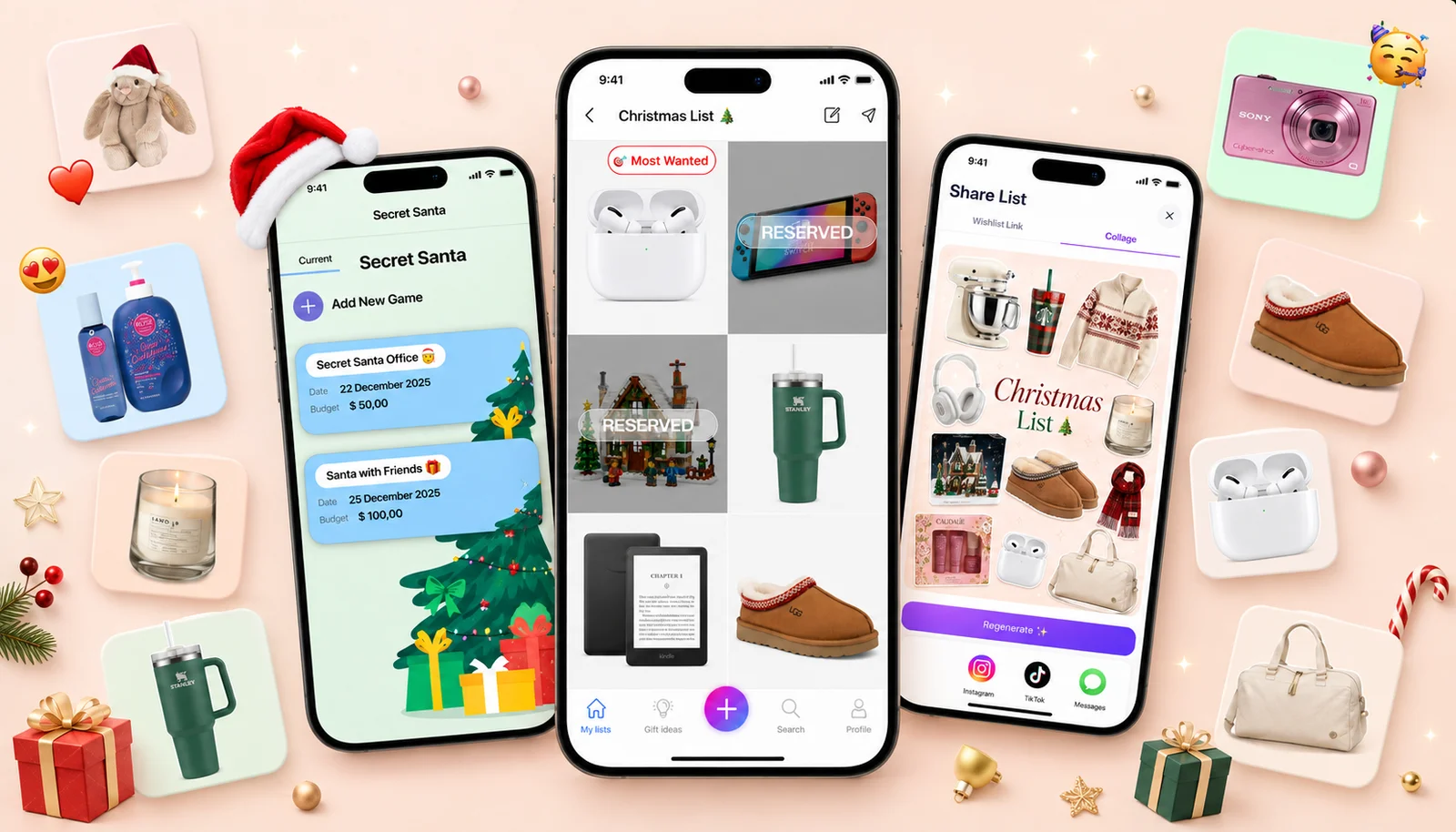
What it does well: paste a product link from any store and the name, photo and price fill in. The list lives at one link (wishdeck.com/your-name) that opens in any browser, so your grandmother sees it without installing anything. When someone decides to buy a gift they reserve it secretly: other gift-givers see it is taken, you never do. One account holds a separate list for each child and each parent, so a single person can run Christmas for the household, and every list turns into an Instagram-sized collage in one tap.
What the others do not have: Circles. On every other app here a list is public or private. WishDeck lets you decide which group of people (Family, Best Friends, Co-workers) sees each individual wish or list, so a partner-only wish never appears in front of colleagues. Wishes also have a life after they are gifted: mark one fulfilled, move it to your Tried & Loved list, and friends who follow you browse real recommendations from someone who owns the product. There is a Kids mode too: a younger user picks WishDeck Kids on iPhone and gets a simpler, kid-safe app with events, comments, likes and public feeds switched off, so a child with her own phone can keep a list without the community layer. There is a built-in Secret Santa draw with every player's wishlist attached, and an AI gift assistant that answers "what do I get a 70-year-old mum who gardens?" using what people are actually adding to their wishlists this month, not a guess from training data.
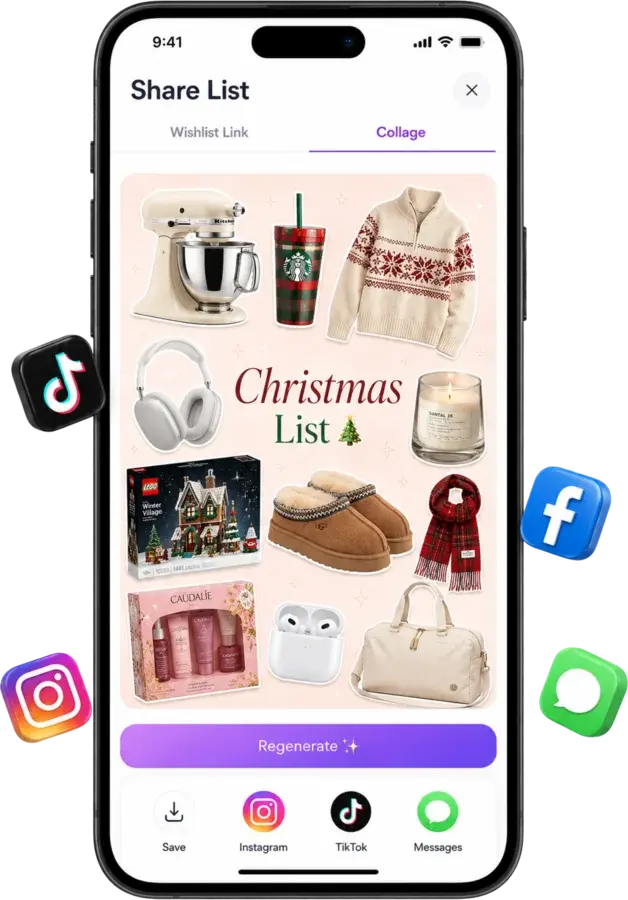
One tap turns a list into a collage for Instagram, TikTok, or the family chat.
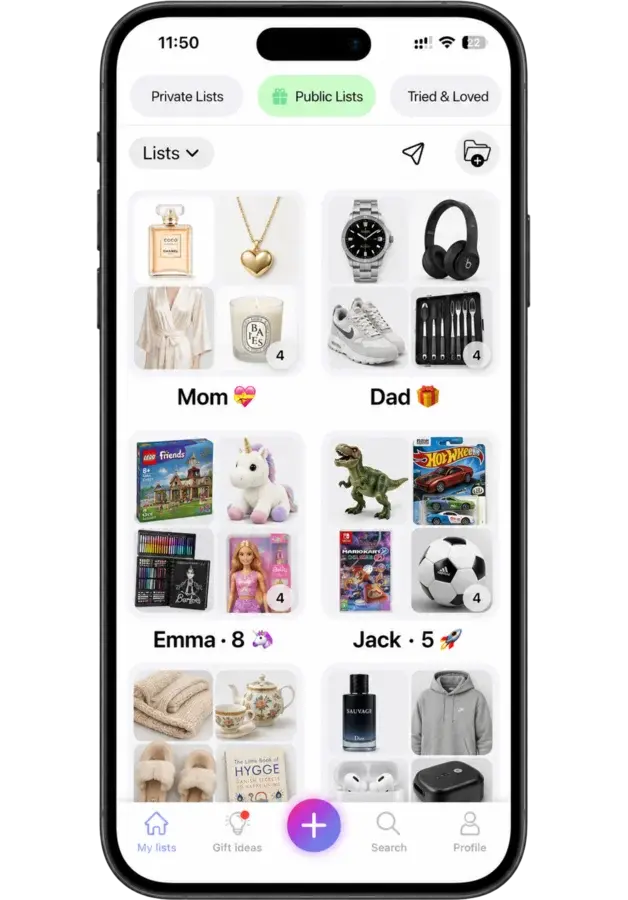
One account, the whole family
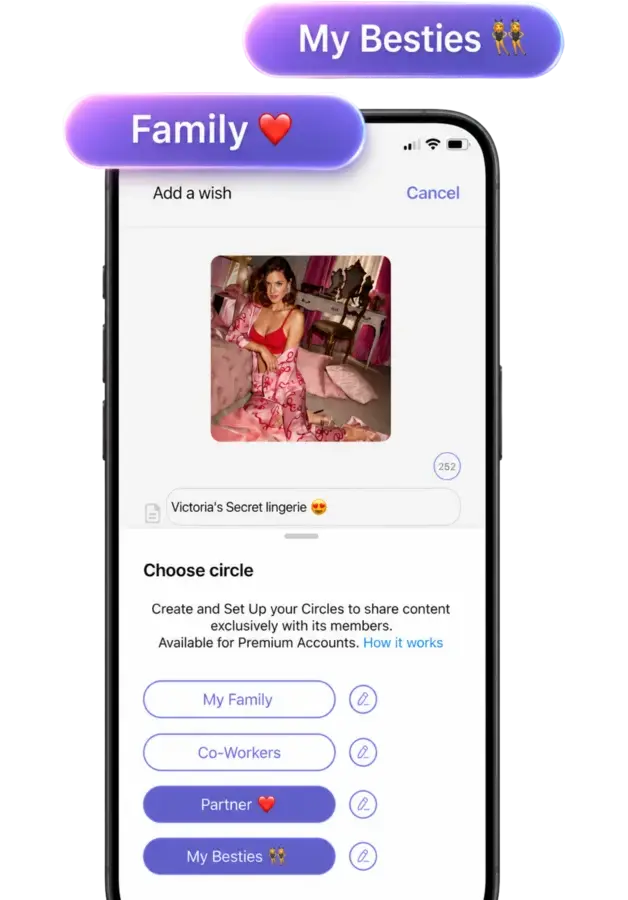
Circles: decide which group of people sees each wish.
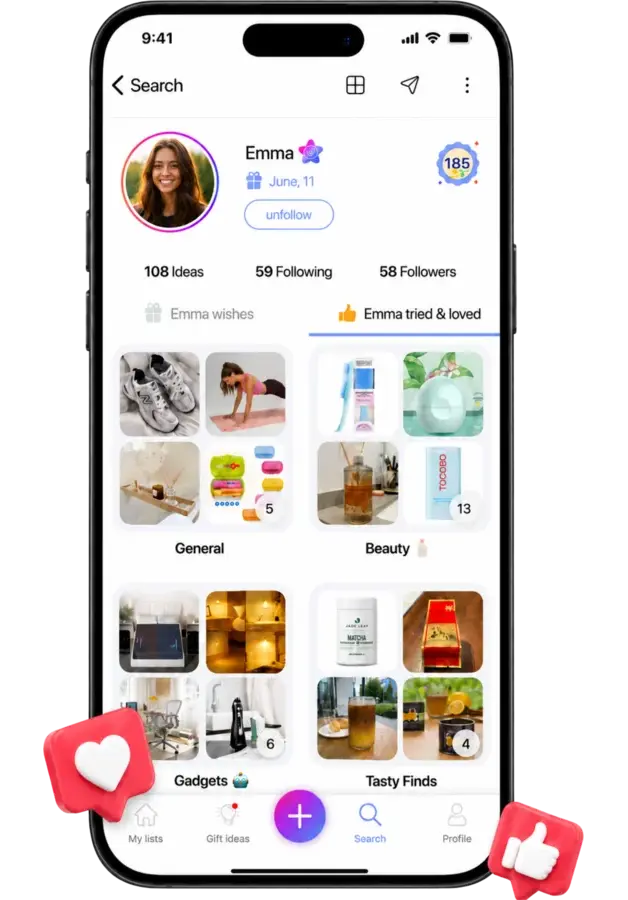
Fulfilled wishes become recommendations friends can browse.
Swipe to see more
Where it falls short: viewing is free with no account, but reserving a gift asks the guest for a free sign-up that takes a few seconds; GiftList lets guests reserve with nothing at all. Circles and unlimited AI searches sit in the optional Premium tier. And we are younger than Giftster or Elfster, so your relatives probably have not installed it yet.
Price and platforms: free on iPhone, Android and the web; optional Premium.
Best for: anyone who wants one wishlist for every store and every relative, with surprises kept. Start on the WishDeck wishlist app page.
2. GiftList: most generous free tier
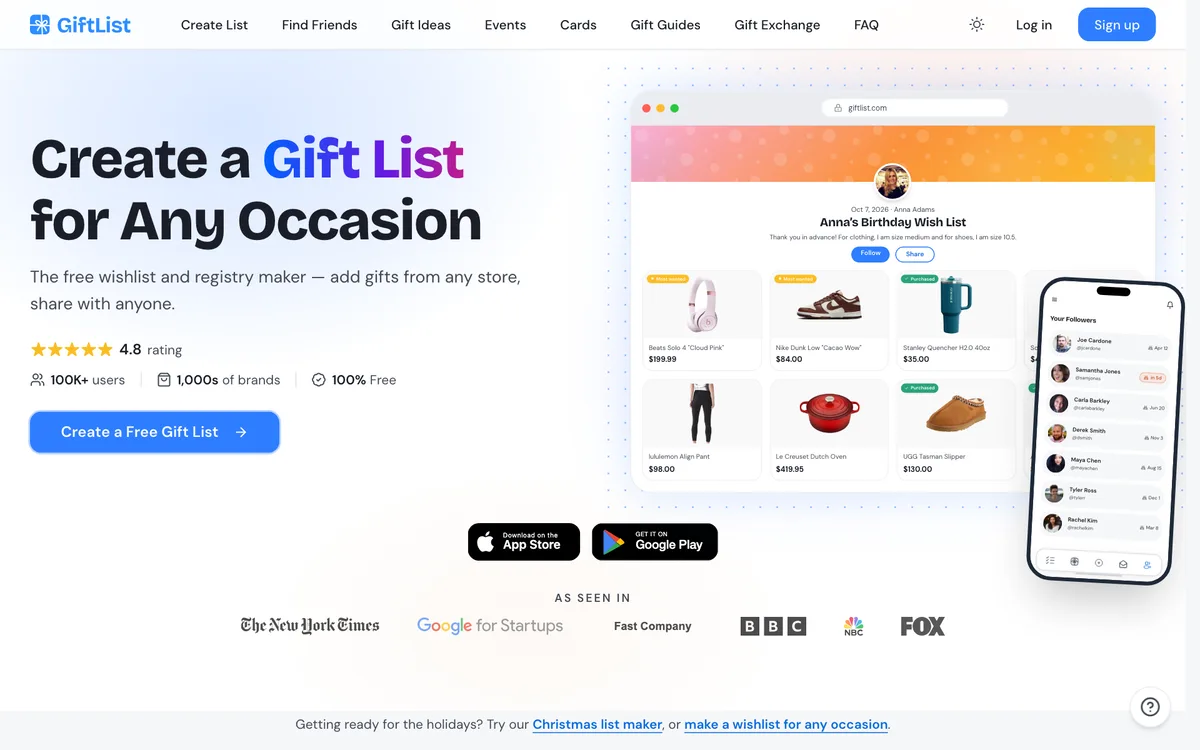
What it does well: GiftList is free with no limits on lists or items, and it runs everywhere: web, iOS, Android and browser extensions for one-click adding while you shop. Friends can reserve a gift without creating an account, purchased gifts stay hidden from the list owner, and it adds things most wishlist apps skip: cash funds, registry import, a gift-exchange tool and an AI gift finder called Genie that suggests ideas from thousands of stores when you describe the person. It claims a 4.8 rating and over 100,000 users.
Where it falls short: visibility is set per list, not per wish, so there is no way to show one item to family and hide it from co-workers. The lists themselves look like a registry rather than something you would post to Instagram, and the interface leans toward the gift-giver side (idea lists, cards, events) which can feel busy if you just want a simple want-list.
Price and platforms: free; iPhone, Android, web, browser extension.
Best for: heavy list-makers who want zero limits and no-account reserving for guests. Try GiftList
3. Giftster: best for extended-family groups
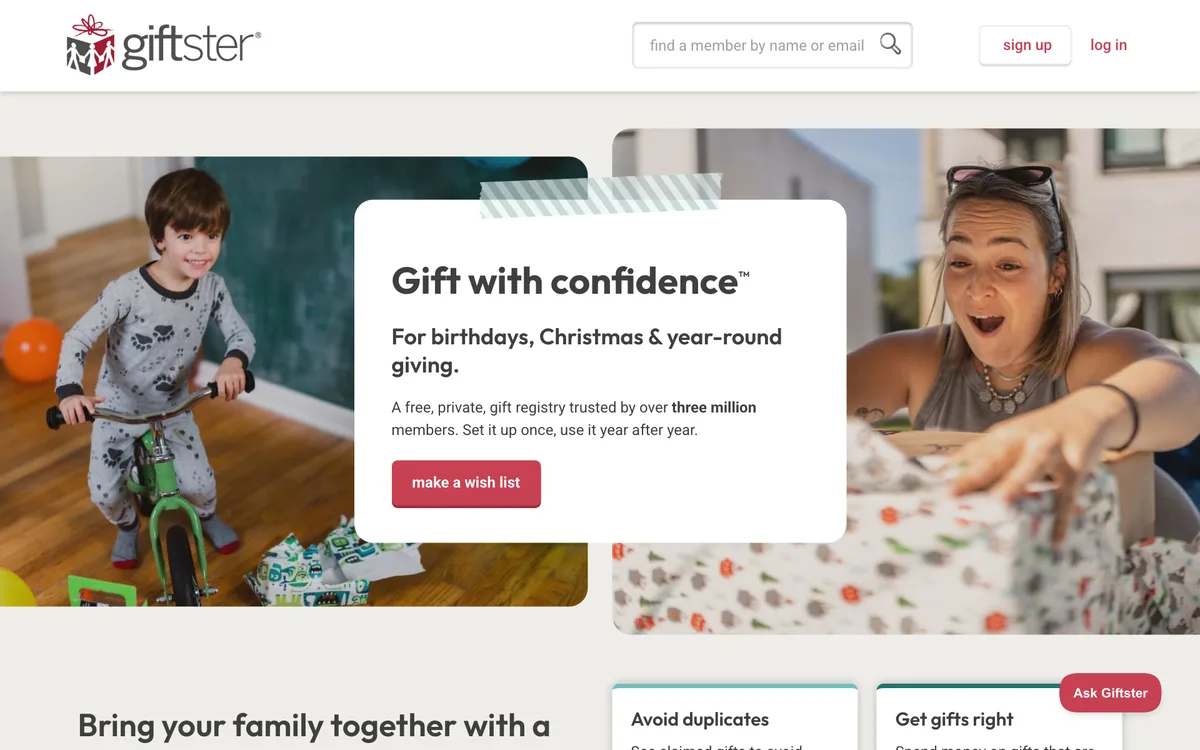
What it does well: Giftster has run private family gift groups since 2009 and says over three million members use it. You set the group up once and use it every birthday and Christmas after that: each relative keeps a list, purchases are hidden from the list maker, and a parent can add child accounts under one login. It has no display ads (it earns from affiliate links instead), and the Secret Santa draw hides the results even from the organizer.
Where it falls short: the interface feels a generation older than the newer apps, and the group-first structure means more setup before anything useful happens. Visibility is managed at group and list level, so you cannot pick who sees one wish. Guests can reserve without an account only on public lists in the web version.
Price and platforms: free; iPhone, Android, web, browser extensions.
Best for: big extended families who want one system that lasts for years. Try Giftster
4. Elfster: best for Secret Santa exchanges
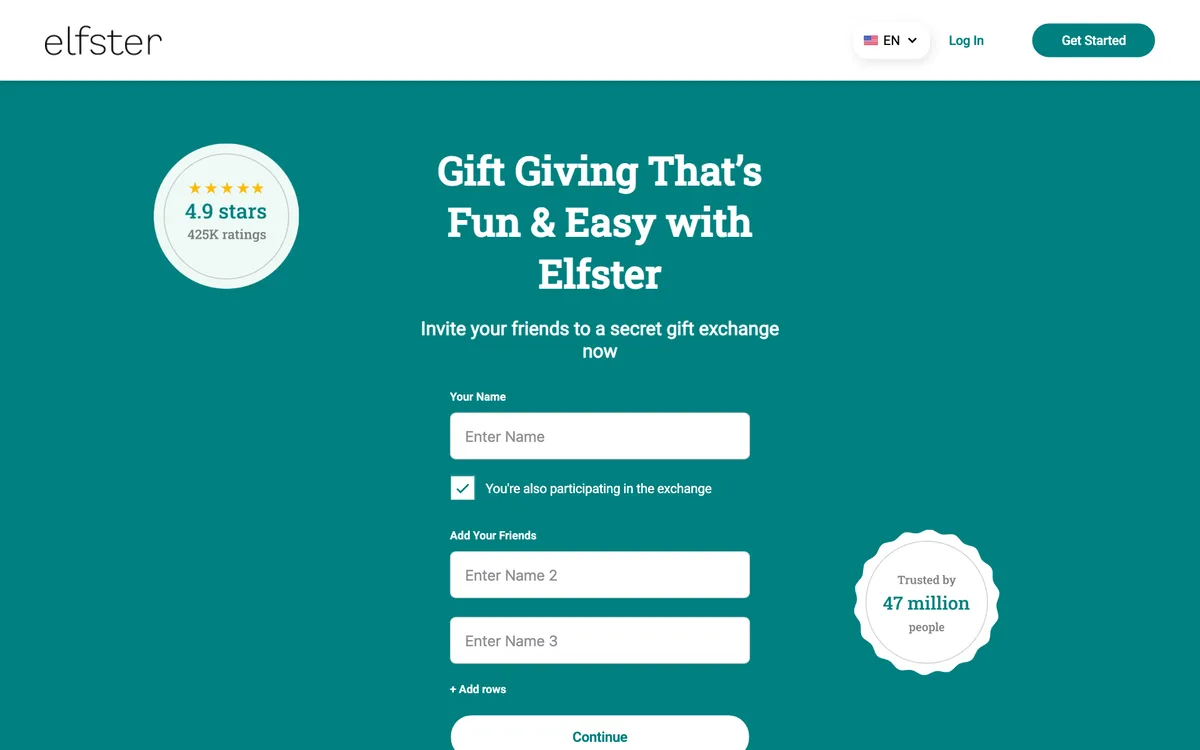
What it does well: Elfster calls itself the home of the world's number one Secret Santa generator and the numbers on its homepage back that up: a 4.9 App Store rating from more than 400,000 reviews and a claim of 47 million people. Set up an exchange, invite the group, and it draws names, handles exclusions ("don't match me with my ex"), sets a budget and nudges everyone along. Every participant gets a wishlist, and the curated gift guides are handy when a list is empty.
Where it falls short: everyone in the exchange needs an Elfster account, which is exactly the friction casual family exchanges hate, and gift-givers must log in to mark a gift bought. The app is ad-supported. As an everyday "keep everything I want in one place" app it feels secondary; it is built around exchanges.
Price and platforms: free with ads; iPhone, Android, web.
Best for: organized gift exchanges with rules, budgets and name draws. Try Elfster
5. Listful: prettiest shareable lists
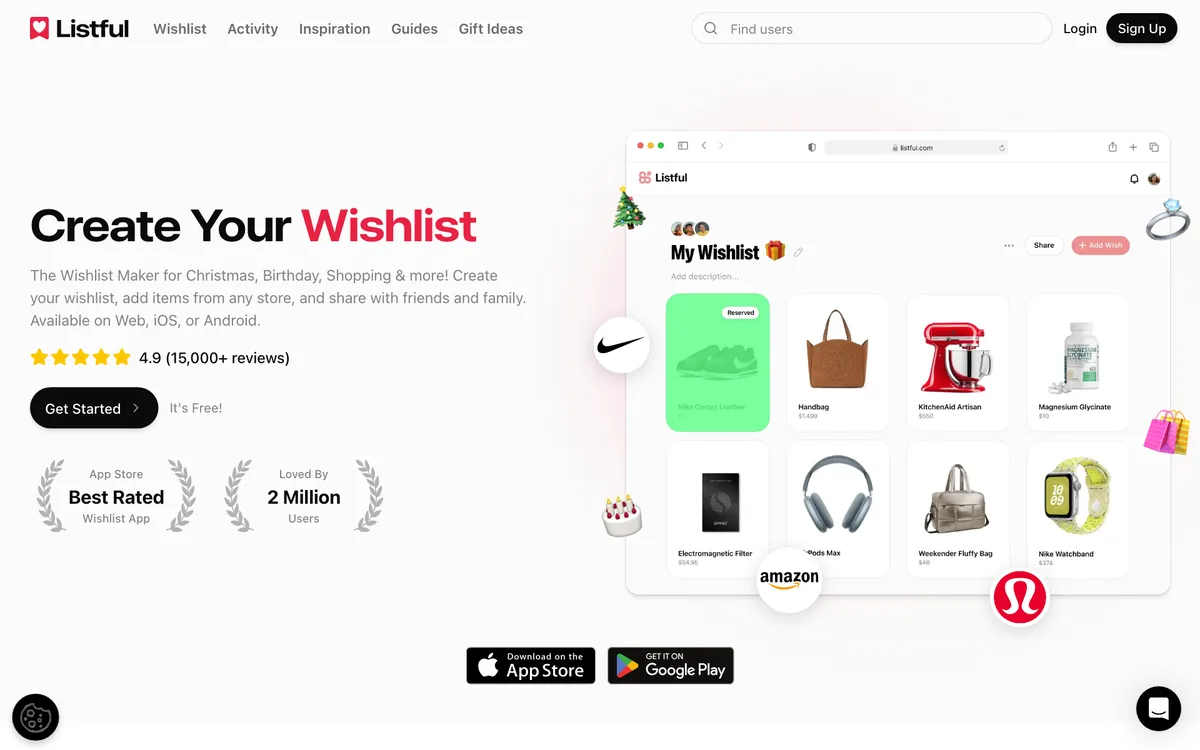
What it does well: Listful makes the best-looking list page of the seven and in 2026 added themes (Pink, Ocean, Sage, Vintage and more) so the list matches your taste. It adds from any store by link, extension or barcode, tracks prices with sale notifications, sorts wishes by priority, and viewers can mark an item purchased without an account. It reports a 4.9 rating from more than 15,000 reviews and two million users.
Where it falls short: the gifting mechanics are lighter than the top three. Seeing who reserved an item is a Pro feature (from about $2.99 a month), there is no Secret Santa draw, no per-wish privacy and no child profiles. It is stronger as a beautiful list than as a coordination tool for a family of gift-givers.
Price and platforms: free, Pro from about $2.99 a month; iPhone, Android, web.
Best for: aesthetic wishlists you will share on social or in a group chat. Try Listful
6. Giftful: best price tracking
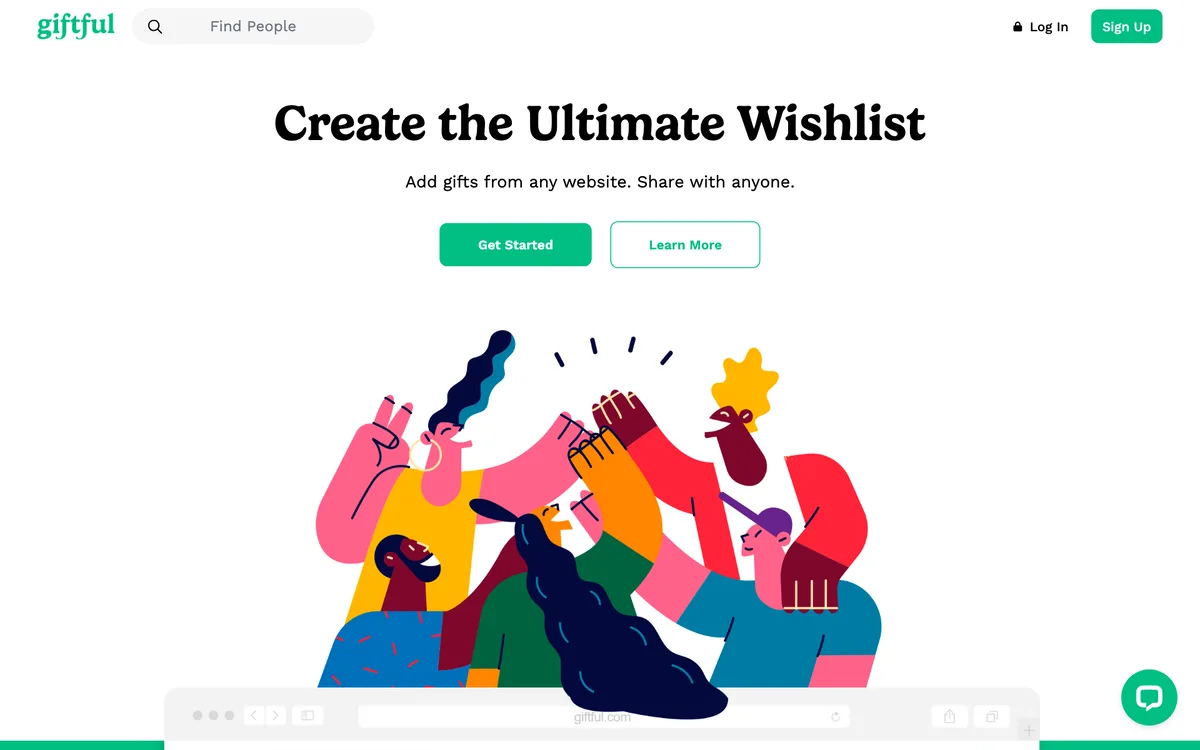
What it does well: paste a link and Giftful produces a tidy card with a "most wanted" priority tag. It compares prices across retailers and tracks price changes on saved items, which none of the others do as thoroughly. Friends claim gifts anonymously so the recipient never knows what is taken, lists are unlimited, and it has a 4.8 App Store rating from about 86,000 ratings. There are apps for iPhone and Android plus a Chrome plugin.
Where it falls short: viewers need an account by default (the owner can switch that off per list), and App Store reviewers note the link importer sometimes picks the wrong photo from a page, so you occasionally fix images by hand. No Secret Santa draw, no per-wish privacy, and discovery is minimal.
Price and platforms: free; iPhone, Android, web, Chrome plugin.
Best for: people who want the app to watch prices for them. Try Giftful
7. Stow: best iPhone-only option
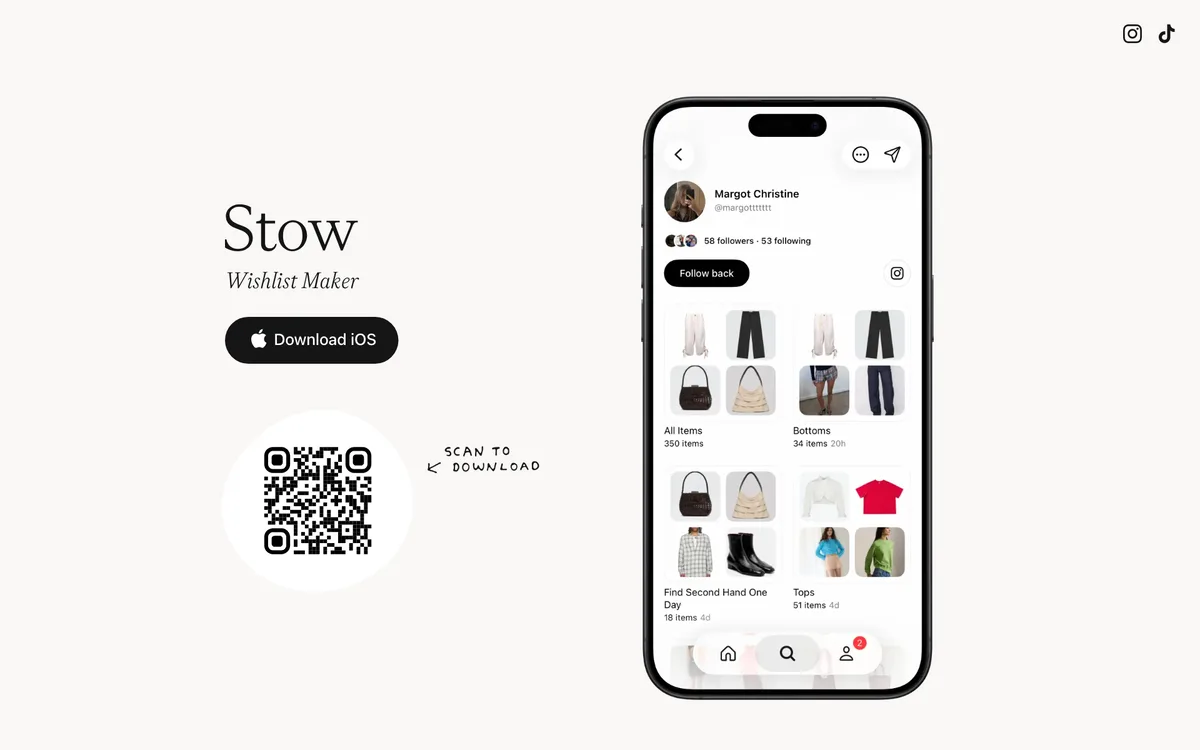
What it does well: Stow is a calm, intentional take on saving things you want. It pulls product data from any link, keeps private lists for yourself and public ones to share your taste, lets you follow friends to see what they are shopping for, and supports collaborative lists for trips or moves. It is free with no subscription and no in-app purchases.
Where it falls short: there is no Android version, which cuts out half of most families, and there is no reservation system at all, so it is a personal want-list rather than a gifting tool.
Price and platforms: free; iPhone only.
Best for: iPhone users who want a beautiful personal list and social discovery, not family gifting. Try Stow
8. MyRegistry: best for store registries in one link
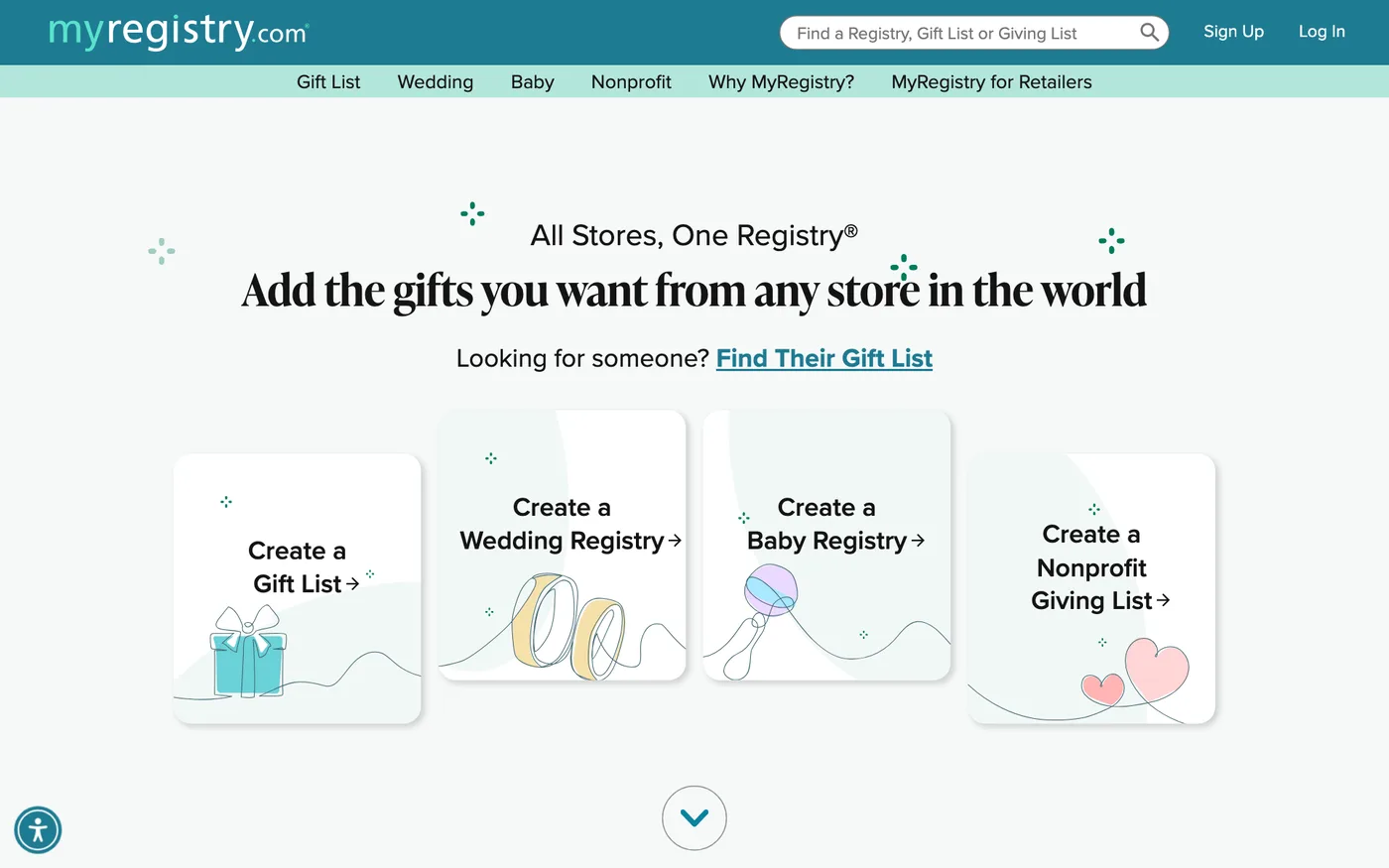
What it does well: "All Stores, One Registry" is the pitch and it delivers. Add any product from any store with the browser button or the app, then sync the registries you already opened at big-box stores into one page with one link while keeping each store's completion perks. It runs wedding, baby, nonprofit and plain gift lists, adds cash funds, and reports more than 213 million gifts added. The iPhone app holds 4.8 stars from about 6,800 ratings, checked September 23, 2026.
Where it falls short: it is built for registries, not everyday wishlists. The pages look like a store registry, the list owner is told when gifts are bought (its own testimonials mention the notifications), so a surprise depends on you not reading them, and there is no Secret Santa draw, no per-wish privacy and no collage or social sharing.
Price and platforms: free; iPhone, Android, web, browser button.
Best for: a wedding or baby registry spread across several stores. Try MyRegistry
9. GoWish: the app your friends already have
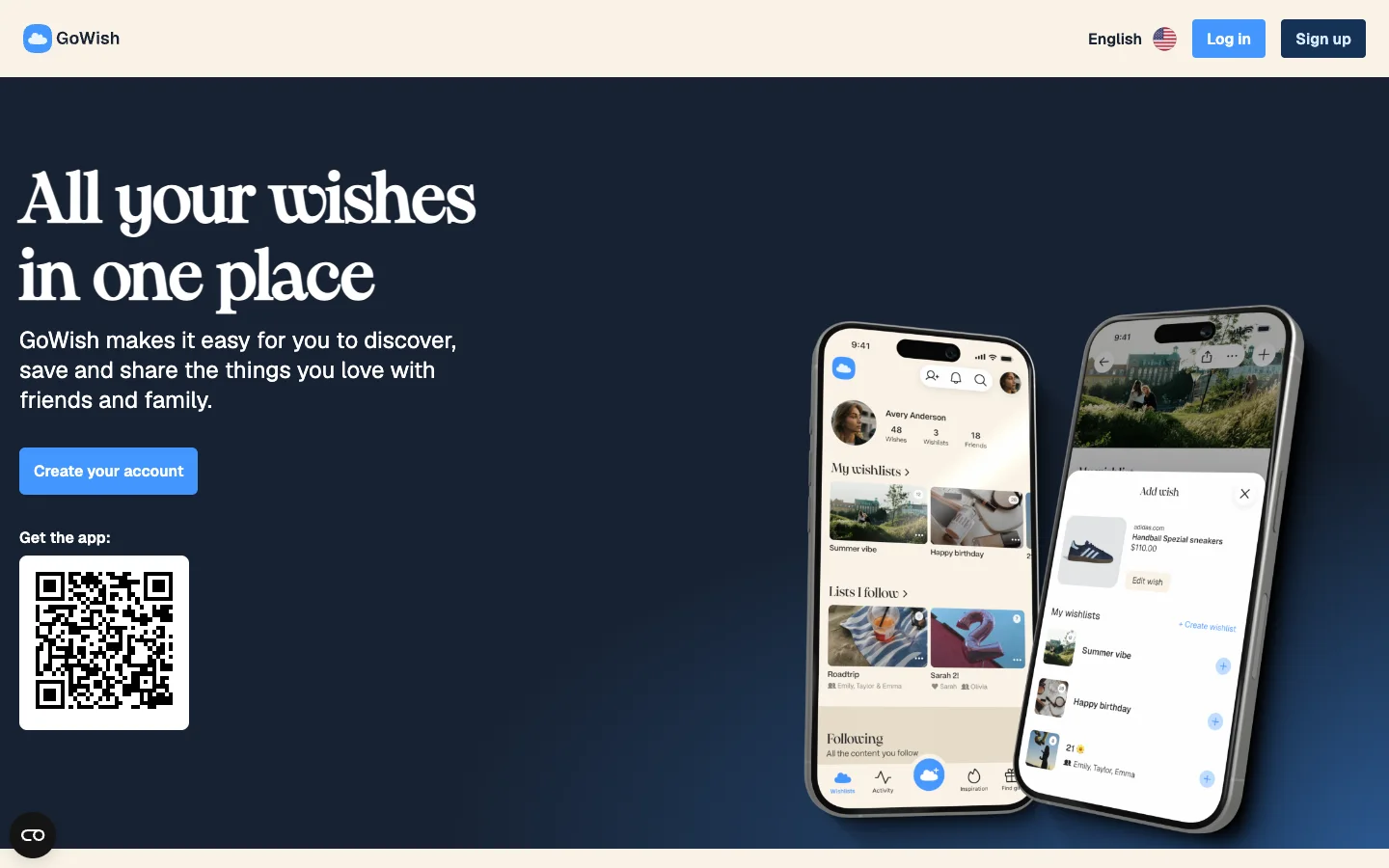
What it does well: GoWish is the most downloaded wishlist app in this group, so the odds that a relative already has it installed are the highest here. It adds from any store by link or share sheet, hides reservations from the list owner, and offers sub-accounts for children under 13 so a parent can run their lists.
Where it falls short: gift-givers must log in to reserve, there is no Secret Santa draw, and the free app shows brand promotions in the feed.
Price and platforms: free; iPhone, Android, web.
Best for: families who want the app most people already have. Try GoWish
10. Moonsift: best no-account gift list
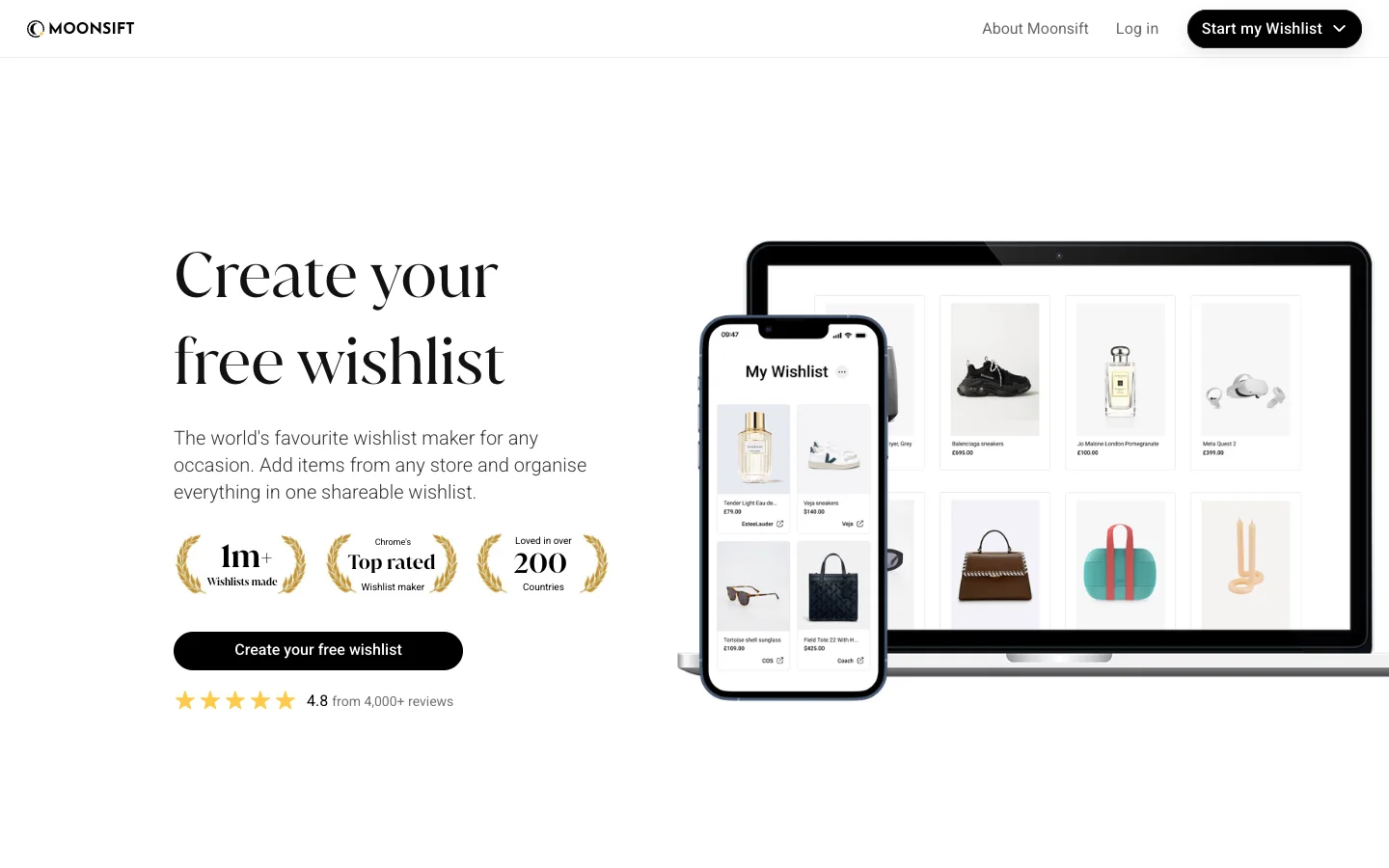
What it does well: share a list in Moonsift's gift-list mode and anyone can open it and tick off what they bought with no sign-up at all, while the owner is kept in the dark. The universal save button for Chrome and share-to-Moonsift on mobile are among the best importers here, it sends price-drop alerts, adds a cash fund for bigger items, and it is free with no ads. It holds 4.8 stars from about 1,900 iPhone ratings.
Where it falls short: "mark as bought" is softer than a real reservation, there are no child or family accounts and no Secret Santa draw, and imports sometimes grab the wrong price or miss a size.
Price and platforms: free; iPhone, Android, web, Chrome button.
Best for: one person's list shared with relatives who will not install anything. Try Moonsift
How to choose in 30 seconds
| Your situation | Pick |
| Mixed iPhone and Android family that wants surprises kept | WishDeck: one link, a list per family member, secret reservations |
| Relatives who refuse to sign up for anything, even to reserve | GiftList |
| A decade-scale extended-family registry | Giftster |
| A 40-person office Secret Santa with rules | Elfster (a quick family draw: WishDeck's built-in game) |
| A list that looks like a moodboard | Listful (or WishDeck's collage share) |
| You want price-drop alerts on everything saved | Giftful |
| iPhone-only personal saving with friends to follow | Stow |
| A wedding or baby registry spread across several stores | MyRegistry |
| You want the app most relatives already have installed | GoWish |
| One person's list, relatives who will not install anything | Moonsift (or GiftList) |
Still torn between the two family favourites? Read the head-to-head Giftster vs Elfster vs WishDeck. Coming from Amazon's list? See the Amazon Wish List alternatives that work with any store. Whichever you pick, the real upgrade is switching from "what do you want?" texts to one shared list.
Frequently Asked Questions
Popular Reads
- How to Make a Wishlist That People Actually Use (2026 Guide)
- Make and Share Your Aesthetic Wishlist: A New Way to Show What You Want

- Online Christmas List Maker (2026): 10 Best Christmas Wish List Sites & Apps With Links
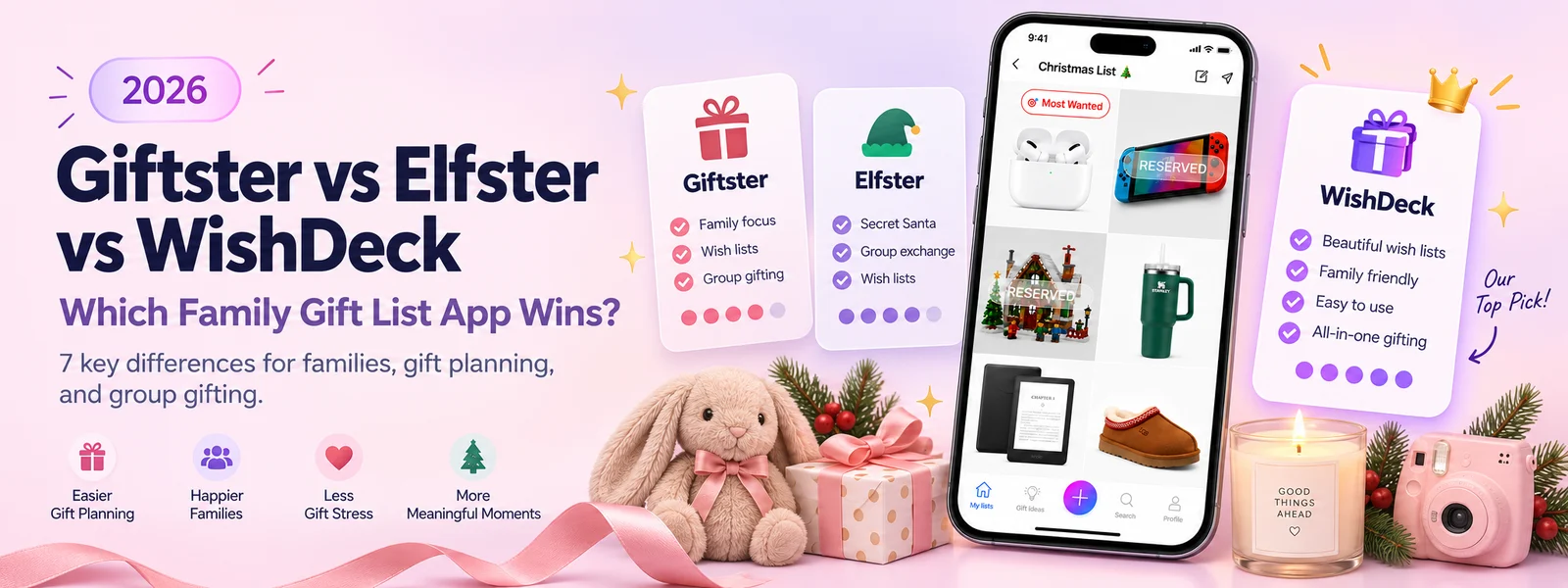
- Giftster vs Elfster vs WishDeck (2026): Which Family Gift List App Wins?
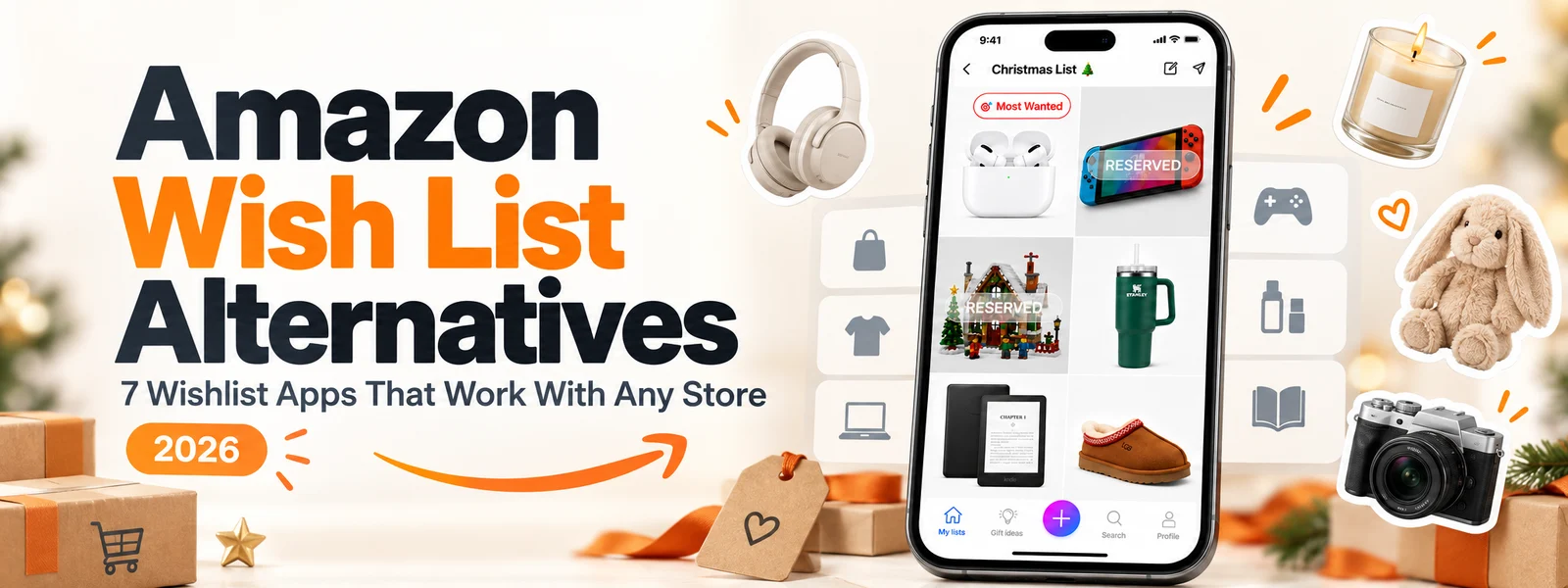
- Amazon Wish List Alternatives (2026): 7 Wishlist Apps That Work With Any Store
Looking for more insights? Explore related topics: Giftster vs Elfster vs WishDeck (2026), Amazon Wish List Alternatives (2026), GiftList Alternatives (2026) or find more on our Blog.