Highly recommend!
“WishDeck has completely changed how I organize my gift ideas. I keep all my wishes in one place and can easily share my lists with friends and family. Saves me so much time before holidays and birthdays.”
swetttikCanada

How to make a Christmas listUpdated
How to make a Christmas list: write down what you need and already use, add the things you want, spread the prices from under $25 to one bigger gift, give every item a size, a color and a link, mark your favorites, and share the list with family by mid-November. WishDeck is a free wish list app for iPhone, Android and the web that keeps such a list in one place: each gift is saved from its store link, the whole list is one link to share, and relatives reserve gifts in secret so nothing is bought twice.


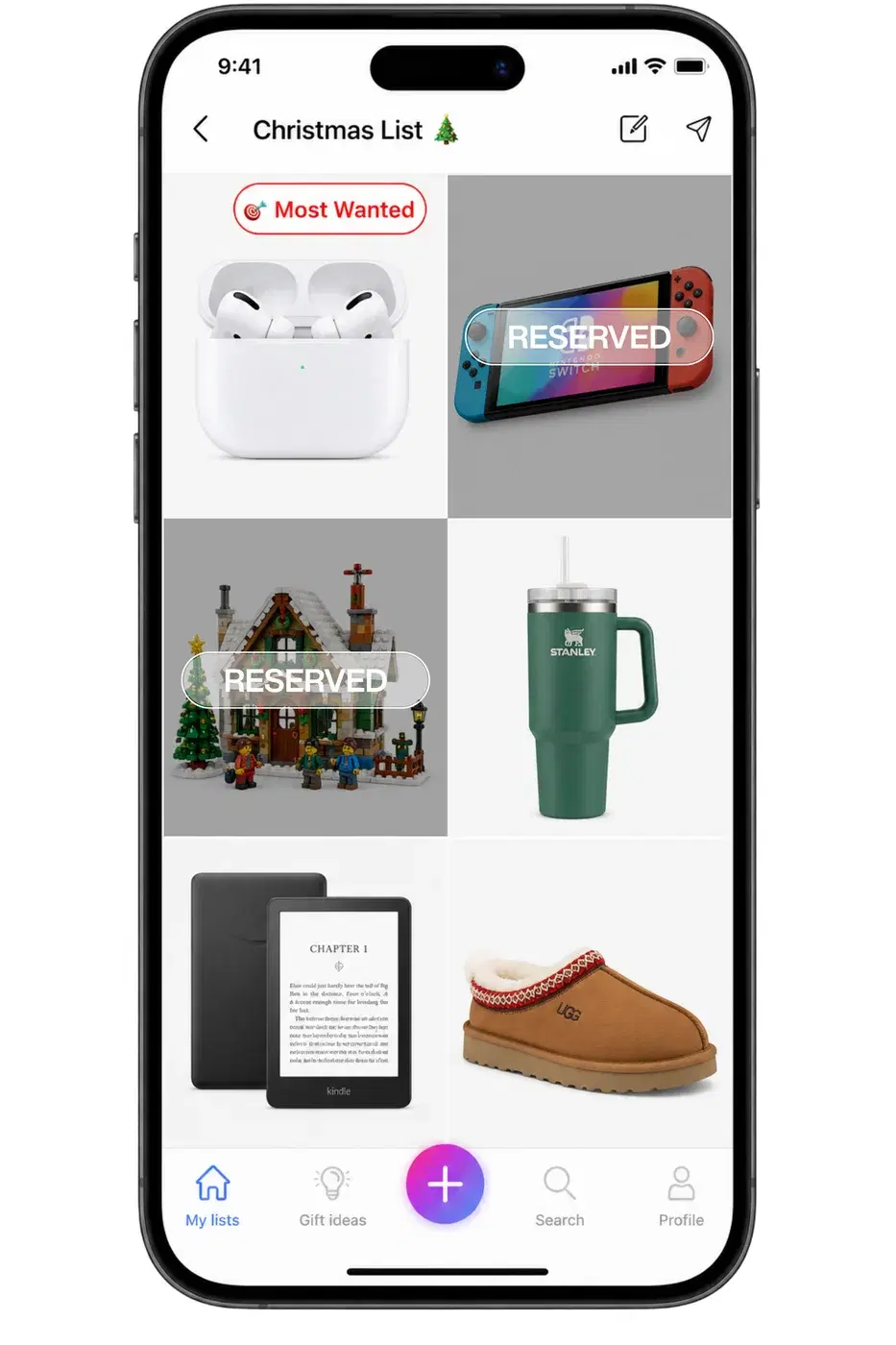
Open the product page in any store, tap Share and choose WishDeck, or paste the link on the web. The photo, name and price fill in, so your list shows the exact item and not a vague description.
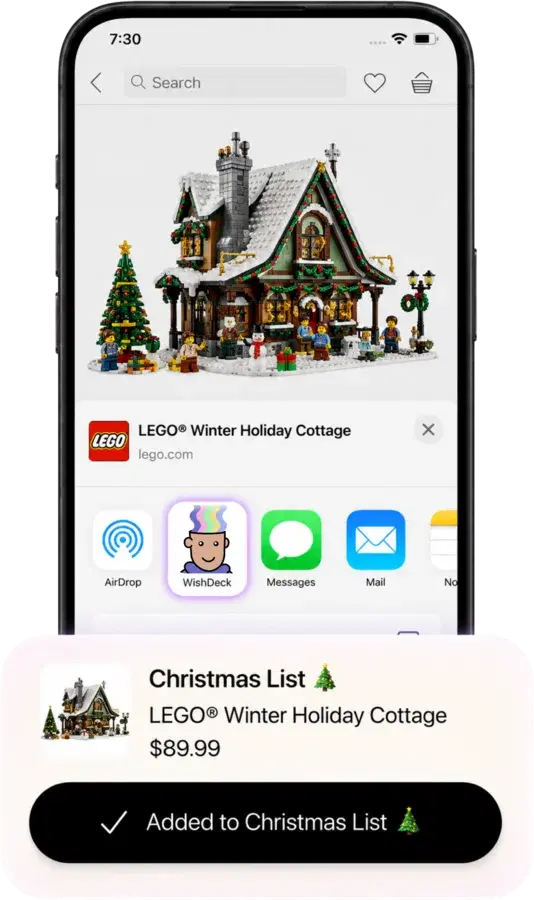
Write the size, color or model in the note on each wish, then flag the one gift you want most as Most Wanted. Mix several small gifts with one bigger one so every budget has a choice.
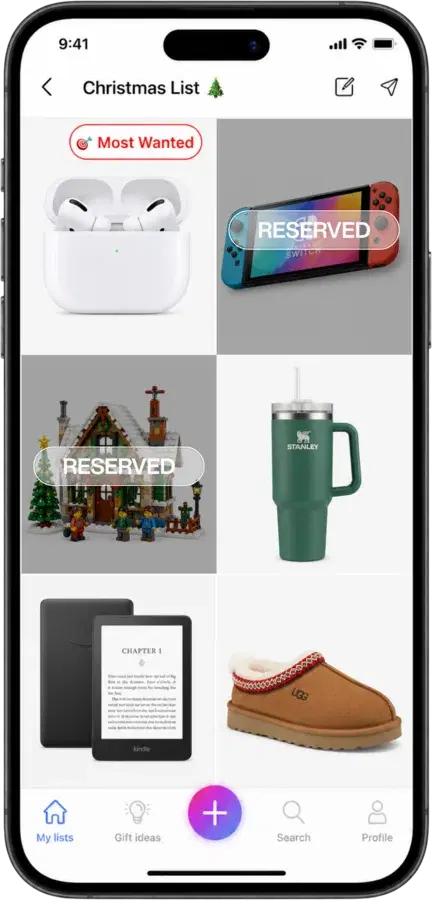
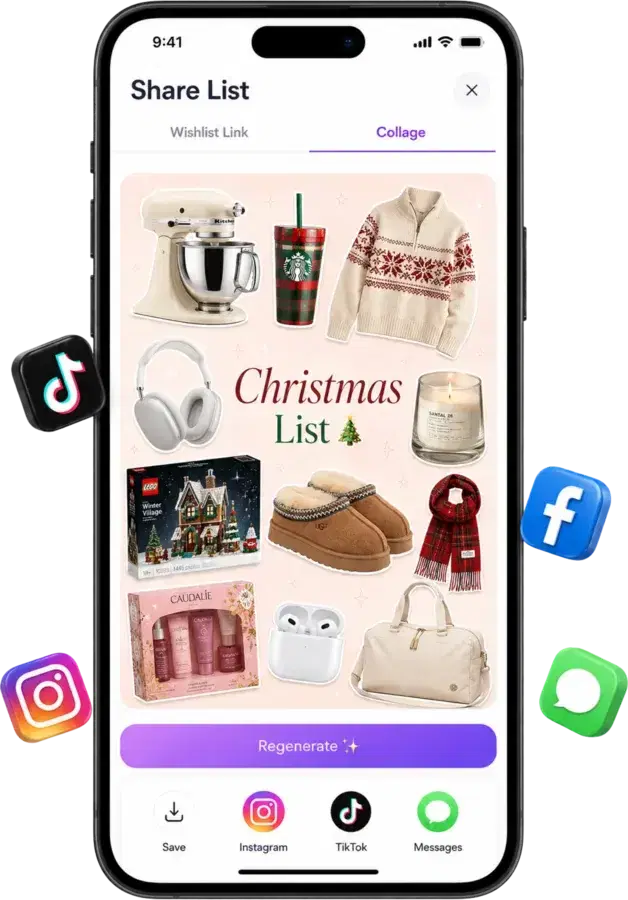
Share your link, wishdeck.com/your-name, in the family chat, or send the list as a collage. Relatives open it in any browser with no account. Whoever buys a gift reserves it: other gift-givers see it is taken, and you do not.
Rules of thumb for what to put on a Christmas list, how long it should be, and what is different for adults, teens and kids.
A four-gift rule: one thing you want, one thing you need, one thing to wear and one thing to read. It keeps a list short and balanced, and it suits children and families who set a gift limit. Give two or three options under each heading so gift-givers still have a choice.
List one and a half to two times as many gifts as you expect to receive. For most adults that is 10 to 20 items; for a child with several relatives buying, 15 to 25. With too few, the last person to open the list has no choice. With too many, your favorites get lost.
Adults tend to list too little. Start with things you would replace anyway, such as a worn wallet, running shoes or a good pan. Add things you use up, like coffee, skincare or candles, then one or two experiences such as tickets or a class. Exact models and sizes matter more than length.
Teens usually know the exact item, color and size, so let them build the list and ask for a link on every item. Agree on a price ceiling first, and ask for several small things next to one main gift, so relatives are not all pointed at the most expensive item.
Let the child name what they want, then edit: remove toys they already own, add a book and something to wear, and keep the list to what relatives will really buy. A parent can keep the list in their own WishDeck account and share it with grandparents.
Wait until someone asks, or until the family chat turns to gifts. Include gifts at several prices, and say the list is a set of ideas, not an order. One line is enough: "Here are a few ideas in case they help."
How to write a Christmas list that works on paper, in a notes app or in a wish list app. Do the steps in order; each one takes a few minutes.
Walk through an ordinary day and note what is worn out, running low or missing: socks, a phone case, a favorite moisturizer, a replacement for the pan that sticks. These gifts get used, and they are easy for relatives to buy.
Now the things you have looked at more than once but would not buy for yourself. Check your saved items, open tabs and screenshots from the last few months. If you still want something a month after you first saw it, it belongs on the list.
Make about half the list gifts under $25, about a third between $25 and $80, and add one or two bigger gifts that several people can share. If everything costs over $100, add smaller items until every relative has a choice.
For every item, write what a stranger would need to buy the right one: clothing or shoe size, color, model or edition, and a link to the exact product. "A gray hoodie" becomes "gray, size M, the zip-up one" with the link next to it.
Put your favorites first, or mark your top three. The gift-giver with the largest budget or the least time starts at the top, so the order tells them what matters most to you.
Send the list by mid-November, before the Black Friday sales, or as soon as someone asks what you want. Keep adding to it afterward. A list that changes is fine as long as everyone opens the same, current version.
Start from your own year, not from a gift guide: what did you run out of, wear out or borrow? Then look at what other people are asking for. In WishDeck, the AI gift assistant suggests ideas from what is trending and what people are adding to their wishlists, and the Christmas List 2026 page shows the gifts added most often this season.
write it once, share it once 🎁
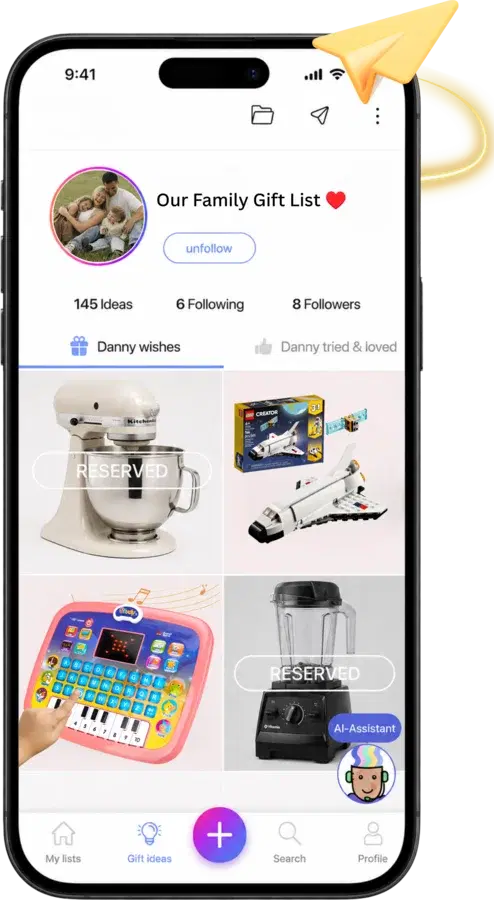
Paper, a notes app, a message in the group chat or a wish list app can all hold a Christmas list. They differ in what happens after you share it.
| Feature | WishDeck | Paper list | Notes app | Group chat message |
|---|---|---|---|---|
| Holds gifts from any store | ✓ | ✓ | ✓ | ✓ |
| Works with no phone and no internet | — | ✓ | — | — |
| A photo, price and link for every gift | ✓ | — | Links you paste in | Links you paste in |
| Family always opens the current version | ✓ | — | If the note is shared | — |
| Gift-givers can mark a gift as taken | ✓ | — | — | By replying in the chat |
| A gift is claimed without you seeing it | ✓ | — | — | — |
Next steps: the free Christmas list maker, what people are putting on Christmas lists in 2026, how to make a wishlist people use, the Wish Index of the most-wished gifts, family wish list apps compared, the Secret Santa name draw and Christmas gift guides.
Why WishDeck
Rated 4.9 ★ on the App Store · 1 million+ wishes added by our users. Here’s what they say.
“WishDeck has completely changed how I organize my gift ideas. I keep all my wishes in one place and can easily share my lists with friends and family. Saves me so much time before holidays and birthdays.”
“Built a Black Friday list and stuck to it — no impulse buys this year. Friends can reserve my wishes secretly. Very useful app!”
“It really helped me choose the right gifts for my friends and family this holiday season. The recommendations were thoughtful and relevant — gift shopping faster and actually enjoyable.”
“We used it for the entire team to play secret Santa. It was fun!”
“Very convenient to just share a link with my family before the holidays. Also used it for office secret Santa — made things so much easier.”
“Wishdeck is a simple, easy way to keep track of all the things I want to buy or achieve. The layout is clean, nothing confusing, and it actually makes me want to come back and update my list.”
Make a Christmas list in six steps: write down what you need and already use, add what you want, spread the prices from under $25 to one bigger gift, add the size, color and a link for each item, put your favorites first, and share it with family by mid-November. In WishDeck, a free app for iPhone, Android and the web, each gift is saved from its store link and the list is one link to share.
Put a mix on your Christmas list: things you need and will use, a few things you want but would not buy for yourself, something to wear, something to read, and one or two experiences such as tickets or a class. Cover several price levels, and give every item its size, color and a link so the buyer gets the right one.
Put 10 to 20 things on a Christmas list if you are an adult, and 15 to 25 for a child with several relatives buying. A good rule is one and a half to two times as many items as the gifts you expect to receive, so the last person who opens the list still has a real choice.
The want, need, wear, read rule is a four-gift rule for Christmas: each person receives one thing they want, one thing they need, one thing to wear and one thing to read. Families use it to limit spending and clutter, especially for children. On a wish list, give two or three options under each of the four headings so gift-givers can still choose.
Make an adult Christmas list from real life, not from a gift guide: start with things you would replace anyway, add things you use up such as coffee, skincare or candles, then one or two experiences. Give exact models and sizes, include several items under $25, and name one bigger gift that relatives can share. Ten to twenty items is enough.
Send your Christmas list by mid-November, so relatives can use the Black Friday and Cyber Monday sales and still leave time for delivery. If someone asks earlier, send it then. A list sent in December still helps, but there is less time to shop. A list kept online, such as a WishDeck list, can be edited after you share it, and everyone sees the current version.
No, it is not rude when someone has asked for the list or when your family already swaps lists. Wait for the question or for the family chat to turn to gifts, include gifts at several prices, and present the list as ideas, not as an order. The case to avoid is sending an unrequested list to people who do not usually buy you gifts.
Share your Christmas list as one link in the family group chat, so everyone opens the same version. A WishDeck list lives at wishdeck.com/your-name and opens in any browser with no app and no account. A relative who is buying a gift reserves it after a free sign-up. Other gift-givers see it is taken and you do not, so gifts stay a surprise.
Sit down with your child and let them name what they want, then edit: add a book, something to wear and something they need, and cut the list to what relatives will really buy. In WishDeck a parent keeps a separate list for each child in their own account and shares it with grandparents. The child needs no phone and no account.
Use a wish list app, so each gift is saved with its photo, price and link. In the WishDeck app for iPhone or Android, open a product in any store, tap Share and choose WishDeck, and the gift lands on your Christmas list. Add a size or a note, then send your list link by text or in the family chat.
Free on iPhone, Android and the web. Save gifts from any store, add sizes and notes, and send the family one link.