
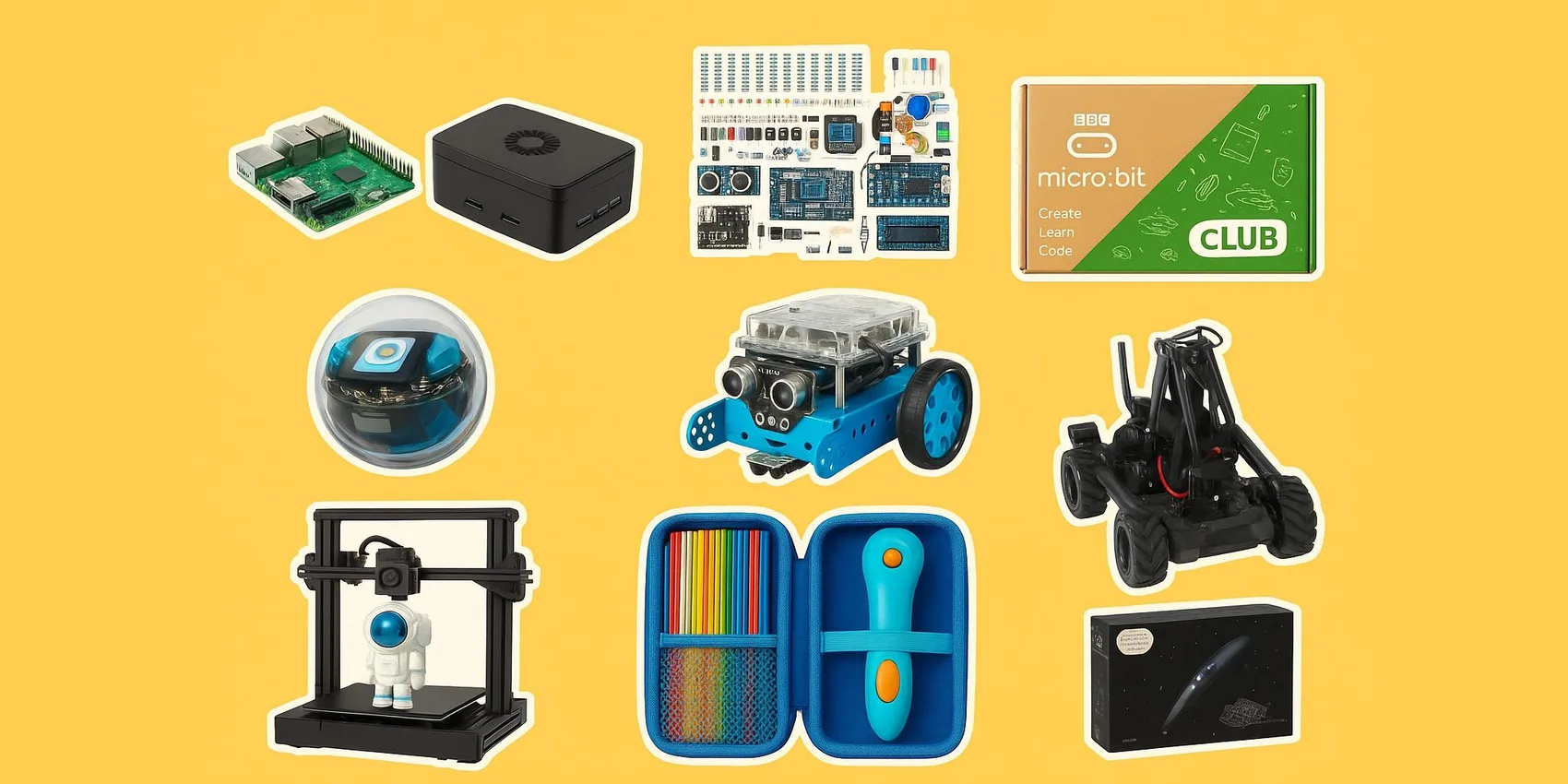
 Best Tech Gadgets for STEM Students (2026)
Best Tech Gadgets for STEM Students (2026): Coding, Calculators & Kits
Shopping for cool gadgets for STEM students in 2026 can feel overwhelming, especially when you're trying to match a learner's level and interests. This guide is for parents, friends, mentors, and classmates who want practical, exciting picks across coding tools, study-friendly calculators, and hands-on kits. You'll get clear categories, what to look for, and quick ways to choose based on age, course load, and workspace. Start now—popular items and class deadlines make last-minute shopping stressful.
Add-on magic: Save gadget ideas fast to your WishDeck wishlist, share it in seconds, and end the "what do you need?" confusion. Keep coding, calculator, and kit options organized for quick comparison later.
Table of Contents
1. Coding Computers & Microcontrollers
2. Robotics & Programmable Motion
4. Graphing Calculators for STEM Classes
5. Ready to Share Your Wishlist
Our Top 5 Picks
 Best Coding Kit
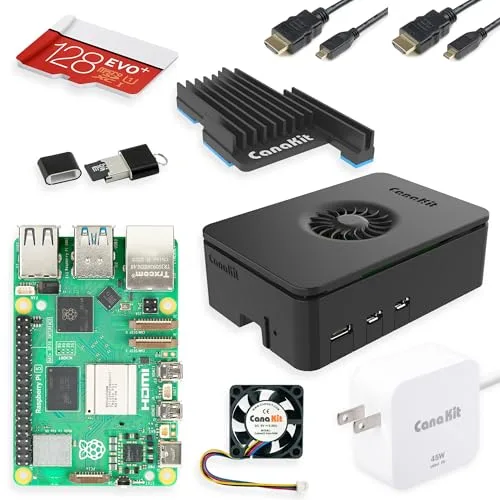
Raspberry Pi 5 Starter Kit (CanaKit)
A complete starter kit built around a powerful mini computer for coding, Linux tinkering, and small enginee...
$190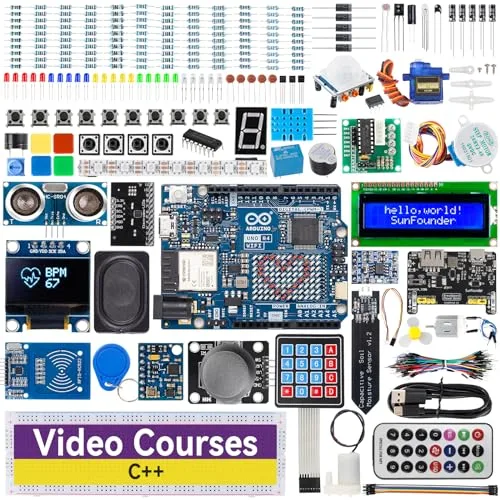 Best for Makers
Arduino UNO R4 WiFi
A modern microcontroller board with built-in Wi‑Fi for sensor builds, connected prototypes, and IoT-style p...
$96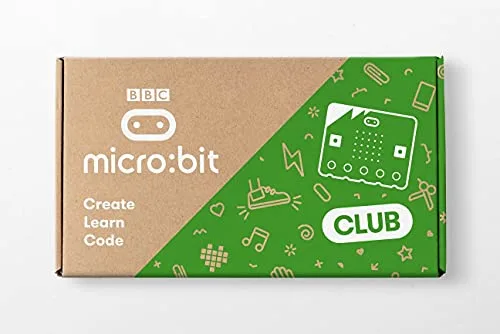 Best for Beginners
BBC micro:bit v2 Go Bundle
A beginner-friendly coding board for quick wins—buttons, sensors, and simple programs that interact with th...
$170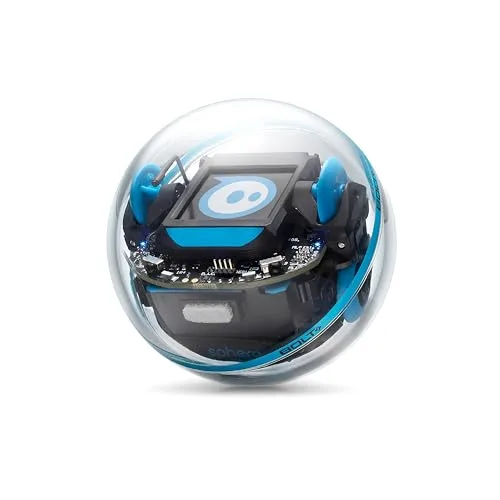 Best Coding Robot
Sphero BOLT+
A programmable robotic ball with sensors and guided lessons that makes coding instantly visible through mot...
$199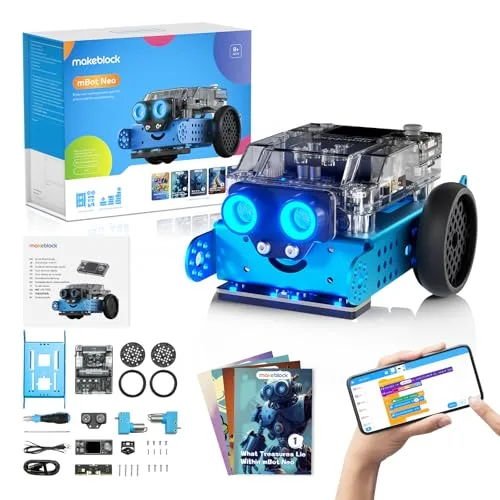 Best Robot Kit
Makeblock mBot2
A buildable coding robot that combines hands-on assembly with real sensors and approachable programming, ma...
$160Coding Computers & Microcontrollers
These picks are perfect for students who learn best by building: set up a mini computer, wire sensors, and write real code that controls real hardware. Great for computer science, engineering clubs, and independent projects in 2026.
1. Raspberry Pi 5 Starter Kit (CanaKit)

A complete starter kit built around a powerful mini computer for coding, Linux tinkering, and small engineering builds; it's ideal for students who want a real desktop-like setup for projects, from scripting to lightweight AI experiments, without hunting down every accessory.
- Bundles power supply, case, microSD, and HDMI cables so it boots day one
- Quad-core Pi 5 handles Python, web servers, and light ML workloads
- Huge GPIO + community library for sensors, cameras, and home-lab builds
- No bundled monitor, keyboard, or mouse—budget extra for peripherals
- Linux command line has a learning curve for first-time users
- Pi 5 runs hot under load; the included case fan is essential, not optional
2. Arduino UNO R4 WiFi
A modern microcontroller board with built-in Wi‑Fi for sensor builds, connected prototypes, and IoT-style projects, making it a strong 2026 pick for students learning electronics and wanting to control hardware with real code.
- Built-in Wi-Fi + Bluetooth opens the door to IoT and remote-sensor projects
- 12x8 LED matrix on board gives instant visual feedback without extra hardware
- Beginner-friendly Arduino IDE with thousands of tutorials and sample sketches
- 3.3V logic—older 5V shields and sensors may need level shifters
- No onboard display or buttons; serious projects need a breadboard + parts kit
- Less raw power than a Raspberry Pi for anything beyond microcontroller workloads
3. BBC micro:bit v2 Go Bundle
A beginner-friendly coding board for quick wins—buttons, sensors, and simple programs that interact with the real world—making it a reliable 2026 bridge from block coding to hardware projects for classrooms, clubs, and first-time makers.
- Built-in accelerometer, compass, mic, speaker, and LED grid—no extra parts to start
- Browser-based editor with both MakeCode blocks and MicroPython on one device
- Battery pack and USB cable included—works untethered for wearables and field demos
- Less powerful than Arduino/Pi—students outgrow it within a year or two
- Edge connector is fragile; alligator-clip projects can short pins if you're careless
- Tiny 5x5 LED display limits how much UI a project can show without add-ons
Robotics & Programmable Motion
Robotics makes coding feel tangible: students can see algorithms turn into movement, mapping, and problem-solving. These options scale from approachable roll-and-code fun to advanced, competition-style building in 2026.
4. Sphero BOLT+
A programmable robotic ball with sensors and guided lessons that makes coding instantly visible through motion, challenges, and experiments, which is perfect for keeping 2026 learners engaged while they iterate and level up.
- Sphero EDU app supports Scratch-style blocks and JavaScript so kids can level up over time
- Waterproof shell + inductive charging—survives classroom and home use
- Onboard LED matrix, sensors, and compass make output and feedback fun without extra hardware
- Requires a tablet or phone to drive it—no standalone IDE on desktop
- Battery lasts only about 2 hours of active play before recharging
- Closed ecosystem; you can't bolt on third-party sensors like you can with Arduino
5. Makeblock mBot2
A buildable coding robot that combines hands-on assembly with real sensors and approachable programming, making it a great 2026 step between toy-like bots and full competition rigs for students who like tinkering and debugging.
- Compatible with mBuild modules and LEGO for almost unlimited expansion
- mBlock supports Scratch blocks and Python so it scales from beginner to intermediate
- Ultrasonic, line, and color sensors are bundled—ready for maze and follow-the-line challenges
- Initial assembly takes 30–45 minutes and small parts can frustrate younger kids
- mBlock IDE is occasionally buggy on Mac—Bluetooth pairing can need retries
- Most fun add-on modules (servo, gripper, AI camera) are sold separately
6. RoboMaster EP Core
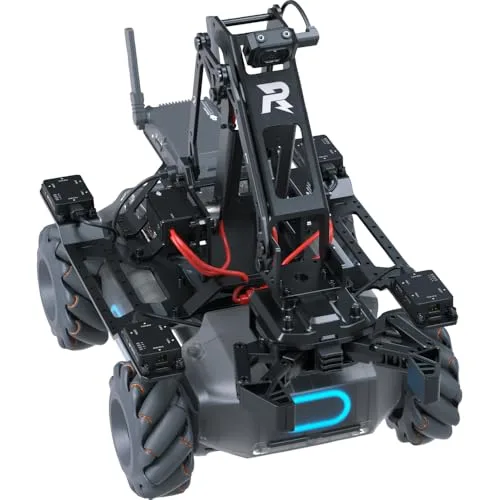
A high-end educational robotics platform for advanced programming and control, best suited in 2026 for motivated high schoolers, college students, or teams who want a long-term, expandable base for serious robotics projects.
- Mecanum wheels, gimbal camera, and 6 PWM ports make competition-grade builds possible
- Native Python SDK and Scratch support cover both beginner and AP-level programmers
- Built-in computer vision module recognizes lines, markers, and people out of the box
- Steep price puts it out of reach for casual hobbyists—best for serious students or teams
- DJI's RoboMaster app is heavy and a phone or tablet is required to drive it
- Replacement parts and accessories are pricey and not always in stock
3D Printing & Maker Tools
Maker gear turns ideas into prototypes, models, and functional parts—perfect for engineering design, science fairs, and creative STEM in 2026. Choose a printer for full builds or a 3D pen for quick, hands-on creation.
7. Creality Ender 3 V3 SE 3D Printer
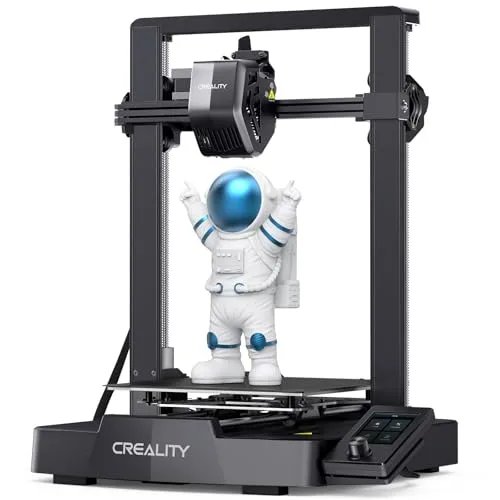
A practical 3D printer for turning CAD into real parts and prototypes, great in 2026 for students who want to iterate on designs for robotics brackets, enclosures, and engineering challenges (and don't mind learning the workflow).
- Auto-leveling and direct-drive extruder make first prints reliable without manual calibration
- 220x220x250mm build volume fits most school and robotics-club projects
- One of the most affordable entry points to real CAD-to-print workflows in 2026
- Open-frame design means smells and noise—better in a garage or maker space than a dorm
- Slicer software (Creality Print / Cura) has a learning curve before prints look clean
- Bed adhesion and filament jams still happen; expect tinkering, not plug-and-play
8. 3Doodler Start+ Essentials 3D Printing Pen Set
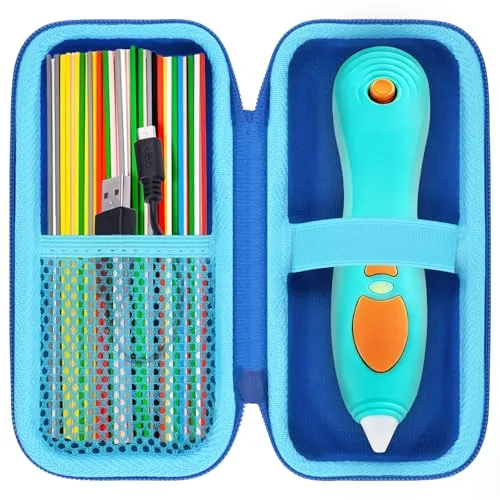
A kid-friendly 3D printing pen that lets younger makers build simple structures by hand, which is a fun 2026 gateway into spatial thinking and design without the setup and maintenance of a full 3D printer.
- Uses low-temperature, kid-safe BPA-free plastic—nozzle stays cool to the touch
- Cordless USB-charged design makes it portable around the house or classroom
- Lowest-friction way to introduce 3D thinking to ages 6–12 before a real printer
- Plastic only bonds well at certain speeds—takes practice to get clean lines
- Pre-cut Eco-Plastic strands are proprietary and pricier than spool refills
- Not suitable for older teens who'd rather draw with a higher-temp PRO pen
9. 3Doodler PRO 3D Printing Pen Set
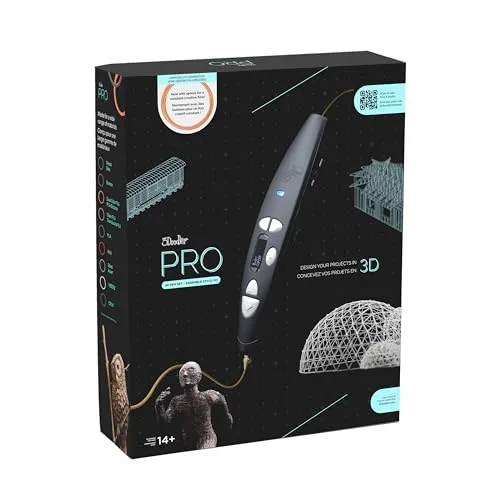
A more advanced 3D pen for detailed builds and quick physical prototyping, making it a strong 2026 option for older students who want to sketch ideas in 3D before committing to full CAD and printing.
- Supports ABS, PLA, wood, nylon, and metal-blend filaments for a wide material range
- Adjustable temperature and dual drive system give precise, professional-feel control
- Great for engineering students sketching enclosures, jigs, and repair parts on the fly
- High-temperature tip is not safe for younger kids—14+ recommended
- Plug-in only; no battery option limits where you can use it
- Premium price for what is still a freehand tool, not a CAD-driven printer
Graphing Calculators for STEM Classes
A class-approved calculator can be the most-used tool in a STEM student's bag in 2026—especially for algebra, calculus, stats, and exam prep. The best choice depends on school requirements, testing rules, and whether they want programming features.
10. Texas Instruments TI-84 Plus CE Python Graphing Calculator
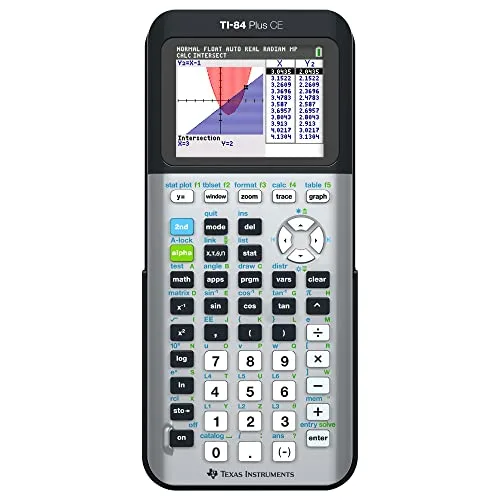

A class-friendly graphing calculator with Python support, making it a practical 2026 pick for students who need a reliable TI for coursework and exams while also wanting a bit of real coding for projects and practice.
- Approved for SAT, ACT, AP, IB, and PSAT—safest bet for U.S. standardized testing
- Built-in Python lets students practice coding alongside coursework on one device
- Color screen, rechargeable battery, and teacher familiarity make it classroom-ready
- No CAS—can't do symbolic algebra like the TI-Nspire CX II CAS
- Interface feels dated next to newer HP and Casio rivals
- Priced high for hardware that has barely changed in a decade
11. Texas Instruments TI-Nspire CX II CAS
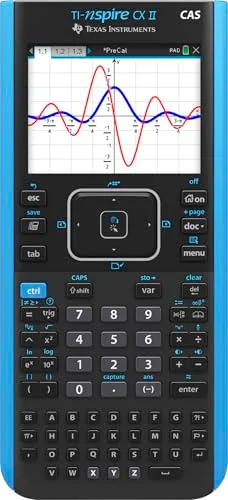
A powerful CAS calculator for advanced math workflows and symbolic algebra, ideal in 2026 for higher-level students who want to explore concepts deeply (but should confirm class and exam rules for CAS features).
- Full CAS solves symbolic algebra, derivatives, and integrals step by step
- Document-based interface lets students save problem sets across pages and sessions
- Python and TI-BASIC programming for coursework that mixes math and CS
- CAS is banned on the ACT and some AP/IB exams—verify before buying
- Steeper learning curve than the TI-84; menus feel less intuitive
- Heavier and bulkier than competing graphing calculators
12. Casio fx-CG50 PRIZM Calculator Case
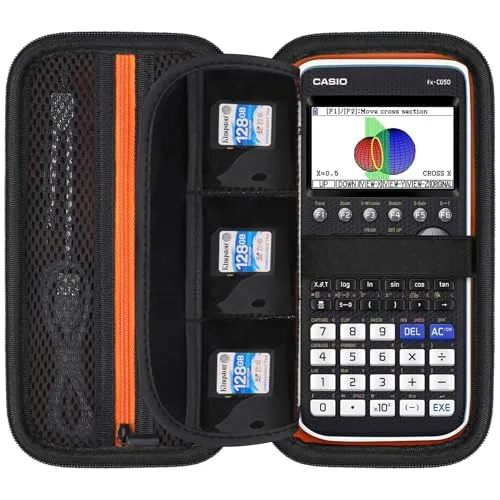
Protective case for the Casio fx-CG50 PRIZM—keeps the calculator safe in a backpack or locker and makes it easy to spot in class. A practical 2026 add-on for students who already have (or are getting) the fx-CG50 and want to protect their investment.
- Hard EVA shell protects screen and keys from backpack drops and locker crush
- Tight, calculator-specific fit means no rattling or extra movement inside
- Cheap insurance for a $100+ graphing calculator—pays for itself on the first save
- Only fits the fx-CG50—not interchangeable with TI-84 or HP Prime models
- Adds bulk; doesn't slip into a slim pencil case alongside other supplies
- No room for a charging cable or spare batteries inside the case
13. HP Prime Graphing Calculator (G2)
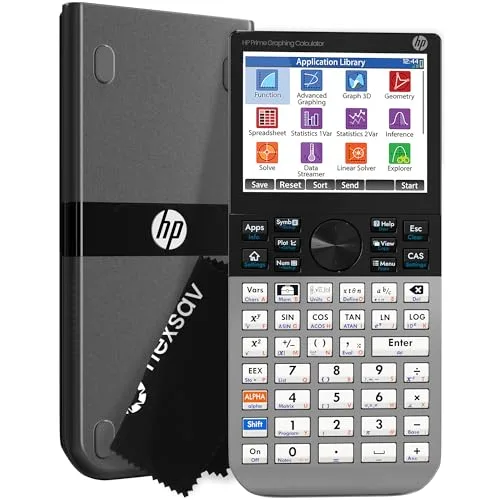
A fast, modern graphing calculator with a smooth interface for switching between graphs, tables, and calculations, making it a great 2026 pick for advanced students who value speed and flexibility (and can verify acceptance for their class/exams).
- Full-color multi-touch display feels modern—pinch, swipe, and tap like a phone
- Built-in CAS plus an exam mode that disables it for restricted tests
- Faster processor than the TI-84 and TI-Nspire for heavy graphing and stats
- Less common in U.S. classrooms—teachers may not know the menus to help
- Not officially approved for the ACT; double-check exam compatibility first
- Steeper learning curve to master HP's reverse-Polish-friendly conventions
Ready to Share Your Wishlist
If you're shopping for a STEM student in 2026, a wishlist makes it easier to get the right version—especially for calculators, kits, and maker gear with specific requirements. With WishDeck, you can save items in one tap, organize them into folders (like Robotics, Calculus, or Maker Lab), add notes (like required accessories or class rules), and share a clean link so friends and family can coordinate gifting without duplicates.
Frequently Asked Questions
Popular Reads
- 10 Best Laptops for College Students (2026): By Major & Budget
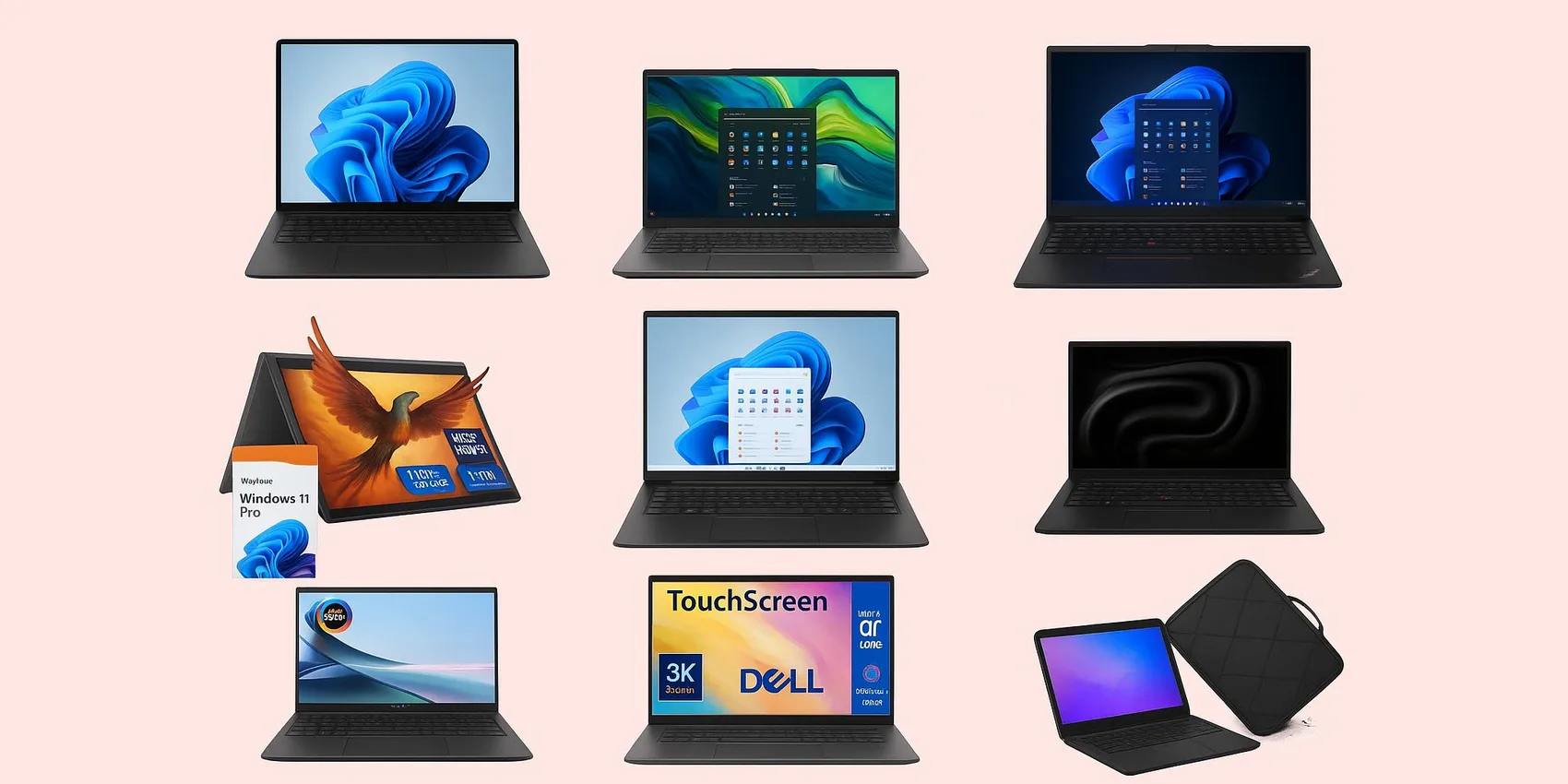
- Best Tablets for Students (2026): Note-Taking Picks, iPad vs Galaxy vs Budget

- Best External Monitors for Students (2026): Dorm‑Desk Picks

- Best Dorm Tech Under $55 (2026): Small Upgrades Students Actually Use
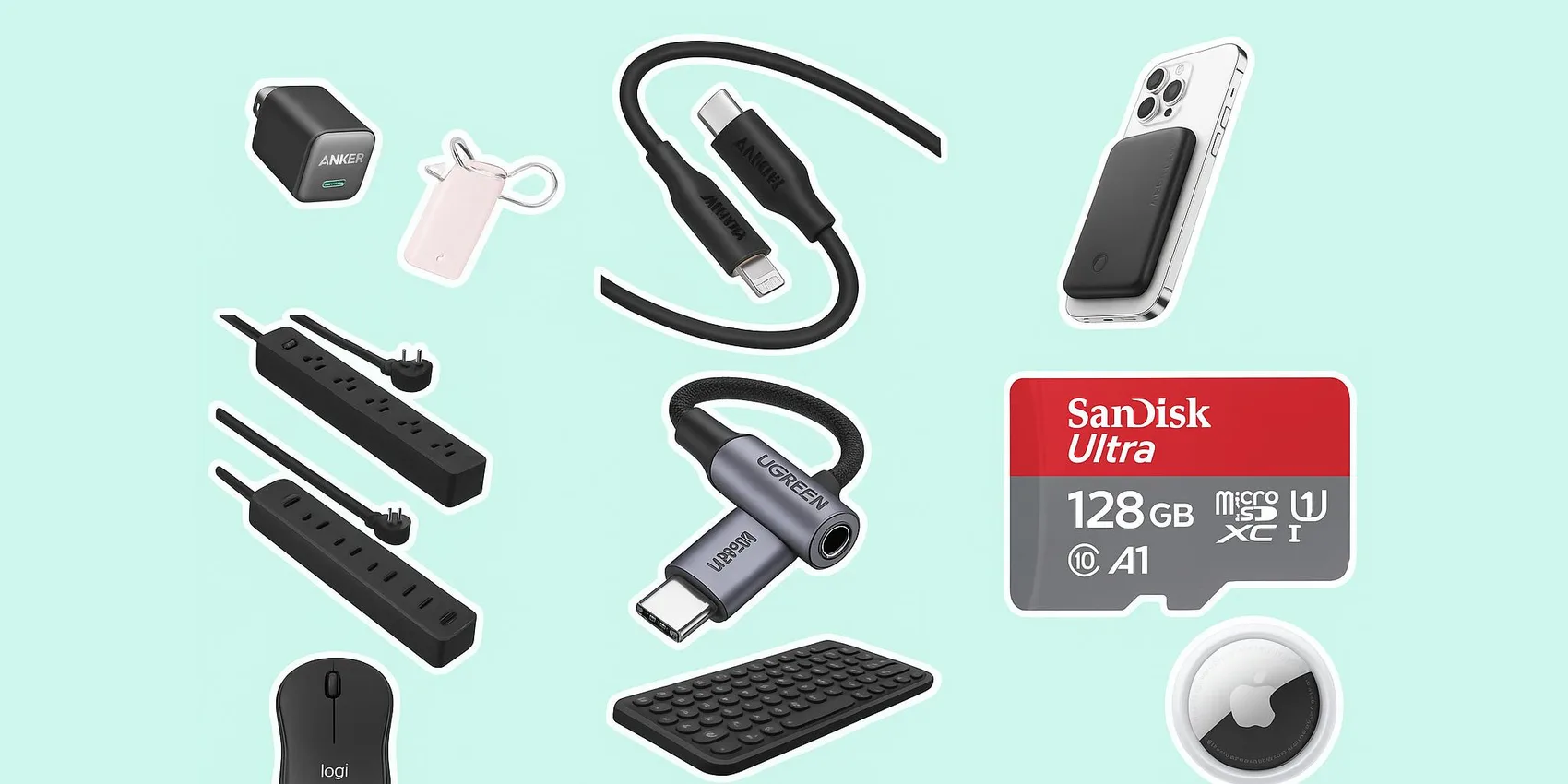
- 20 Best Back-to-School Gifts 2026: Trending Tech, Dorm Gear & Daily Essentials

Looking for more insights? Explore related topics: 10 Best Laptops for College Students (2026), Best Note-Taking Tablets for Students (2026), Best External Monitors for Students (2026) or find more on our Blog.